Blooming Headline Motion Sting Template
Reveal a two-word headline inside an orange shape that grows and contracts as a dark disc bounces across the frame in this eight-second motion sting.
Use this for a quick intro or interstitial when a short phrase and a small label are enough. The headline becomes fully visible midway through the film, so give the words room to sit inside the shape.
What’s in the film
- 01
Start with the disc
A dark disc sits at the center of the gray field before bouncing across it.
- 02
Open up the headline
Orange lobes grow behind the disc, revealing the words inside their outline.
- 03
Close back to the disc
The orange shape spins inward and the disc settles at center.
Best use cases
Open a product announcement
Put the product name on the disc and use the center headline for the launch cue. Keep the corner text short so it stays secondary.
Customize in Video Studio
- The two lines on the disc and the four corner labels
- The two stacked headline words inside the orange shape
Edit with Studio chat
Put [product name] on the disc, reveal [two short headline words] in the orange shape and add [corner labels].
Fine-tune manually
Preview the headline once during the bloom and again at full size. Shorten either word if the orange shape clips the letters at its widest.
More video templates
See all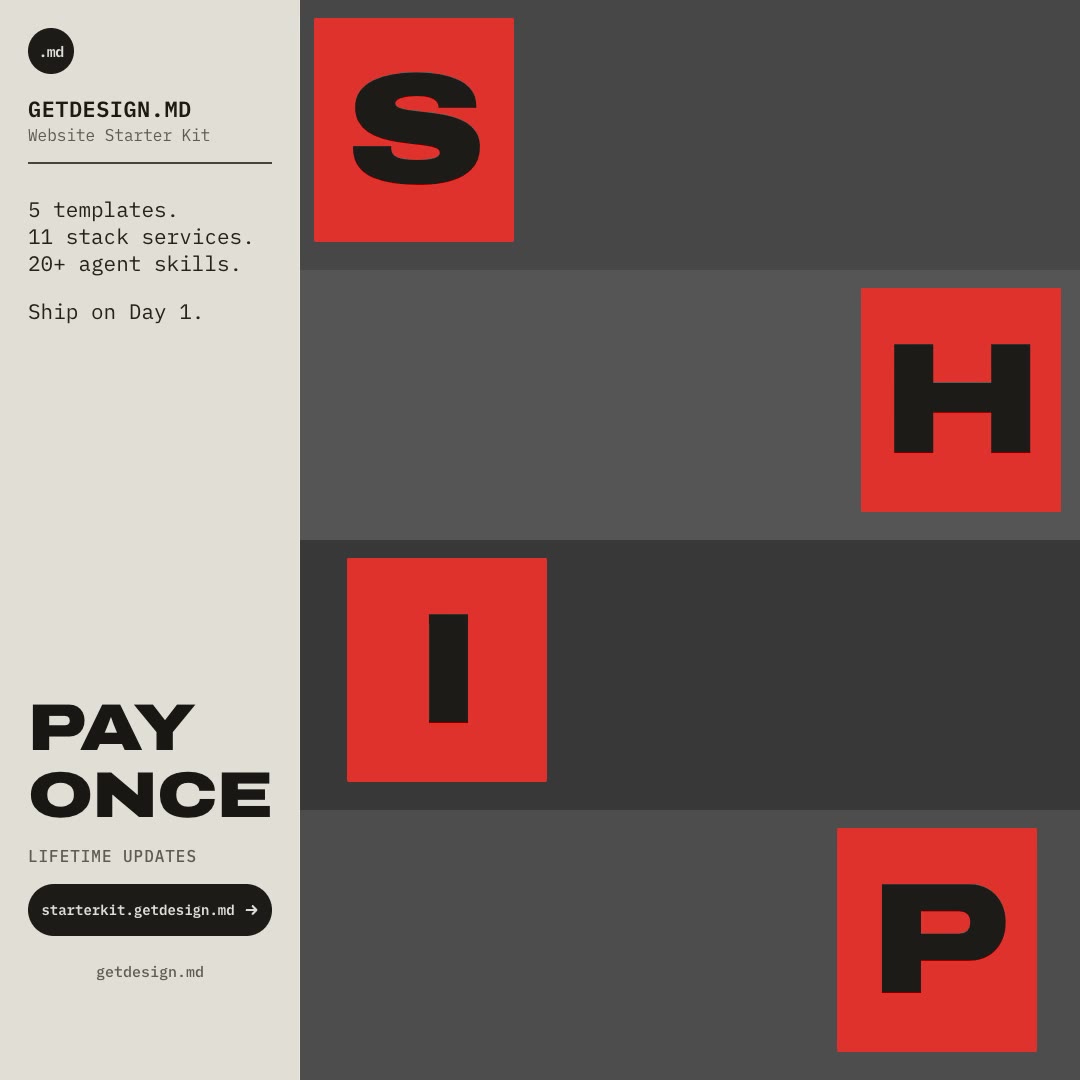 Sliding Letter Tiles Motion Poster TemplateAnimate two four-character messages across four horizontal tracks in this seven-second square motion poster with a cream sidebar for the offer and URL.
 Outlined Metrics Launch Video TemplateFrame one oversized outline statistic with violet and cyan product cards in a widescreen launch video.
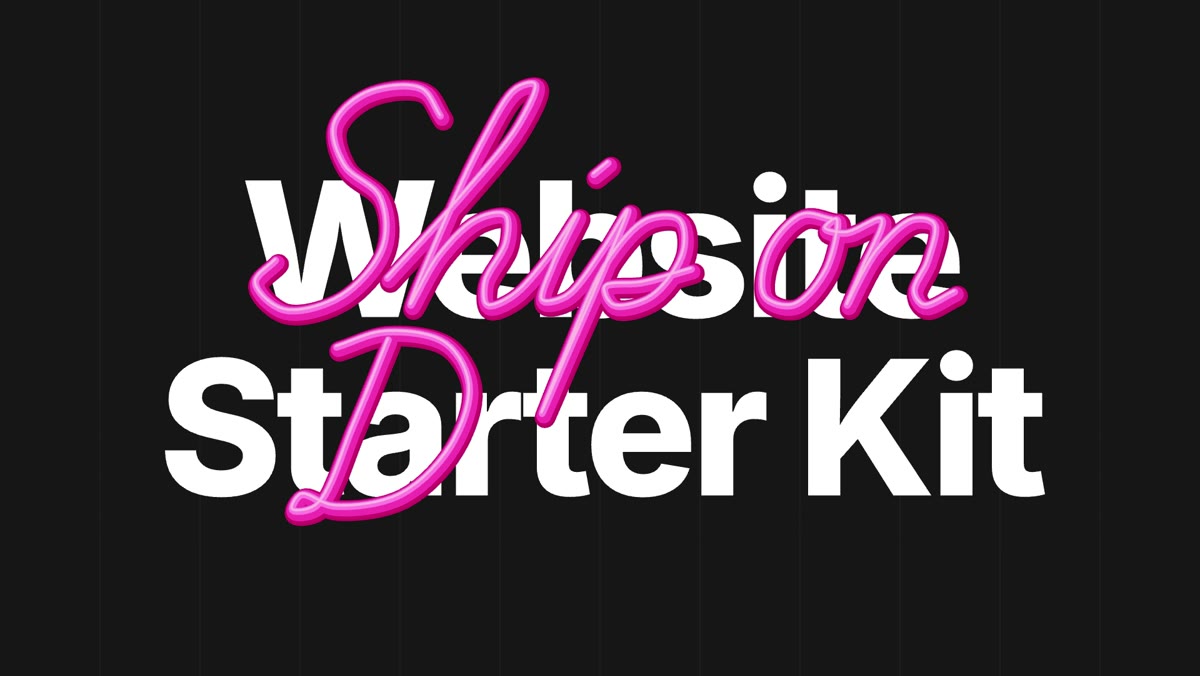 Handwritten Overprint Motion Graphic TemplateWrite glossy pink script across two white headline lines in a six-second motion graphic.