Developer Kit Readiness Demo Video Template
Show project rule files, deployment status and a ready checklist, then send a concrete request from a coding assistant.
Choose this when you want to introduce what ships in a developer kit and end by showing the first task it enables. The file labels and ready statuses make the overview specific.
What’s in the film
- 01
Introduce the rules
Folder chips show the files an agent can read.
- 02
Check what ships
A deployment pill changes state before a larger panel shows included items.
- 03
Run the first task
A coding assistant types and sends a short request.
Best use cases
Introduce a developer kit’s first use
Use the overview to name what comes included and the closing prompt to show a task that uses those pieces.
Customize in Video Studio
- The rule-file chips and deployment status labels
- The ready panel, product figures and final coding request
Edit with Studio chat
Show [rule files], move the status through [three deployment states], list [included items], and end by asking the agent to [first task].
Fine-tune manually
Update the folder labels before editing the ready panel. Confirm the last request uses a tool or capability viewers already saw.
More video templates
See all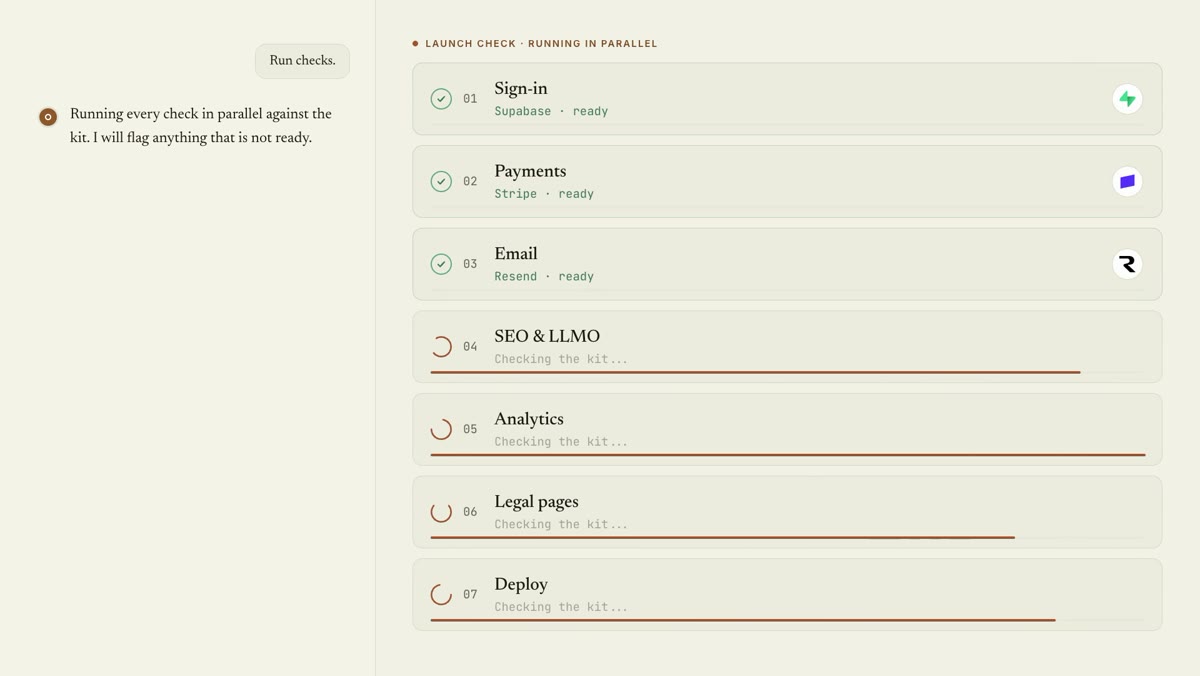 Prelaunch Checklist Product Demo Video TemplateAsk for a launch check, watch parallel checks finish, then show a readiness report and deployment.
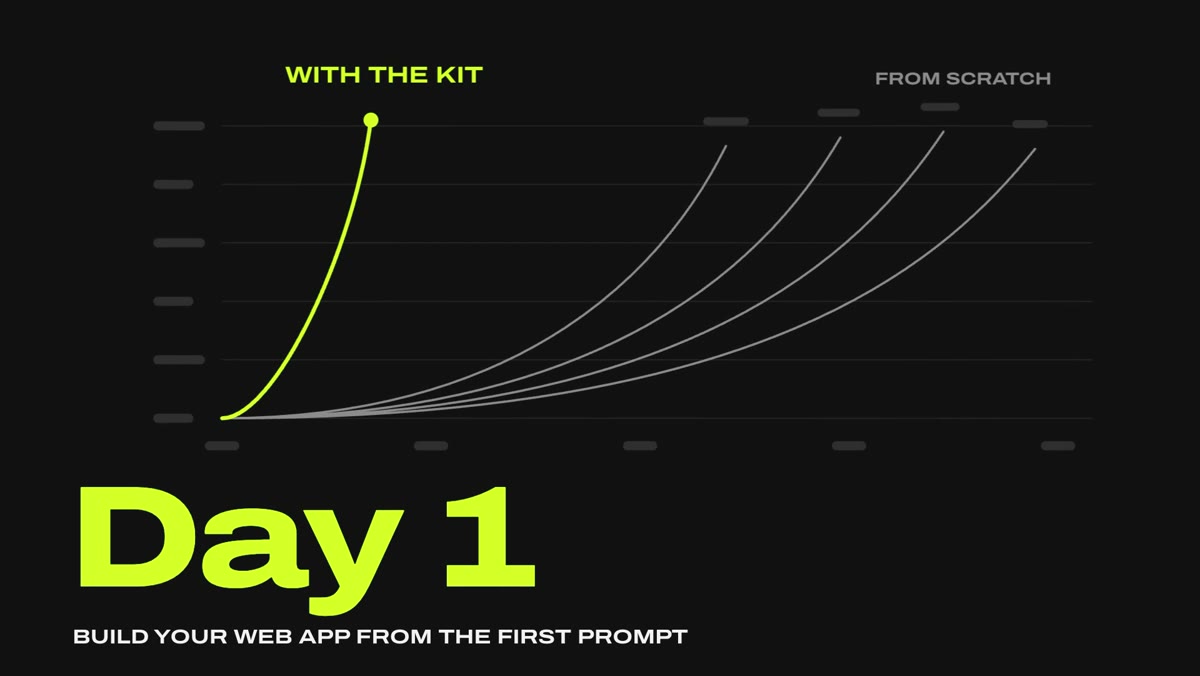 Product Metrics Stat Reel Video TemplateTurn product milestones into a 26-second motion reel with fast count-ups, a lime gauge, an animated comparison curve and highlighted launch headlines.
 Four-Letter Kinetic Type Loop TemplateAnimate a four-letter hook one letter at a time in this 10-second motion template, then land a count-up and a brand tile before looping back to the opening.