Mascot Guided Developer Toolkit Video Template
Follow a small mascot through a dark catalog, a feature mosaic and a handoff to a coding assistant.
Use this when an animated guide can link several UI scenes without needing a separate narration line for each.
What’s in the film
- 01
Meet the guide
A small mark introduces the dark product stage.
- 02
Explore the contents
A catalog becomes a mosaic of included sections.
- 03
Send the project to an agent
A short command leads to a working page and a tool roll.
Best use cases
Make a friendly toolkit tour
Give the mascot one job in each scene, such as revealing a section or carrying the request to the editor.
Customize in Video Studio
- Catalog and section labels, example command and tool names
- Agent steps, compatibility figures and closing copy
Edit with Studio chat
Guide viewers through [sections], hand off [prompt] and show [sample result].
Fine-tune manually
Make sure the section named beside the mascot is the one visible in the UI at that beat.
More video templates
See all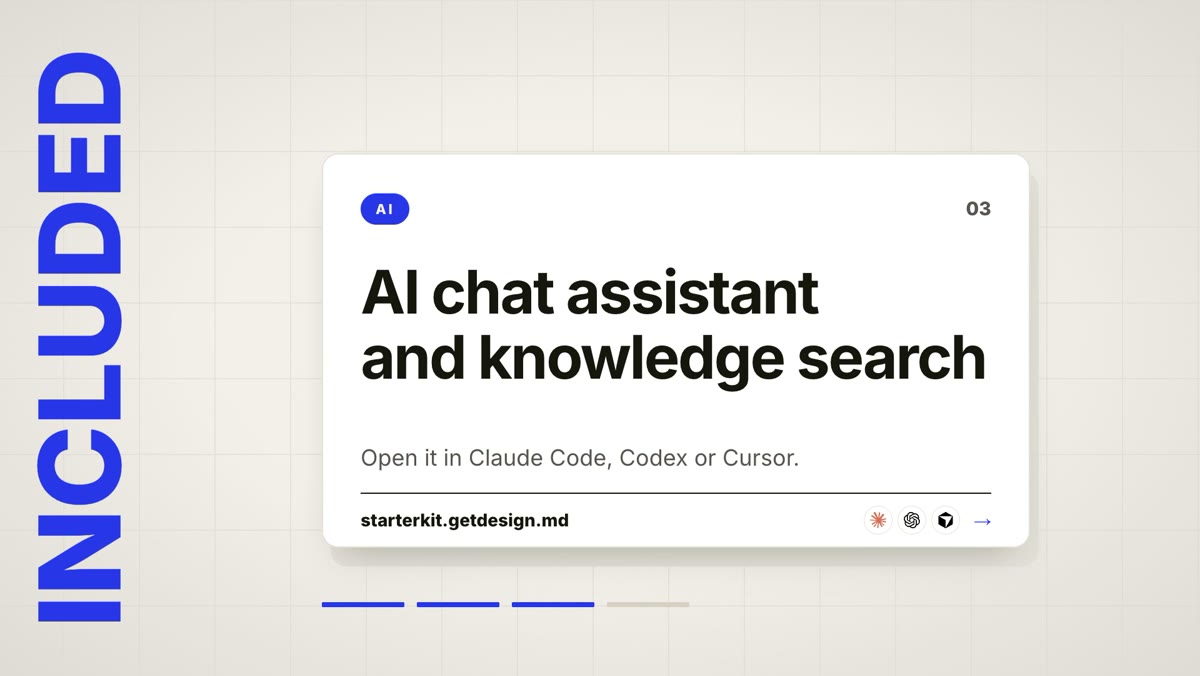 Editorial Feature Cards Launch Video TemplateJump between warm paper, blue and yellow cards as a small mark links feature panels, proof slides and a text marquee.
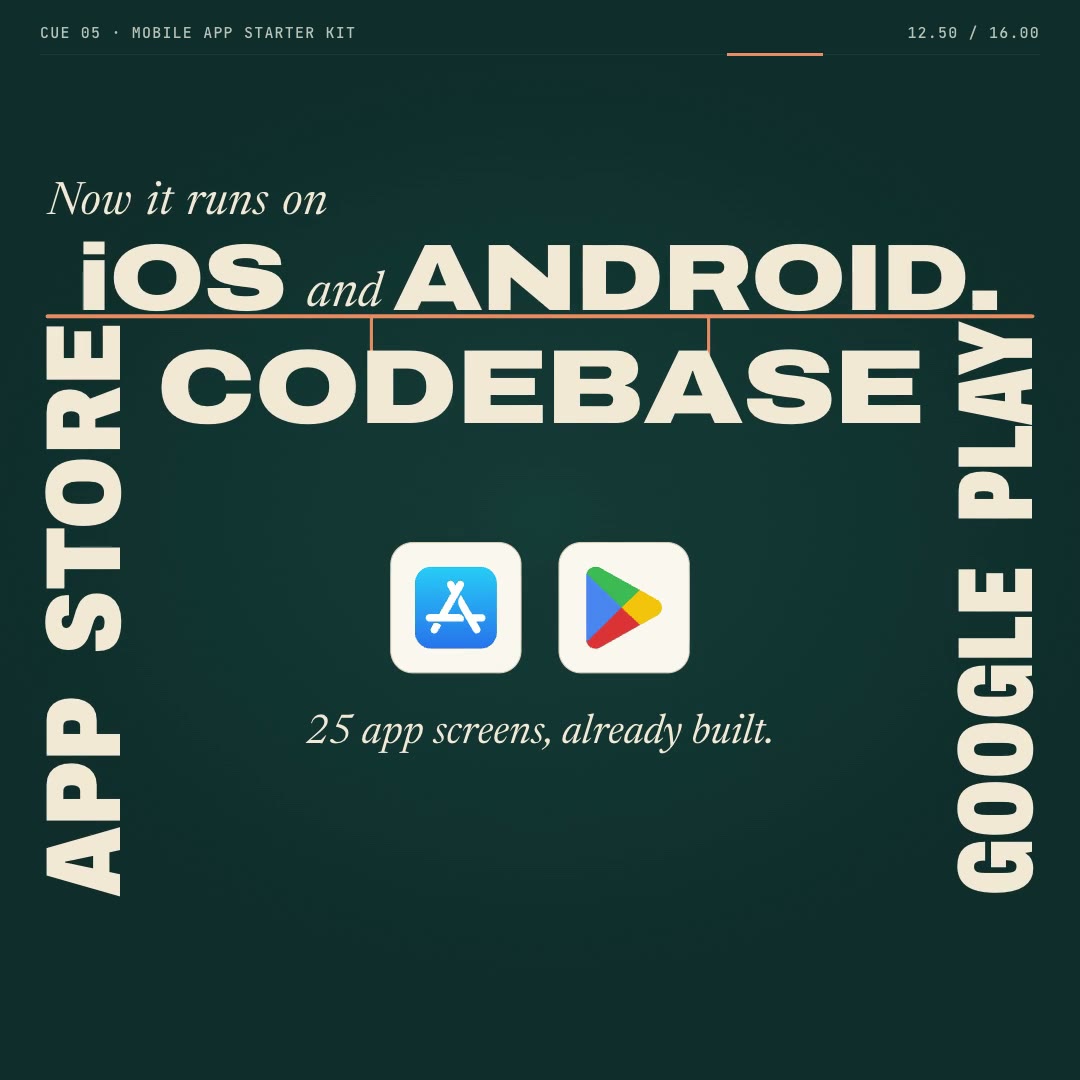 Typographic Arch Mobile Manifesto TemplateBuild a typographic arch on a dark teal field, with slab words forming the sides and top around the mobile release message.
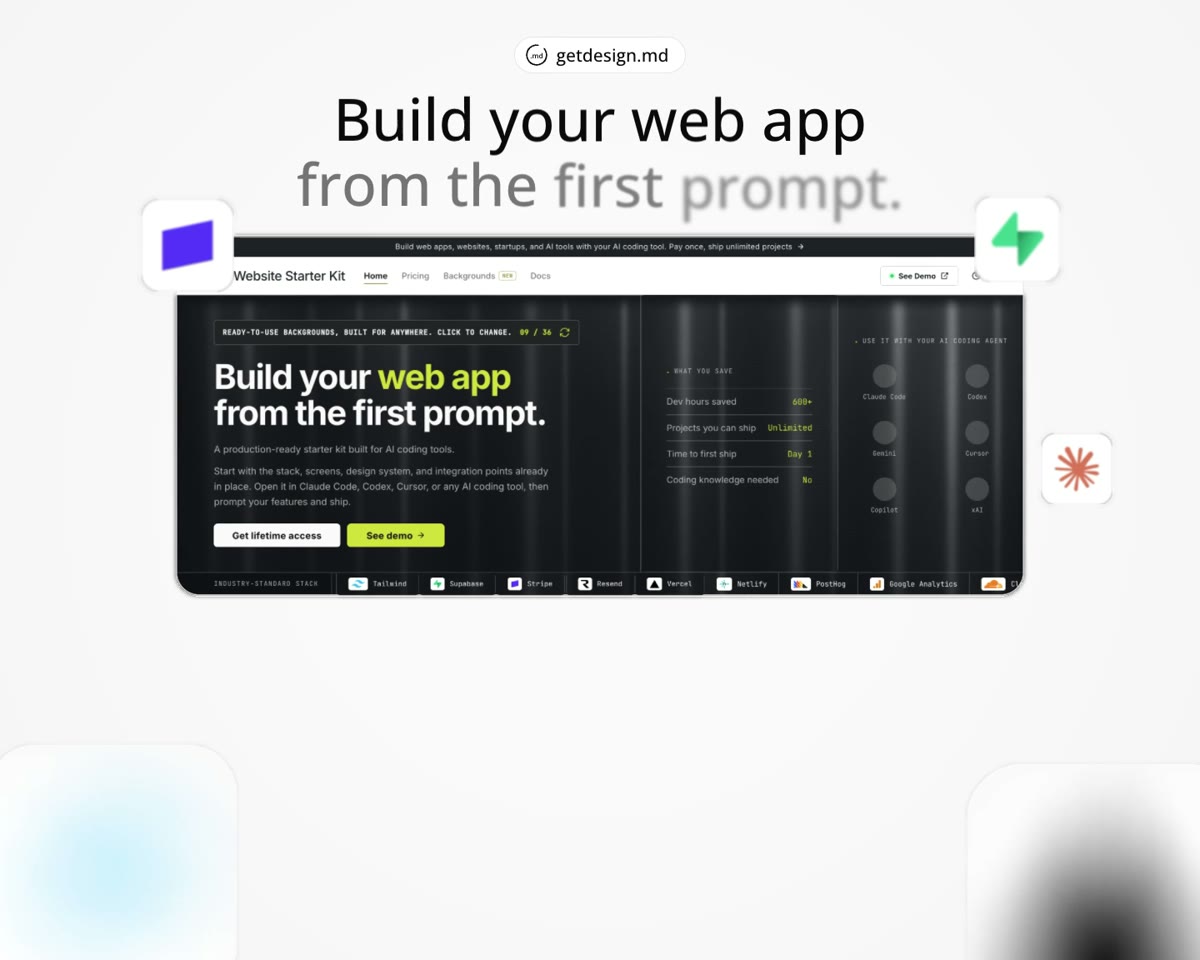 Depth of Field Website Showcase Video TemplateGlide above layered website panels, lift individual elements into focus and finish on a clean product title.