Notification to Desktop Launch Video Template
Start with notifications on a light page, open a desktop AI chat and show hosting choices and project files.
Use this when small status updates can lead into a specific action in a desktop tool.
What’s in the film
- 01
Read the updates
Cards arrive over a soft gray field.
- 02
Open the desktop app
A dark window presents the project and typed message.
- 03
Show the kit context
Hosts, file tags and tool names follow the request.
Best use cases
Introduce a desktop-friendly workflow
Write notifications that set up the action shown in chat, then name the files it uses.
Customize in Video Studio
- Three notifications and chat copy
- Host logos, file tags and folder path
Edit with Studio chat
Notify [status], open [project], ask [request] and show [files].
Fine-tune manually
Keep timestamps and states in chronological order across the notices.
More video templates
See all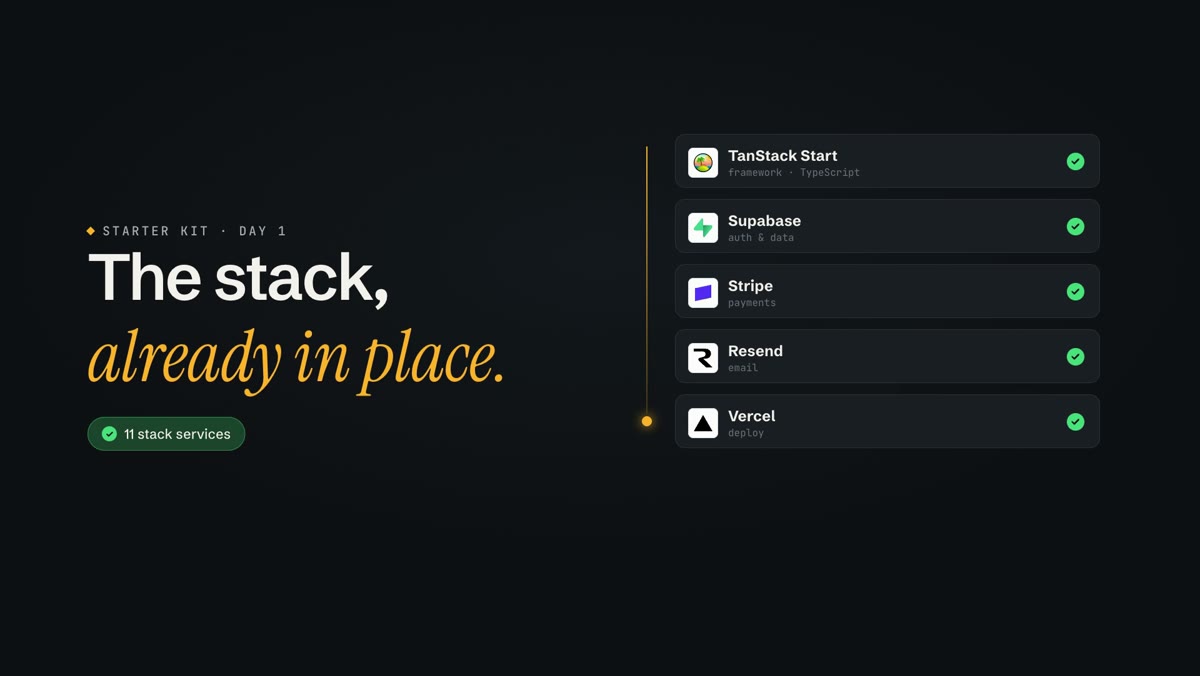 Night Workspace SaaS Launch Video TemplateBuild a night-time product story around a laptop, warm serif accents, setup statuses and a live site preview.
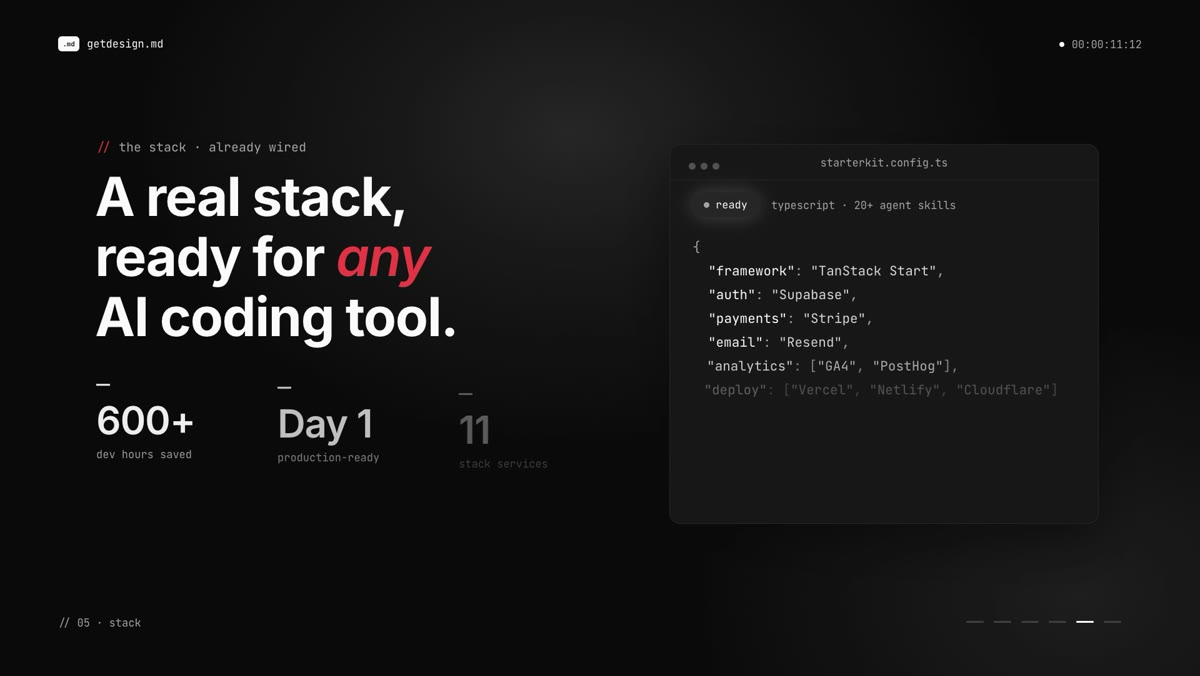 Dark No-Code Website Product Ad TemplateUse a dark recording frame to show a prompt, ready templates and a chat-led workflow, followed by technical proof.
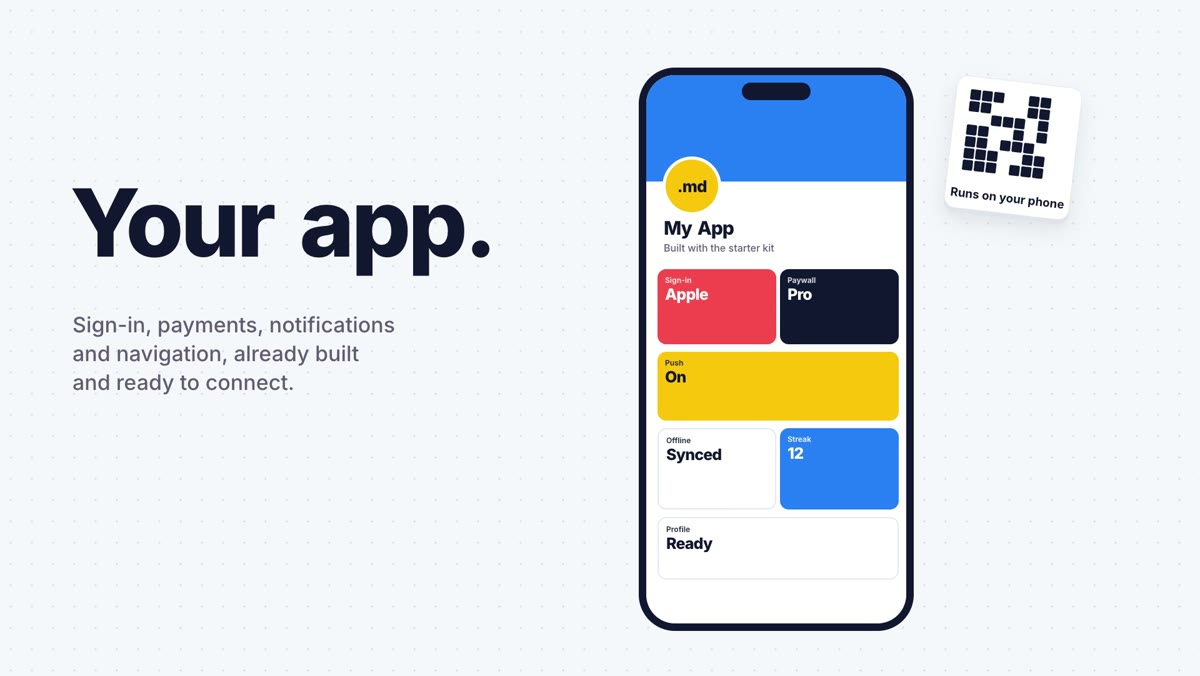 Sticker Card Cross Platform App Video TemplateShow a mobile stack with bright sticker cards, a sample phone, a release timeline and a few closing metrics.