One-Tap Mobile App Setup Video Template
A square phone demo moves from a Build button to a setup sheet, a ready state and the app profile.
Use this when onboarding is your launch story. Keeping one phone in place lets viewers follow each tap and see what the app shows after setup.
What’s in the film
- 01
Start
A tap opens the new app sheet and fills in the project name.
- 02
Get ready
A violet confirmation card shows the app is ready to open.
- 03
Explore
The phone moves from chat to an app profile with capability and platform labels.
Best use cases
Explain first-run onboarding
Use one app name from the first sheet to the final profile so the viewer can follow the same project.
Customize in Video Studio
- The start button, app name and setup fields
- The ready card, chat reply and profile labels
Edit with Studio chat
Start with [button label], create [app name] with [setup details], show [ready message], and open a profile with [supported features].
Fine-tune manually
Keep the app name consistent in the setup sheet, ready card and profile. Use a timing or screen-count claim only if it is accurate for your product.
More video templates
See all Mobile Feature Card Reveal Motion TemplateReveal sign-in, payments and store setup in three quick cards on changing pastel backgrounds.
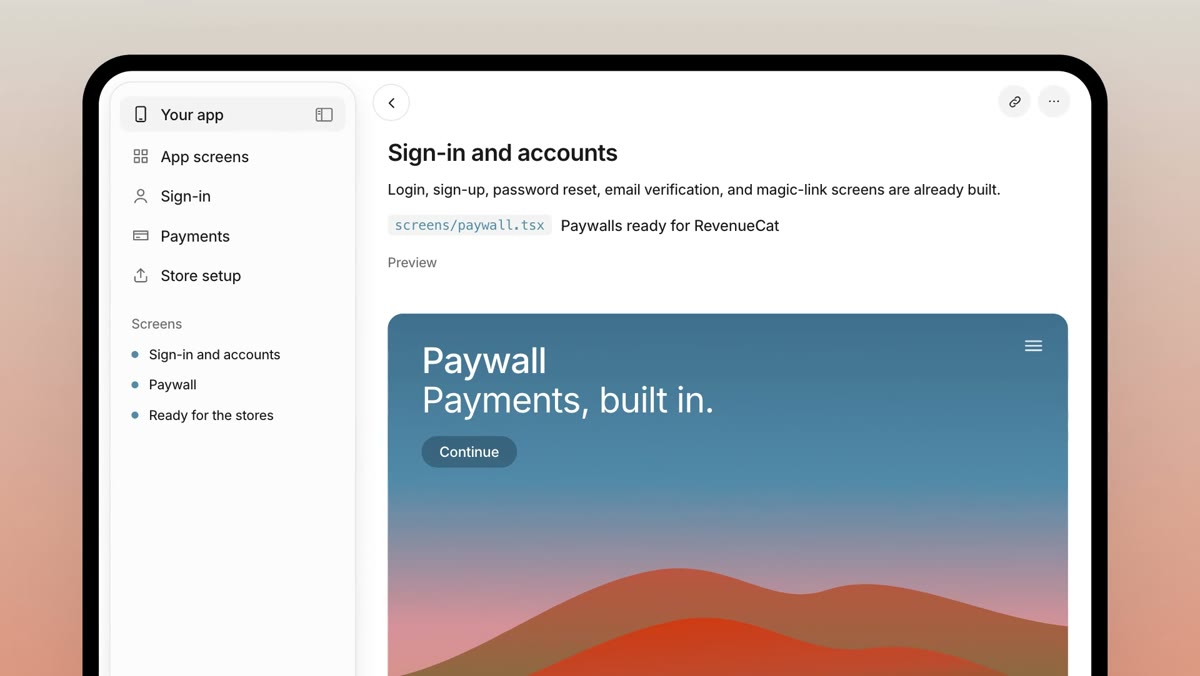 Phone to Tablet Product Demo Video TemplateStretch a phone view into a tablet workspace, show key counts, and zoom in on a copy edit marked by a pen.
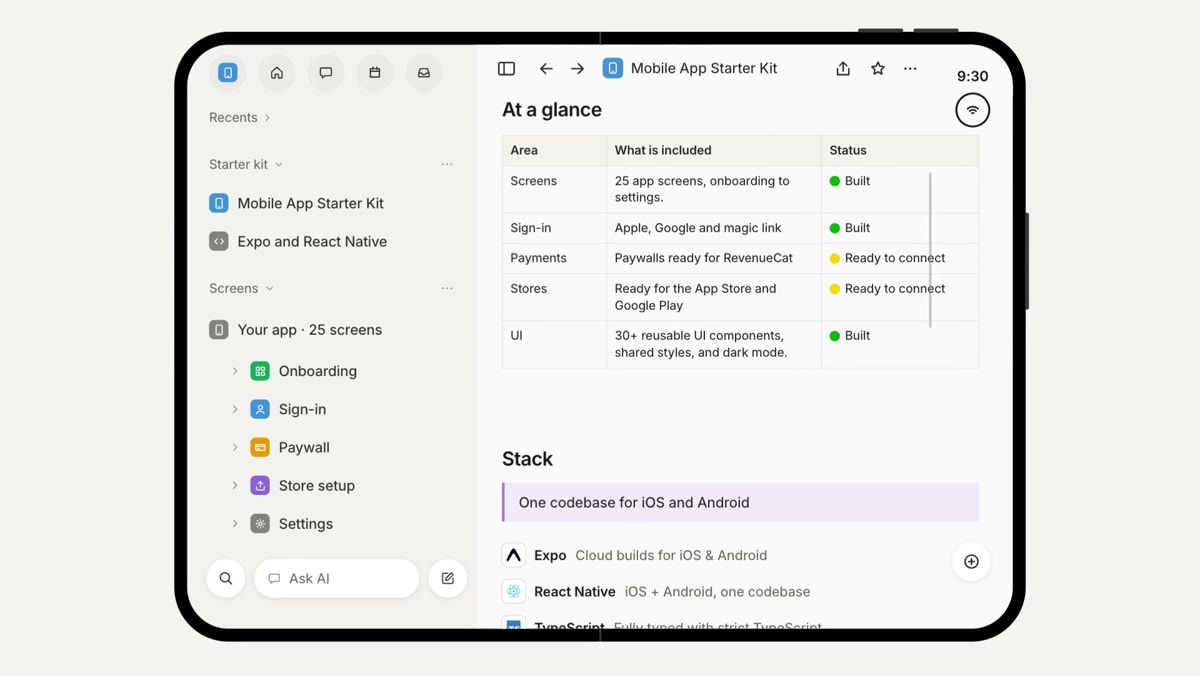 Foldable Device App Reveal Video TemplateA compact cover screen unfolds into a tablet-sized workspace, scrolls through product details and folds closed.