Responsive Design System Release Video Template
Tour type, spacing, components and responsive layouts before showing a coding assistant use the system.
Use this when design-system consistency is the point of the release. Show the same design rule surviving across several views.
What’s in the film
- 01
Show the system parts
Type and spec details appear in a light product canvas.
- 02
Change the layout
Components and responsive states show the rules in use.
- 03
Bring the system into the workflow
A dark agent scene shows a request and its confirmation.
Best use cases
Release a design system
Choose one component family and show how its type and spacing hold across modes.
Customize in Video Studio
- Spec labels, layout and component copy
- Agent prompt, command and confirmation
Edit with Studio chat
Show [type and tokens], test [responsive component] and ask the agent to [apply rules].
Fine-tune manually
Use the same token spelling in the specimen and the application example.
More video templates
See all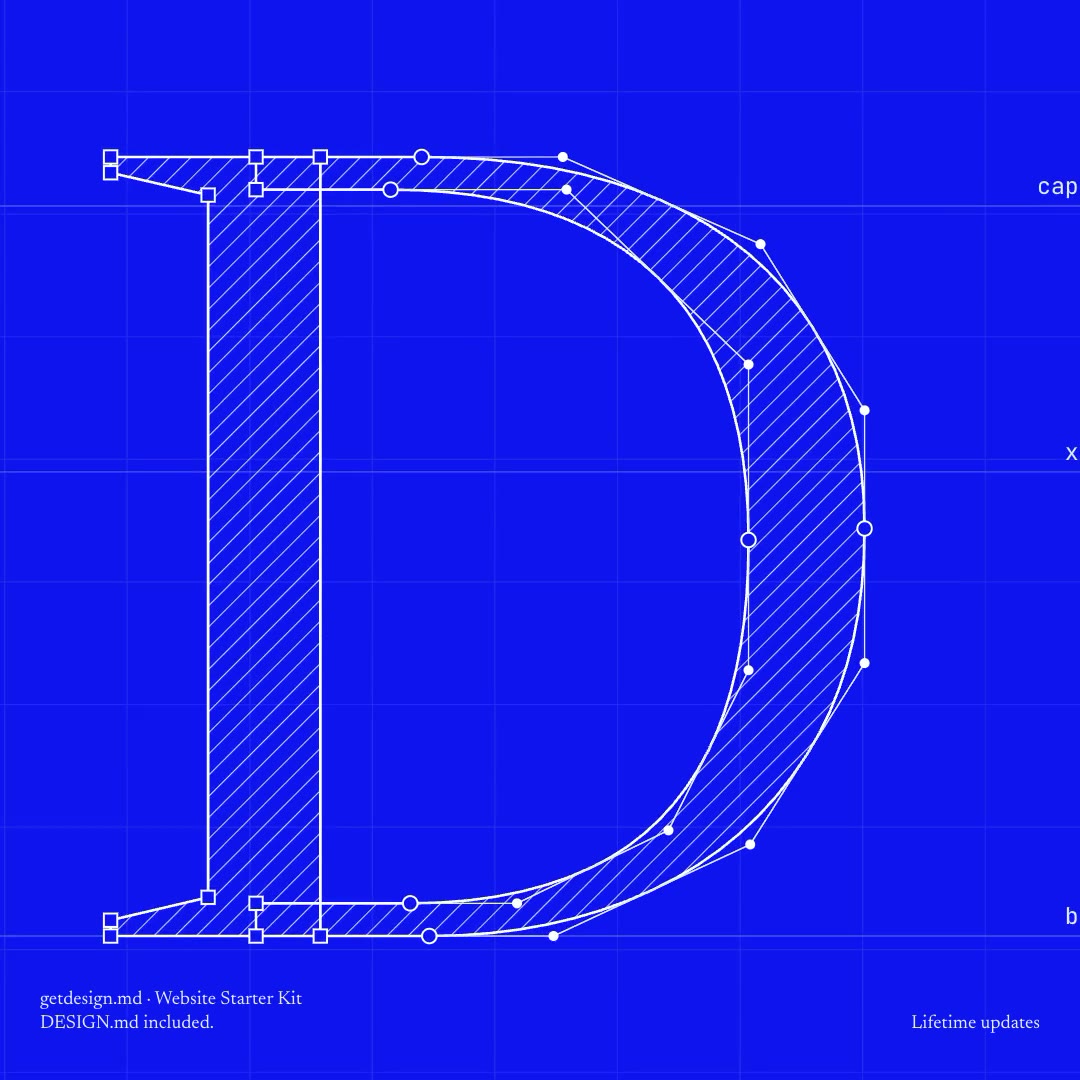 Blueprint Typography Specimen Video TemplateConstruct a letter on a blue grid, zoom to its points, then show a character set and design-spec details.
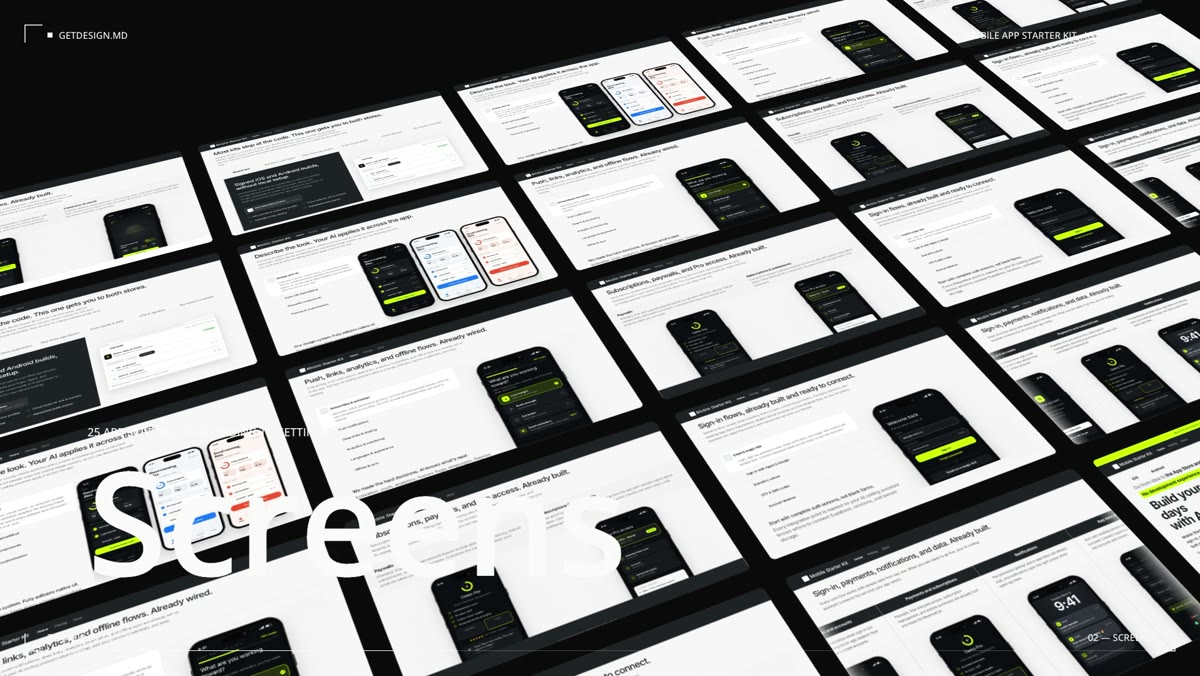 Agency Mobile Selected Work Reel TemplateCut between brand chapters, a tilted screen catalog and product panels in a fast, framed portfolio reel.
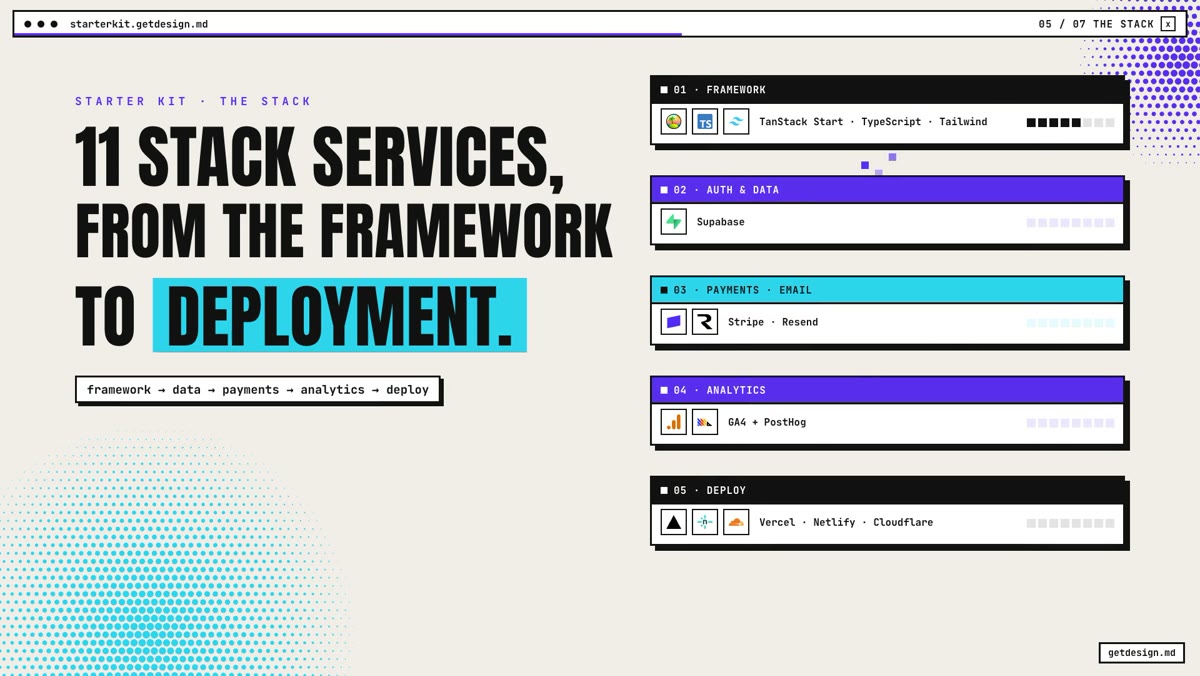 Brutalist Product Deck Launch Video TemplateMove through bold slides with hard black rules, stack lists, a side-by-side workflow race and a large final count.