Rolling Count Logo Motion Template
A square logo film with a rolling integration count, a flipping logo tile and stats written in with pen strokes.
Choose this when the number of supported services matters and you can name real examples. The rolling counter gives each service a brief appearance before the wordmark takes over.
What’s in the film
- 01
Count the services
The tile flips through named logos as the number advances.
- 02
Reveal the mark
The counter clears and the wordmark picks up a cyan-blue sweep.
- 03
Add the final facts
Pen strokes introduce two short metrics before the product name and site appear.
Best use cases
Announce the scale of an integration library
Use the count for one group of services and save the pen-written facts for separate supporting numbers.
Customize in Video Studio
- The service names, tile logos and final count
- The shorter metrics written beside the wordmark and the closing brand line
Edit with Studio chat
Roll through [supported services and labels] and land on [matching count]. Then write in [fact one] and [fact two], and finish with [brand] and [URL].
Fine-tune manually
Check the roll sequence against the final total before editing the later facts. Keep the pen-written labels short so the wordmark remains the focus.
More video templates
See all Waveform Logo Animation TemplateBlack pulses turn into labeled groups, then combine into a single brand tile on a violet field.
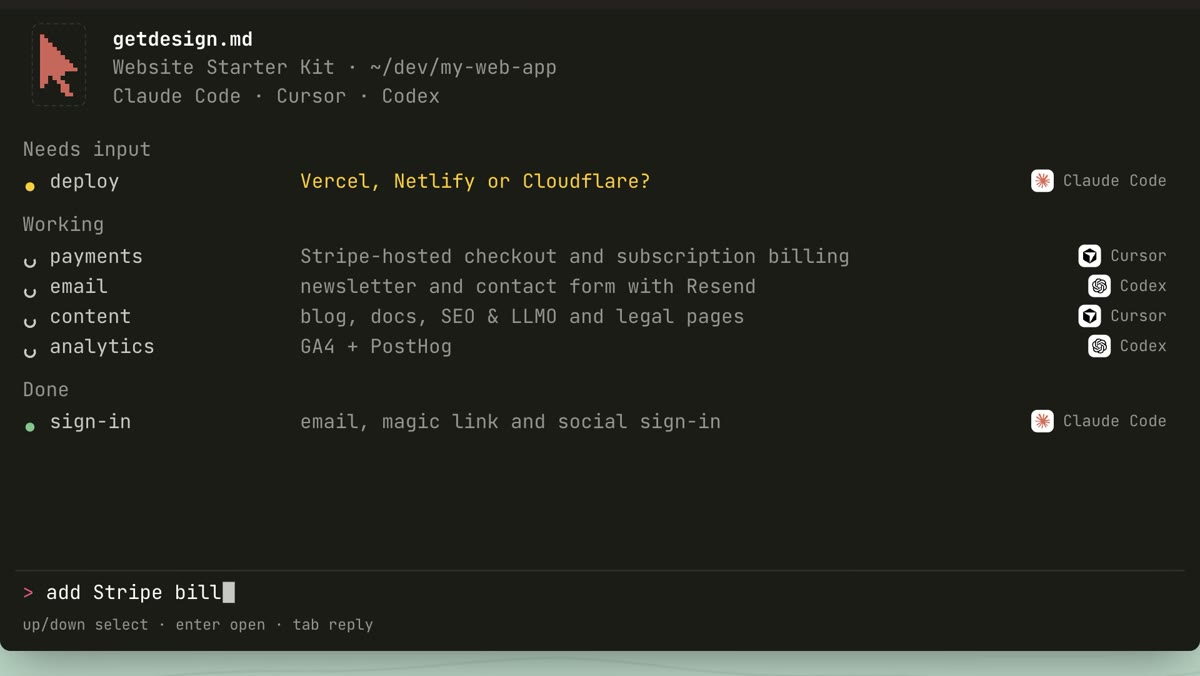 AI Terminal Session Dashboard Video TemplateScattered coding sessions gather into one dashboard where tasks move from Needs input to Working and Done.
 Stacked Icon Logo Reveal TemplateTool logo tiles collect into a single mark in a short, type-led brand reveal.