Show Your Work SaaS Demo Video Template
Run a typed demo, reveal a grid of ready components and tour the product through named tabs.
Use this when the pitch needs reproducible evidence. Let the demo and product screenshots do most of the explaining.
What’s in the film
- 01
Start the demo
A card types a site request and shows progress.
- 02
Show what’s ready
Dark feature cards group the included work.
- 03
Tour the tabs
Each light scene opens a different product window.
Best use cases
Make a product capability tour
Use an example result in the demo and expand its underlying features in the tabs.
Customize in Video Studio
- Demo input and button, feature card copy
- Six tabs and their product views, offer and lockup
Edit with Studio chat
Demo [sample request], show [included features] and open [selected tabs].
Fine-tune manually
Keep tabs named for the view they open, especially when a pane contains several controls.
More video templates
See all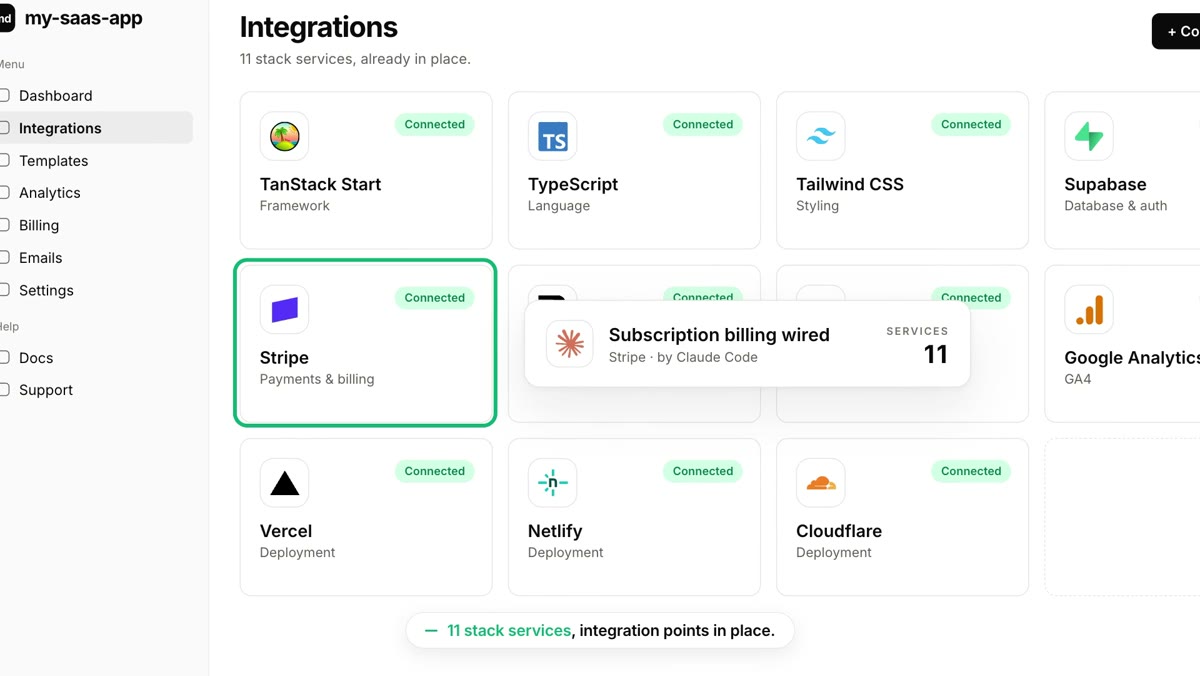 Warm Studio SaaS Launch Video TemplateTour a SaaS launch through integrations, sign-in, templates, analytics and deployment in clean browser windows.
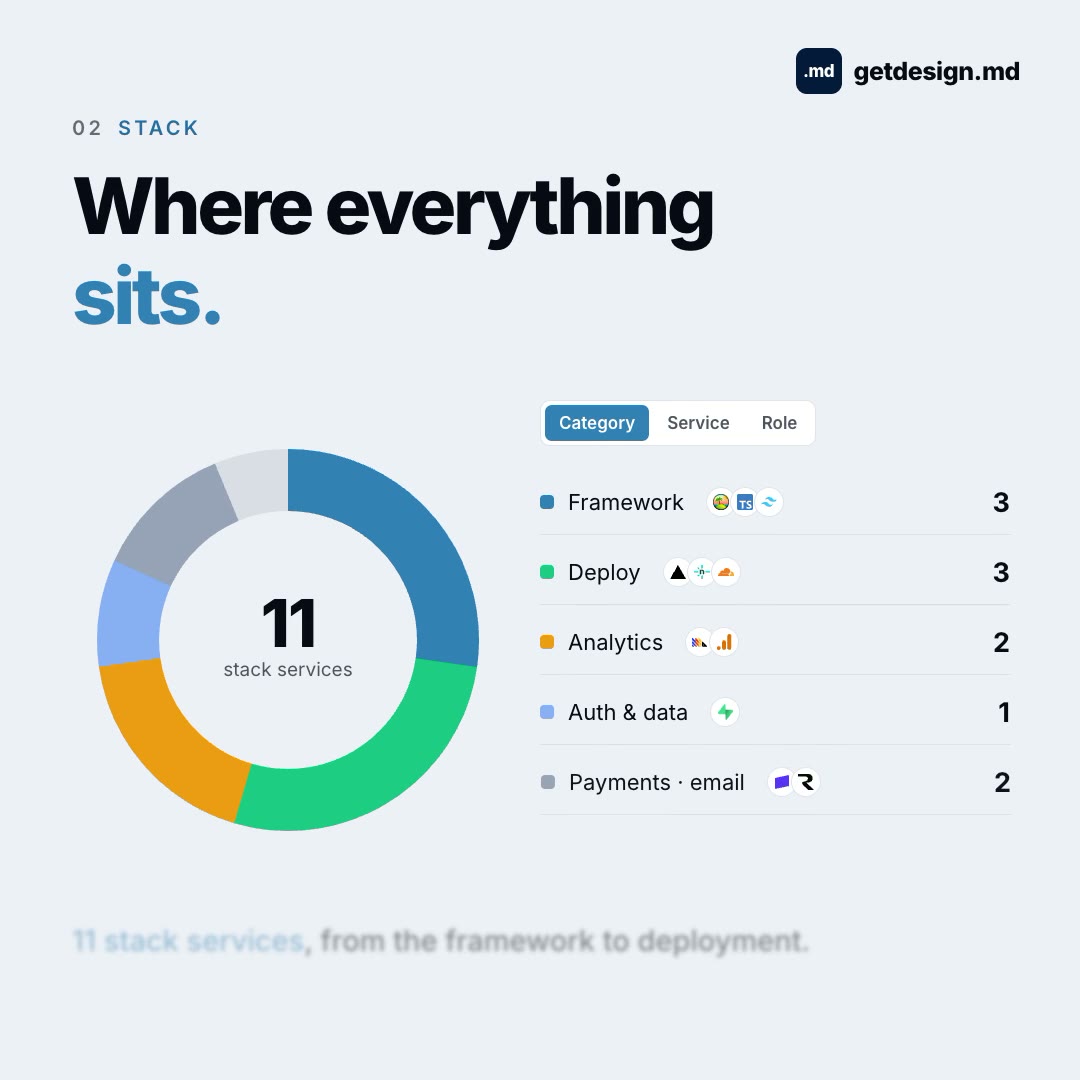 Chart Chapter Platform Overview Video TemplateTour a platform chapter by chapter with a clear chart or diagram in each cool gray, blue or navy scene.
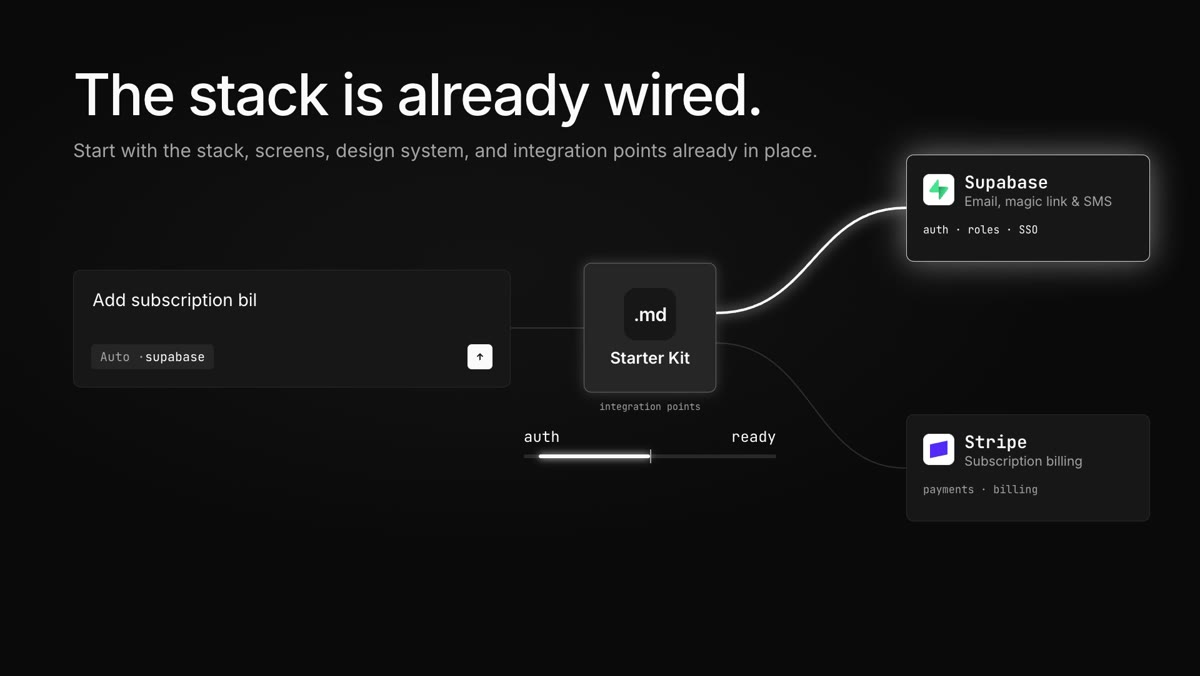 Multi Thread Developer Workspace Reel TemplateShow several developer threads, a phone preview, a connected stack and four result cards in a light desktop reel.