Split Screen Workflow Comparison Video Template
Compare two workflows in a side-by-side race, with progress bars, error states and a working product preview.
Choose this when viewers should watch two workflows diverge under the same conditions. Matching panels make the stall and the successful path easy to compare.
What’s in the film
- 01
Start the comparison
Two coloured panels show each workflow at the same stage.
- 02
Show the divergence
One progress bar stalls while the other reaches its day-one state.
- 03
Inspect the outcomes
Checked callouts and a failed build show what each starting point produced.
Best use cases
Show where your workflow saves effort
Choose a real step where the experiences diverge and show evidence of each outcome on screen.
Customize in Video Studio
- The two workflow labels, terminal lines and progress-result copy
- The app callouts, failure banner and resolution details
Edit with Studio chat
Run [manual workflow] and [product workflow] side by side. Show where [manual step] stalls, what [product] completes, and how the final result differs.
Fine-tune manually
Use parallel labels for the two lanes. Check that each callout and progress result belongs to the correct side before you export.
More video templates
See all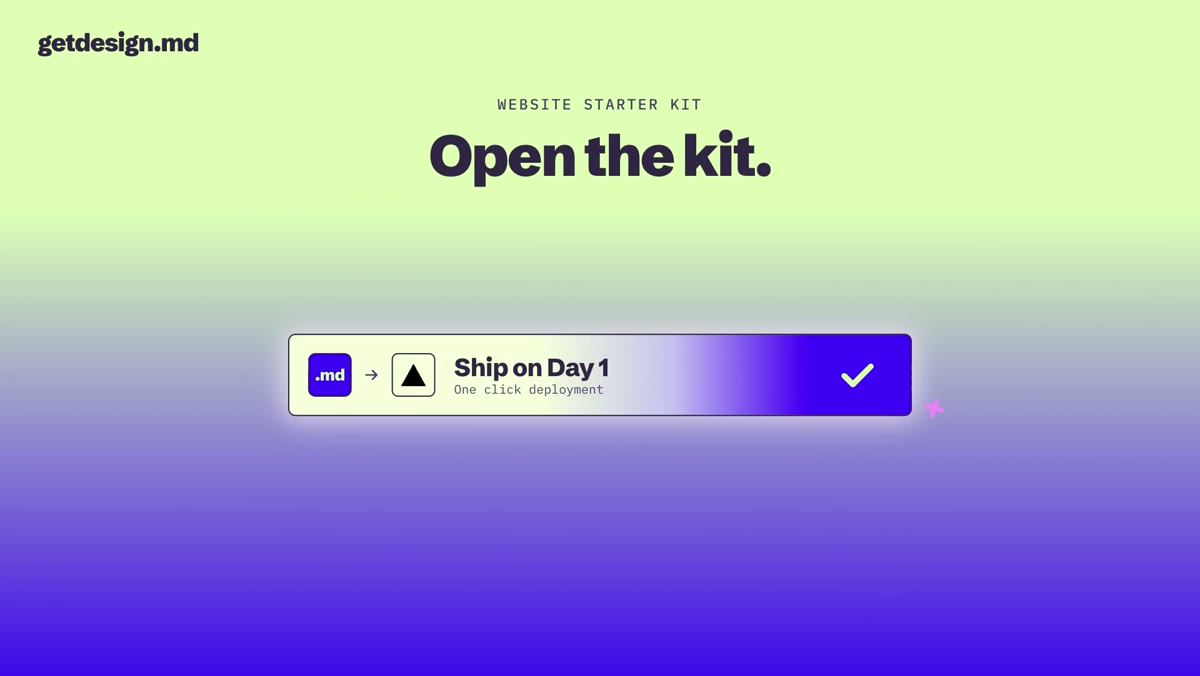 Before and After Product Workflow Video TemplateA switch clears a pile of setup errors, replacing overlapping windows with a checked list of services.
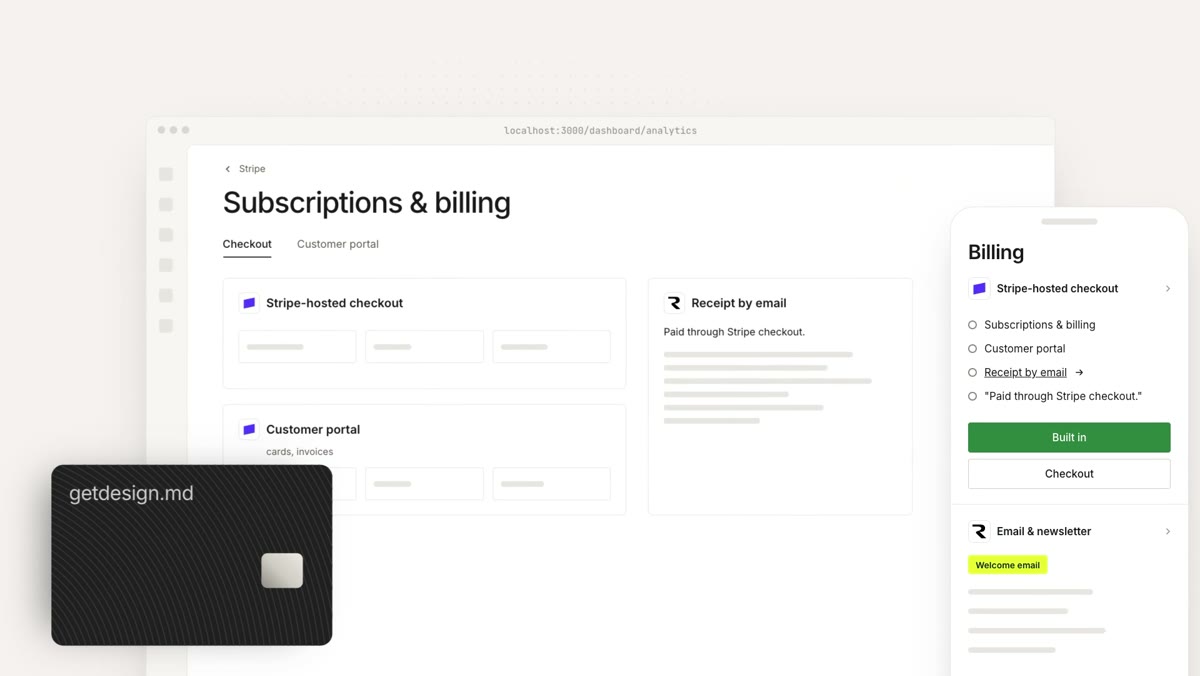 Payments Dashboard Showcase Video TemplateTurn a card reveal into a short tour of checkout, billing, email receipts and product analytics.
 Dot Matrix Headline Motion TemplateBlue dots scatter and regroup into three short headlines before settling into your wordmark.