
▸ About this template
This business automation website template looks like a night shift screen. The canvas is blue-black with pearl text and one pale mint accent that marks anything running or waiting for a person. Sora carries every statement and Azeret Mono every label and number. Instead of describing the work, the pages show it: run queues, playbook steps and approval cards. The demo studio is Patchbay, an automation studio in San Francisco.
The home page opens on a centred hero above a traced route with a running pulse. Four tall console tiles follow: a run queue you can approve, a task mapper, hand-off bars and an audited hours chart. Next come a case file with a ruled column of numbers, client quotes you switch by name, a founder note beside the studio's numbers, tool rows, a playbook picker with numbered steps and the card the client's team sees, and a FAQ.
Seven pages ship together: home, company, pricing, field notes, a single note, a changelog and contact. The company page has house rules, a table of open desks that open for details and the founder's story. The pricing page has retainers with a monthly or yearly switch. Field notes filter by topic and search, the single note has a sticky contents list, the changelog expands each release, and the contact page has a scoping form and community cards.
Everything opens on the canvas as real pages. Change the studio name, the workflows, the prices or whole sections by chatting, edit text in place, and publish when it reads like your studio.
▸ What’s inside
- Home/
- Traced route hero, four console tiles, case file, client quotes, founder note, tool rows, playbook picker and FAQ.
- Company/company
- House rules, a table of open desks that open for details, and the founder's story.
- Pricing/pricing
- Retainers with a monthly or yearly switch and a short comparison.
- Field notes/blog
- Field notes with topic filters and search.
- Field note/field-note
- One field note in full, with a sticky contents list.
- Changelog/changelog
- Releases that expand to show what changed.
- Contact/contact
- A scoping form and community cards.
▸ Best use cases
Selling AI workflows to operations teams
Swap Patchbay for your name and the console tiles for your own workflows. The run queue, the hand-off bars and the audited hours chart show a buyer where a person stays in charge.
Pricing monthly retainers
Edit the plans and the yearly saving on the pricing page. The billing switch and the plan cards give a visitor a clear price before the scoping form.
Hiring and sharing release notes
Use the open desks table on the company page to list roles, and the changelog to show what changed in the client console. Both open in place, so a long list stays easy to scan.
▸ Designed for
- AI automation studios and consultancies that build workflows for operations teams
- Agencies that want to show the work itself, such as run queues and approval steps
- Studios that sell monthly retainers and need a pricing page with a billing switch
- Teams that publish field notes and a changelog for their client console
▸ More website templates
See all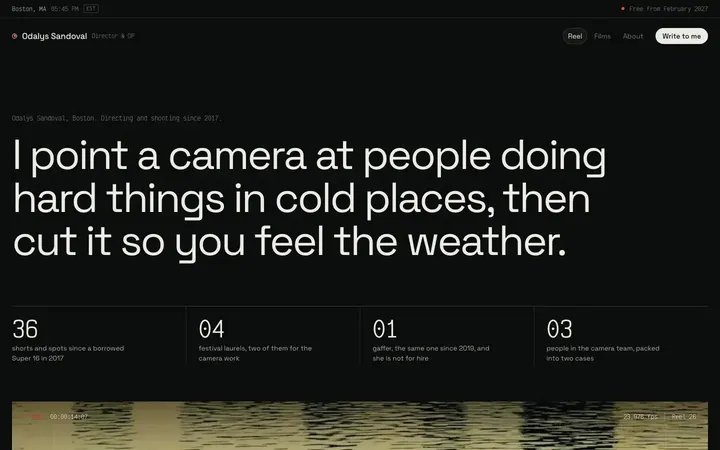 Film Director PortfolioA dark film director portfolio template: a reel with a running timecode monitor, a films grid or edit log, single film pages and an about page.
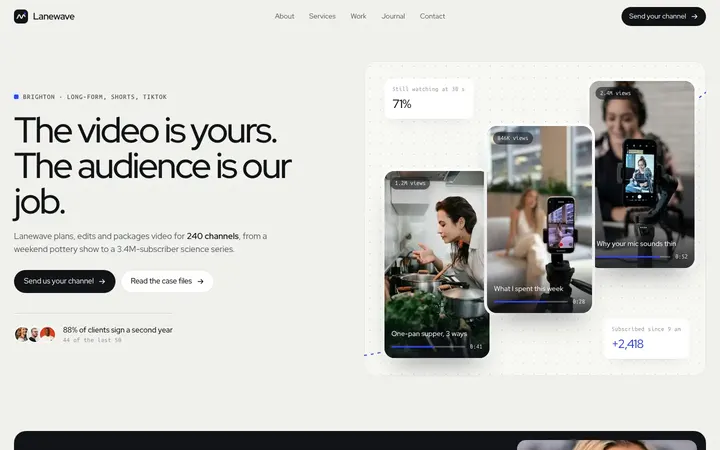 YouTube Growth Agency WebsiteA light YouTube growth agency website template: proof-first hero, metric chart, rates table, case study, work grid, journal and brief form.
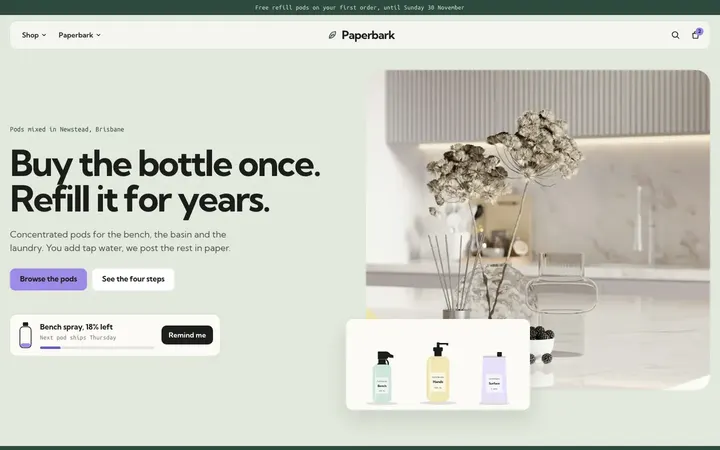 Refill Store WebsiteA refillable home-care store website template: refill gauge hero, tally slider, rooms picker, shop, product page, ingredient table and care page.