
▸ About this template
This digital studio website template is set on a dark, quiet canvas with one amber accent. The demo studio, Haar, is eleven people on one floor in Leith, Edinburgh, and its name comes from the cold sea fog that rolls in off the Firth of Forth. Headings are full sentences in the studio's own voice, and section labels are numbered in small amber pills.
The home page opens on a centred two-line headline holding a drifting fog pill over a wide photo band. Below it come a light band of studio numbers, recent projects as rows with a swapping preview, a heather band of client quotes picked by name, outlined service words that swap their description, a short studio statement with an inline photo and a studio photo collage. A vertical list of project stages, a numbered FAQ panel, a split call to action and a contact dialog finish the page.
Four pages ship together: home, a filterable work index, a case study and a privacy policy. The case study has a results band, side-by-side problem and approach chapters and a photo collage. Public Sans carries everything, set very heavy for the headline, on a near-black canvas with a heather purple band for quotes.
Everything opens on the canvas as real pages, not a screenshot or a locked export. Change the studio name, the projects or whole sections by chatting, edit text in place, add or remove pages, and publish when the site reads like your own studio.
▸ What’s inside
- Home/
- Fog pill headline, numbers, project rows, client quotes, services, stages, FAQ and contact dialog.
- Work/work
- A filterable index of all projects.
- Project/project
- One case study with a results band, problem and approach chapters and a photo collage.
- Privacy/privacy
- A privacy policy page in the studio's own voice.
▸ Best use cases
Launching a small studio site
Swap Haar for your name and the five projects for your own. The headline, the numbers band and the project rows give a visitor the studio, its track record and its work in the first scroll.
Showing how a project runs
Edit the vertical list of stages and the numbered FAQ with your own process. A prospect can see what happens after the first message before they write, which makes the contact dialog an easier step.
Publishing a full case study
Use the project page as the template for each job. The results band, the problem and approach chapters and the photo collage tell one project from brief to outcome, and the work index filters them all.
▸ Designed for
- Independent brand and web studios of ten or so people that want a calm, dark site
- Studio founders who would rather show recent projects as rows than as a crowded grid
- Agencies that want to explain their stages and answer common questions up front
- Teams that want a filterable project index and a full case study ready to fill in
▸ More website templates
See all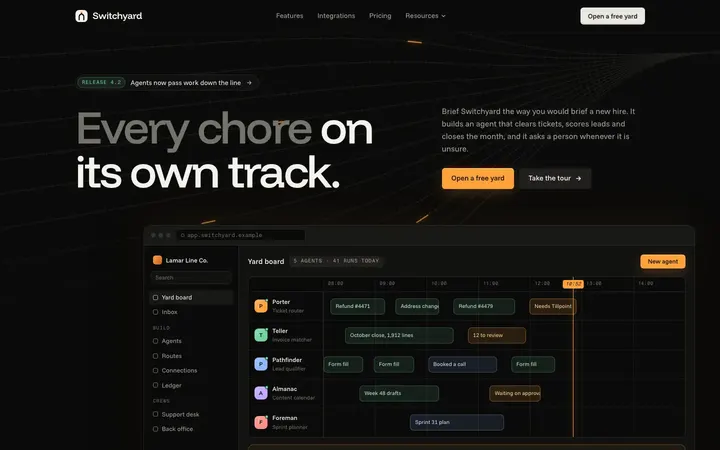 AI Agent Builder WebsiteA dark website template for an AI agent builder: a yard board of agents, a route map editor, a seven-part feature picker, integrations, pricing, changelog.
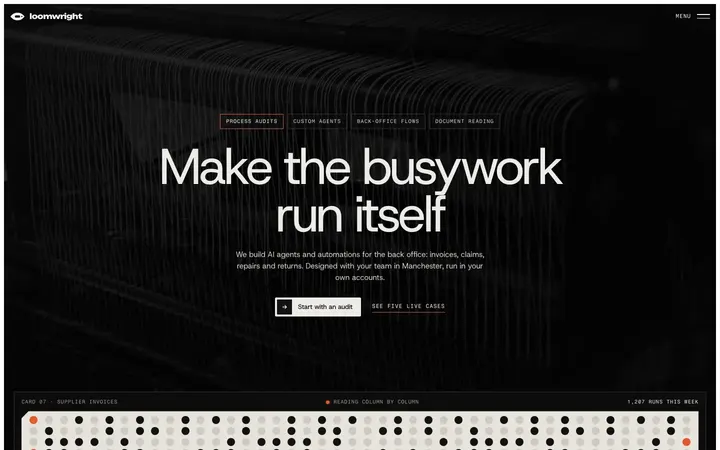 AI Agency WebsiteA website template for an AI automation agency: a loom hero with a punch card strip, a workflow board, a run log, case studies and pricing.
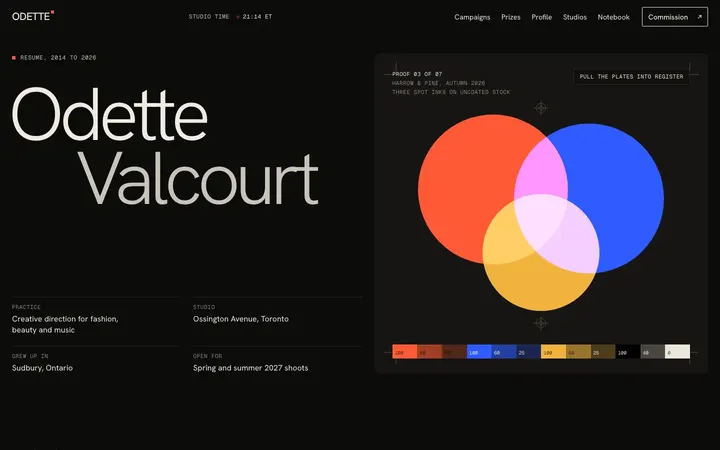 Creative Director Resume WebsiteA dark one-page resume website template for a creative director: a press-proof hero, campaign grid, prizes by year, studio tabs and a brief form.