
▸ About this template
Many houseplants die because they were bought for the wrong window. This template sells by light first: every plant lists the light it needs, a home page picker suggests plants for the way a window faces, and the shop filters by light and by whether a plant is safe for cats and dogs. The demo shop is Understory Plant Co. in Providence, a small store that stocks plants for low and middling light.
The home page opens on a full-screen photo of a plant in late sun with a large serif headline. Below sits a short statement with a photo collage, then the window picker: choose a north, east or west, or south window and see plants that will grow there. A gift card section updates as you pick a value, followed by the latest care notes and a sign-up for a watering newsletter.
Six pages come with it: home, a shop page, a story page, a care blog, a product page and one blog article. The shop filters by light and pet safety and sorts by price. The story page holds a timeline, the team and a visit planner with a map and hours by day. The article page includes a light test readers can try with paper and a pencil. The palette is green-black and bone with a terracotta accent, set in Gilda Display, Crimson Pro and Tenor Sans.
Everything arrives on the DESIGN.md Pro canvas as working pages. Enter your own plants, prices and light needs in the shop grid and replace the product photos by hand. For a lighter or brighter look, apply another DESIGN.md. Ask in chat for new filters, a workshop section or any other change, then publish once the shop reads as yours.
▸ What’s inside
- Home/
- Plant photo hero, a statement with photo collage, a plant finder by window direction, a gift card, care notes and a watering newsletter sign-up.
- Plants/shop
- All plants with light and pet-safe filters, a price sort, a gift card tile and what comes with every plant.
- Story/story
- The shop's story on a timeline, the team, and a visit planner with a sketch map and hours for each day.
- Bench notes/journal
- Plant care articles with a featured piece and topic filters for light, water, propagation and leaves.
- Plant/plant
- One plant with size and pot options, quantity, add to bag, a photo gallery, care and delivery details and plants that pair with it.
- Bench note/journal-entry
- One care article with margin notes, a paper shadow light test and links to more notes.
▸ Best use cases
Helping customers pick the right plant
The shop page filters plants by light level and pet safety, and the window picker on the home page suggests plants by window direction. Enter each of your plants with its light needs, pet safety and price, and customers can narrow the list to what will grow in their room.
Bringing people into the store
The visit planner on the story page shows your address, a simple map, and opening hours for each day with what is on, such as a repotting session. The Visit link in the header and the footer lead straight to it. Change the days and events to match your shop.
Teaching plant care in a blog
The bench notes page lists care articles with topic filters for light, water, propagation and leaves. Each article has margin notes and room for an interactive element, such as the paper shadow light test. Write about the problems your customers bring in and point readers on to the shop.
▸ Designed for
- Houseplant shops selling online and from a small storefront
- Plant studios that specialise in low-light indoor plants
- Florists and garden shops adding houseplants to their range
- Local plant sellers who offer delivery and repotting services
▸ More website templates
See all Fitness Gym WebsiteGym website template for fitness clubs with two or more locations, with a class timetable, coach profiles, membership plans and free tour booking.
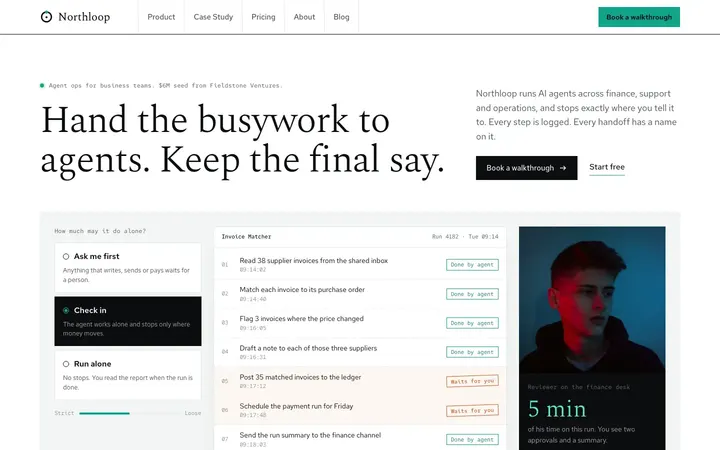 AI Agent Platform WebsiteAI agent platform website template for automation startups, with an autonomy demo, a pricing calculator, customer case studies and a blog.
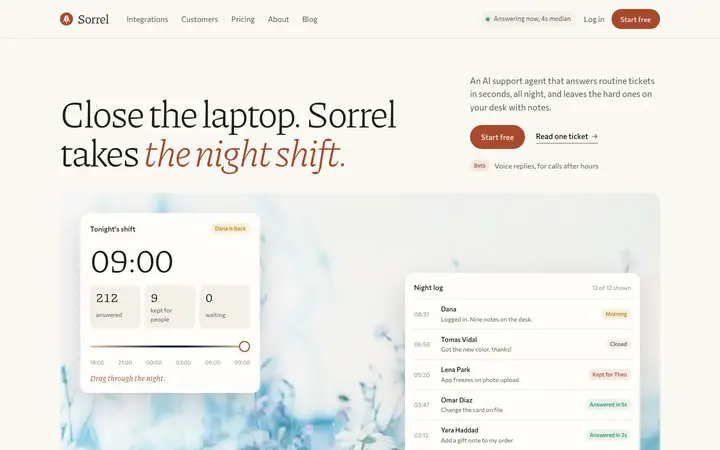 AI Customer Support WebsiteAI customer support website template for helpdesk and support agent products, with an overnight demo, a plan finder, customer stories and a blog.