Stop screenshotting competitors for your agent.
Building an app or a web app and not sure how a page should look? See how successful apps do it, flow by flow, and hand the exact screens to your agent. Already captured, already in order.
Sign in, tell us if it’s for a team or just you. We let people in a few at a time.
Watch
The problem
You spend the day looking, not designing.
You know what the page has to do. You don’t know how it should look, so you go and see how others did it.
Today
- Install the competitors, one by one, and sign up for each
- Tap through every flow to reach the screen you need
- Take screenshots by hand and sort them
- Paste them into your agent and explain the order yourself
- Still not know which of those designs actually works
With App Screens
- Search apps that are already captured, iOS and web
- Open the whole flow, every screen in order
- Nothing to install and no screenshots to take
- Your agent reads the screens and the order by itself
- See revenue, downloads and rating for the iOS apps
iOS apps
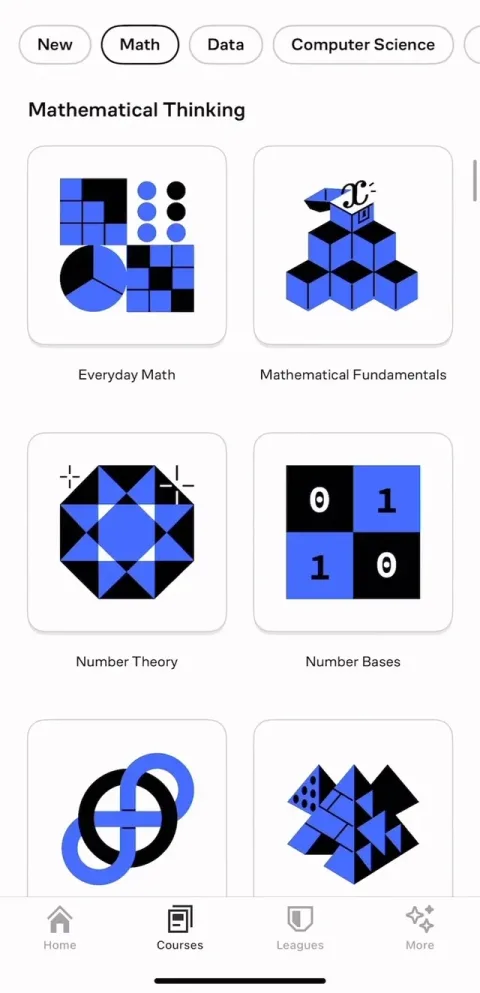
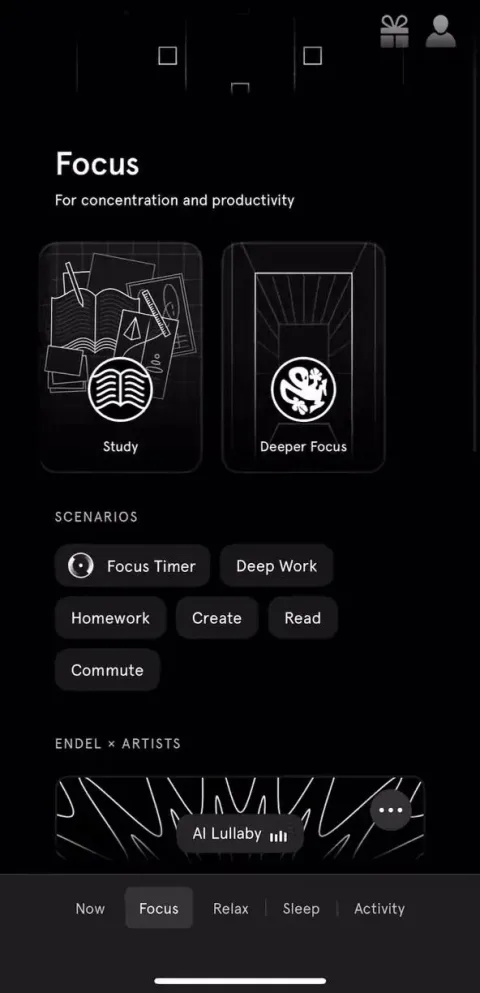

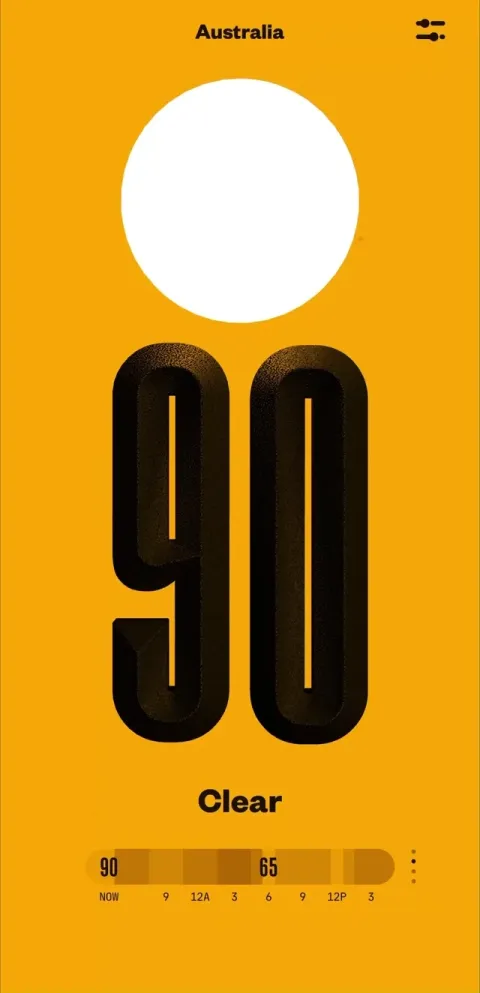

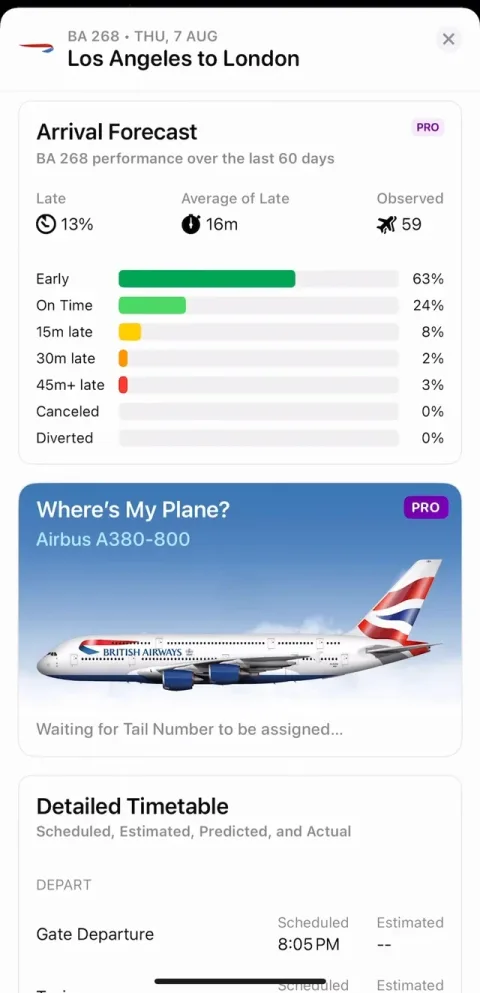
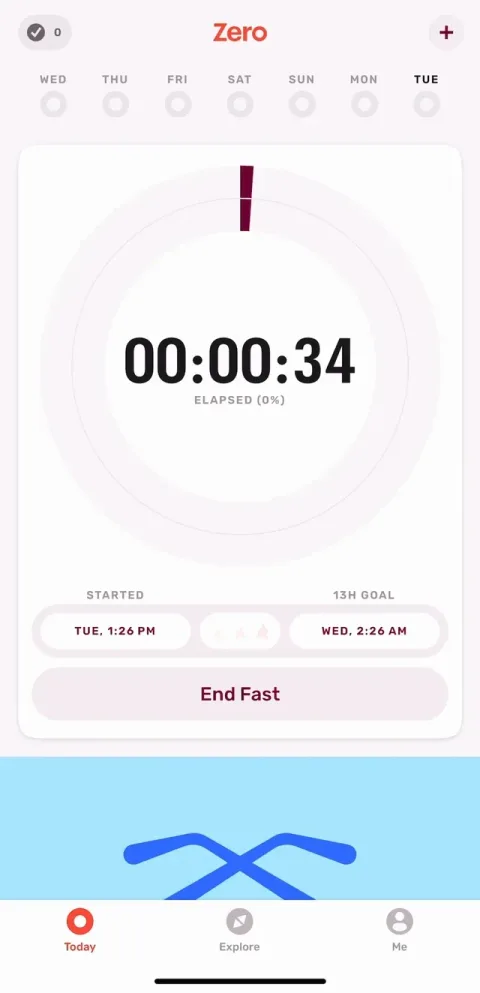
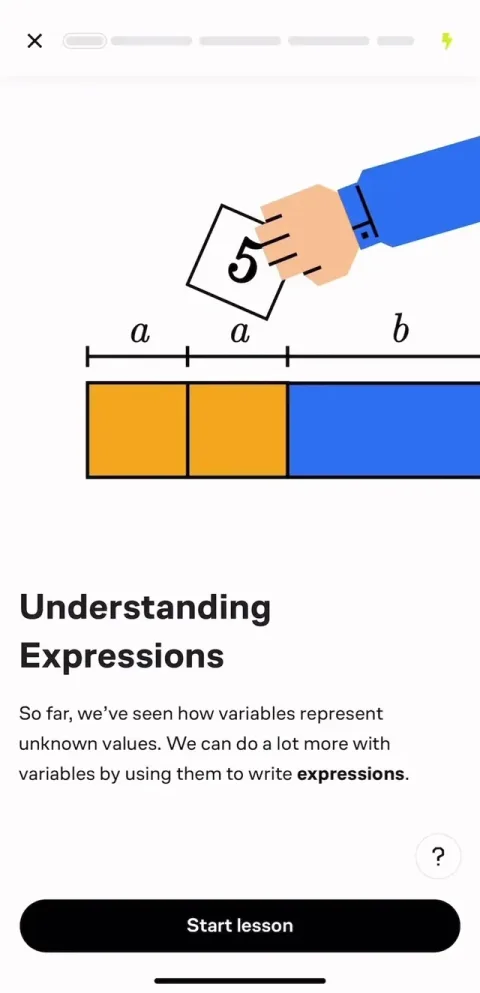

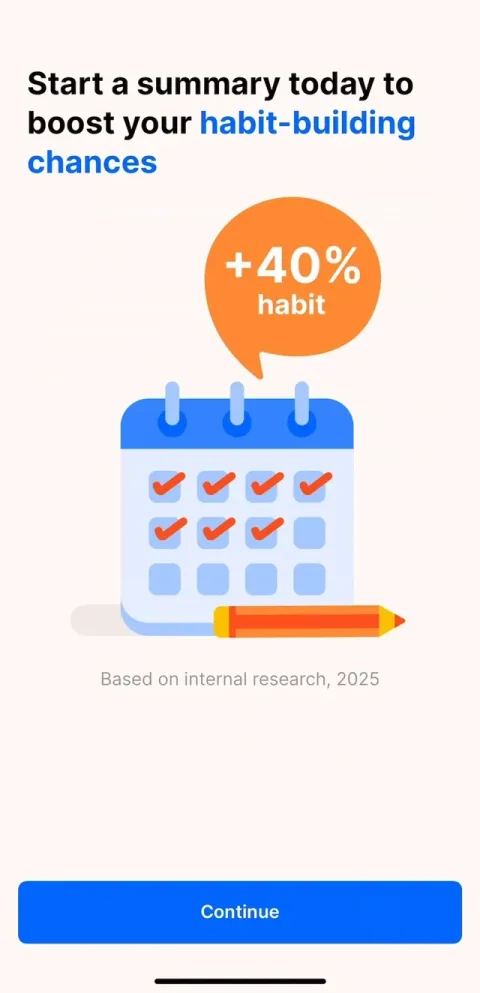
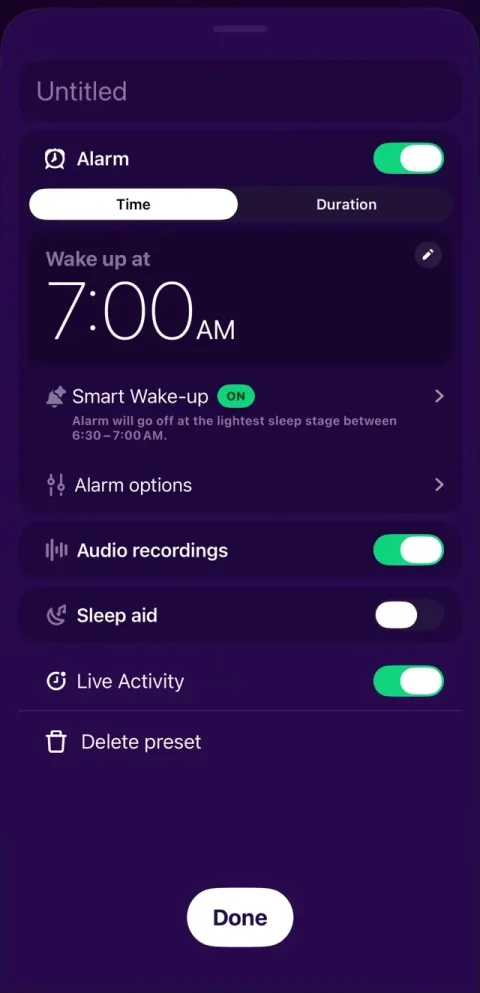
- iOS and web apps
- 700+
- screens
- 58,000+
- flows
- 9,800+
Web apps
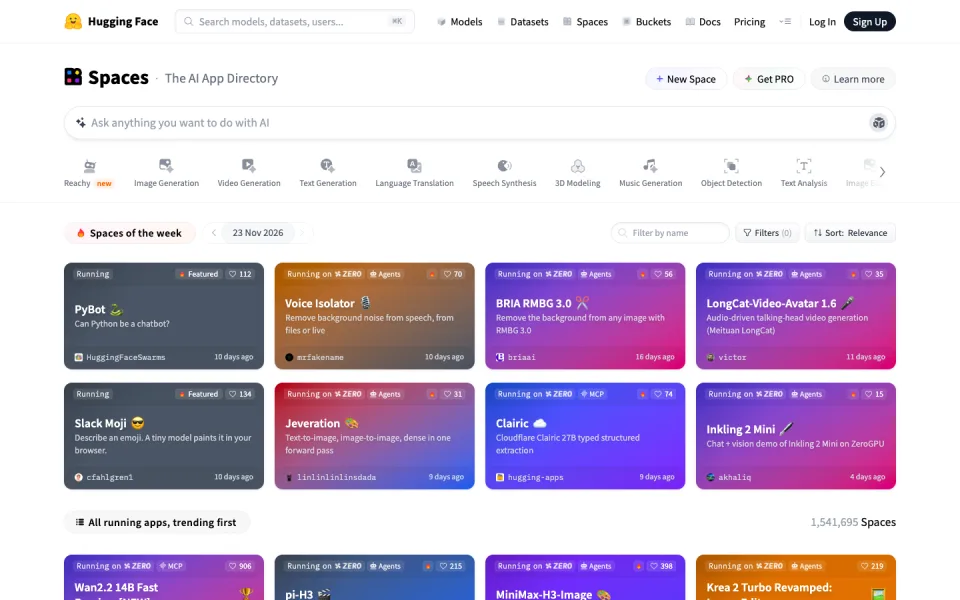
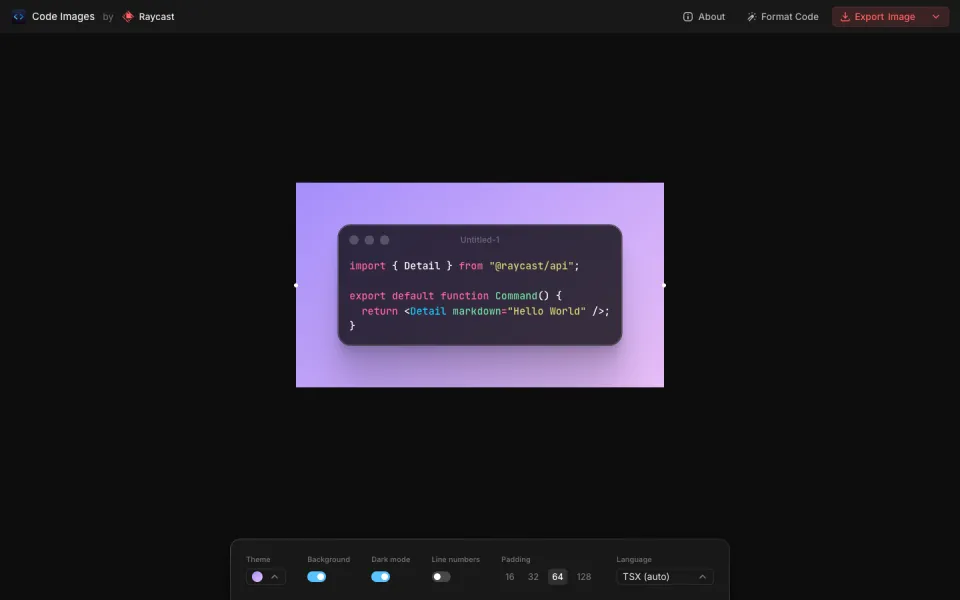
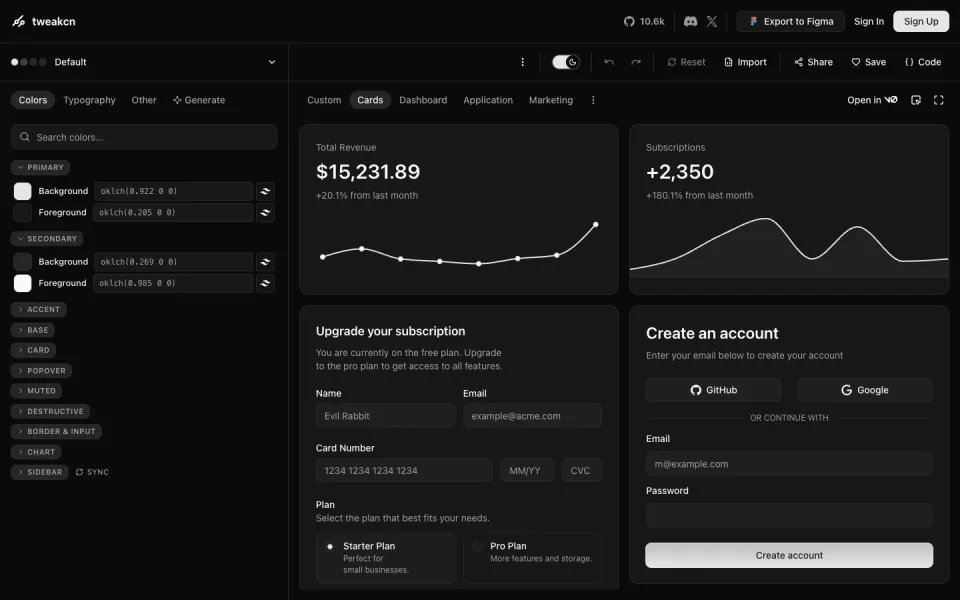
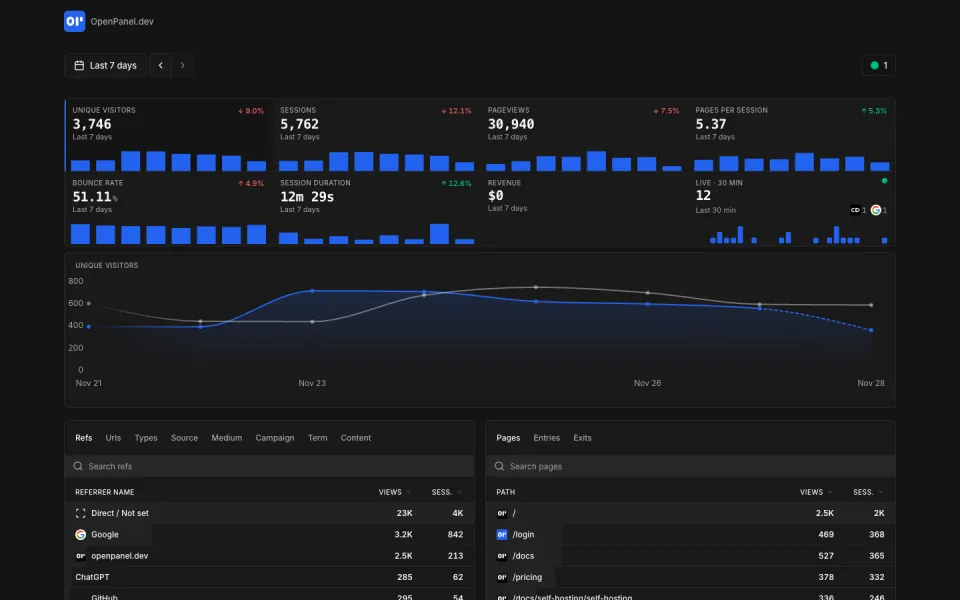
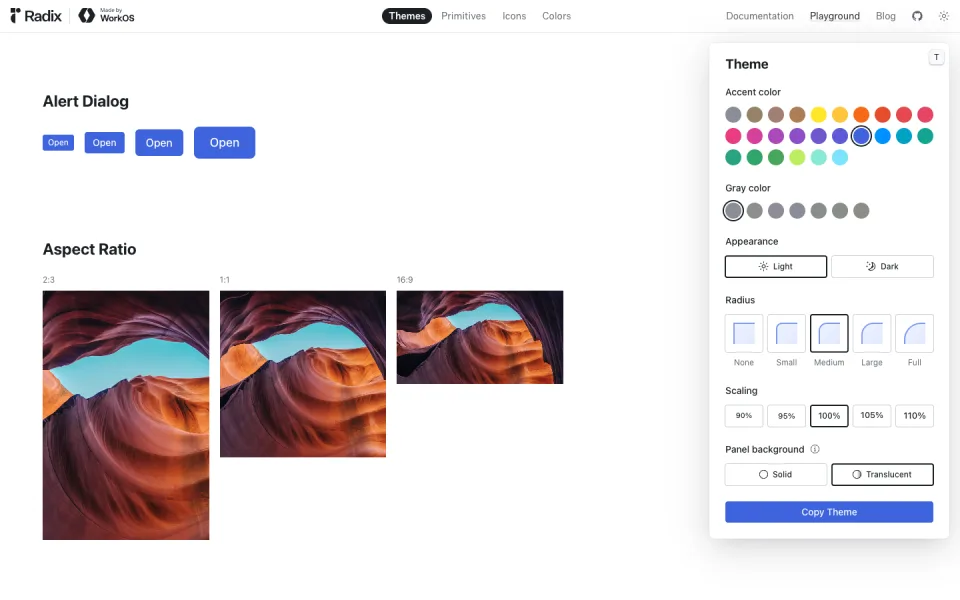
Web apps are indexed the same way: dashboards, editors, tables, settings. Give your agent the right UI and UX to work from, not the average of everything it has seen.
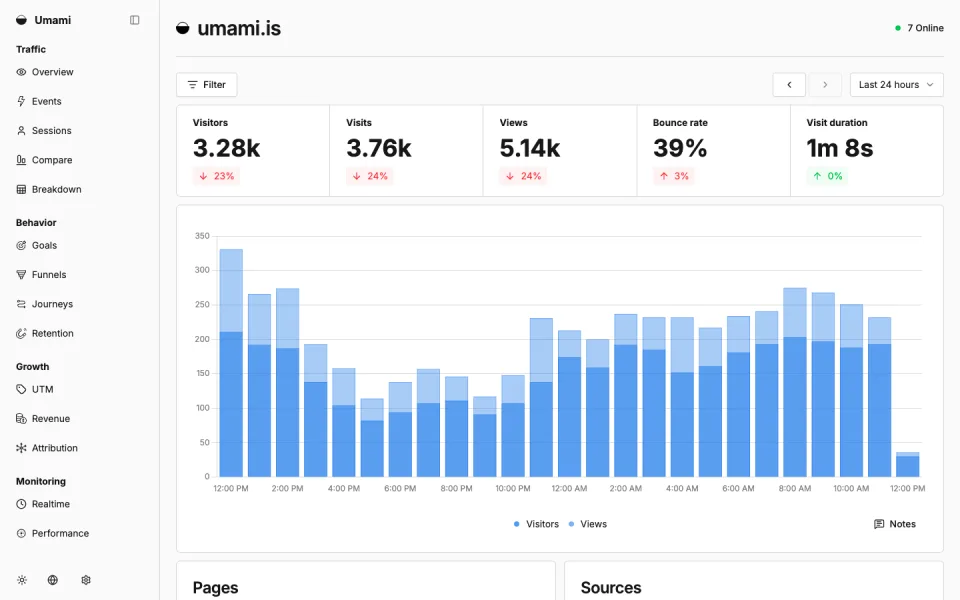
What you use it for
Get unstuck, look around, make it better.
I don’t know how to design this page.
Look up the page (paywall, onboarding, settings, dashboard) and start from how successful apps built it.
Ask your agent
Design my settings page. Look at three apps that do it well first.
I want to see what competitors do.
Open an app and walk through its flows from the first screen to the last.
Ask your agent
Walk me through how Headway goes from its first screen to its offer.
My flow could be better.
Put yours next to theirs and find out what you are missing, or asking too early.
Ask your agent
Compare my onboarding with Imprint’s. What should I change?
How it works
From “how do others do it?” to your own design.
- 01
Find
Search the page or flow you need, or pick apps by category, downloads and revenue.
- 02
Analyze
Ask how they do it. Answers cite the exact screens they come from.
- 03
Reference
Hand the screens and flows to your own agent over MCP.
- 04
Design
In DESIGN.md Pro, or on your own machine with the agent you already use.
A competitor’s whole flow
Every step, without installing the app.
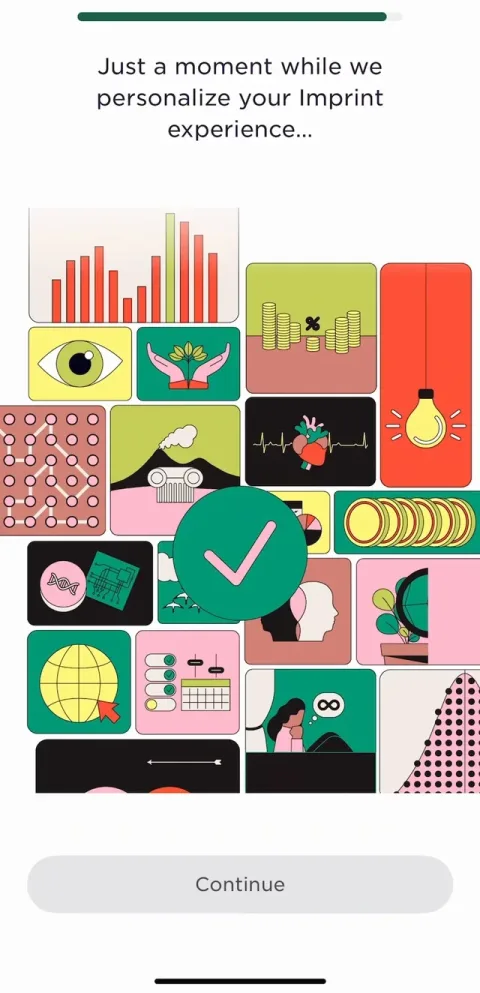
One screenshot shows what an app looks like. The flow shows why. Six screens from how Imprint starts: a promise, one question, a payoff, then a reason to come back.

01 Hello
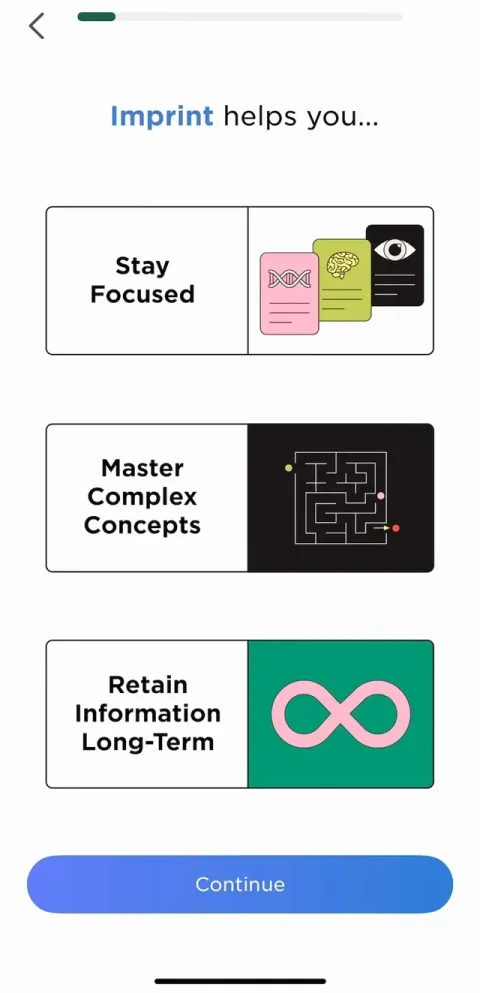
02 The promise
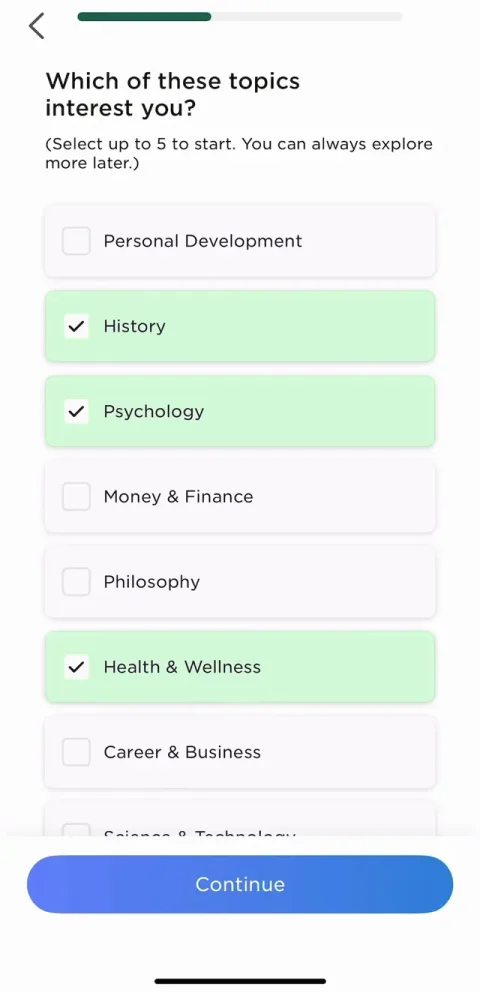
03 Your topics
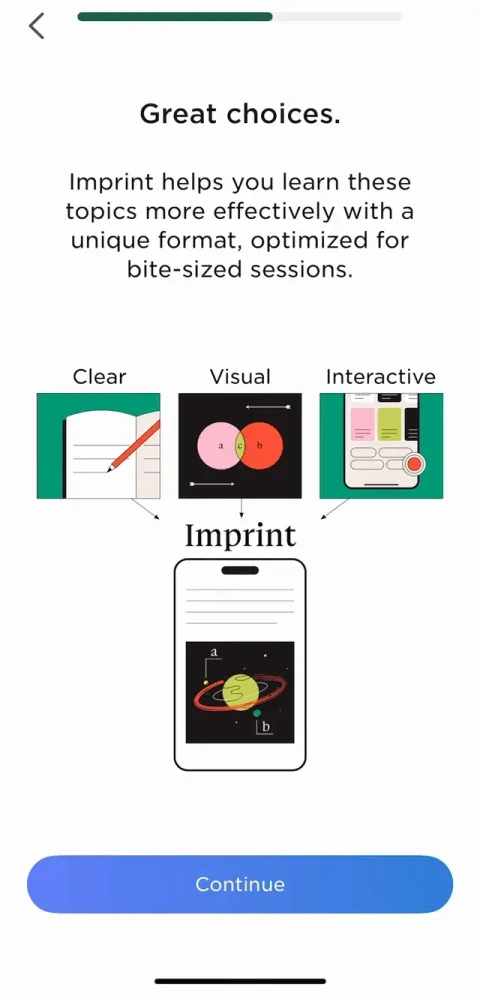
04 The payoff
05 Made for you
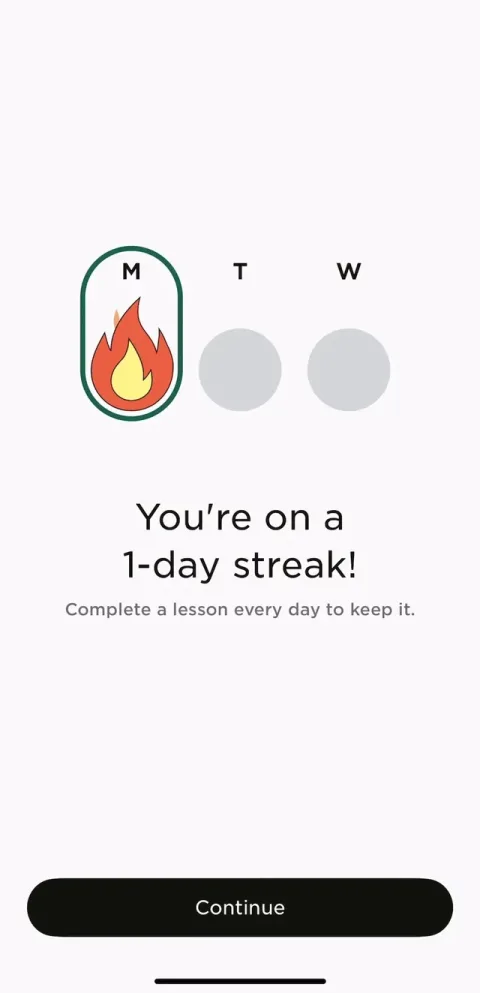
06 First streak
Paywalls with a price tag
See the paywall. And what the app makes.
Put one pattern from many apps side by side, with the estimated revenue, downloads and rating of each app under it.
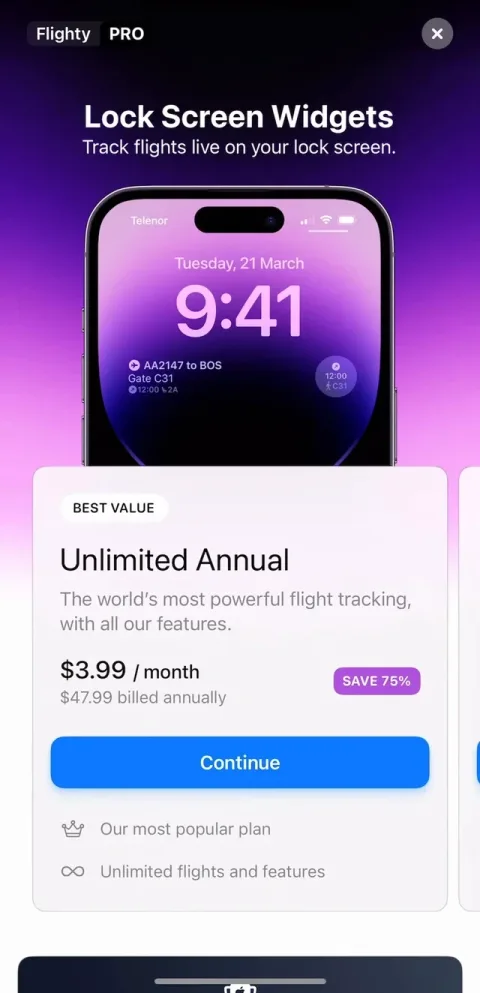
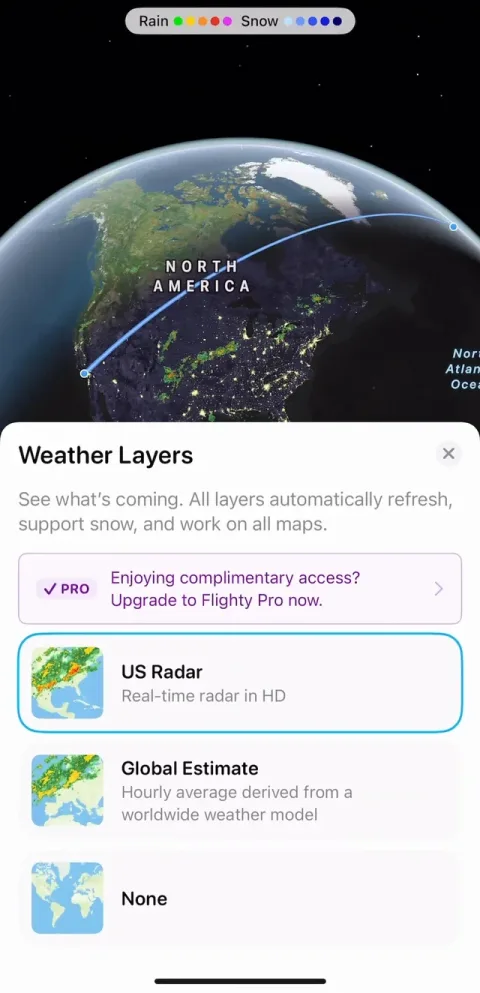
Flighty
- Revenue / mo
- ~$800K
- Downloads / mo
- ~200K
- Rating
- 4.85 (155K)

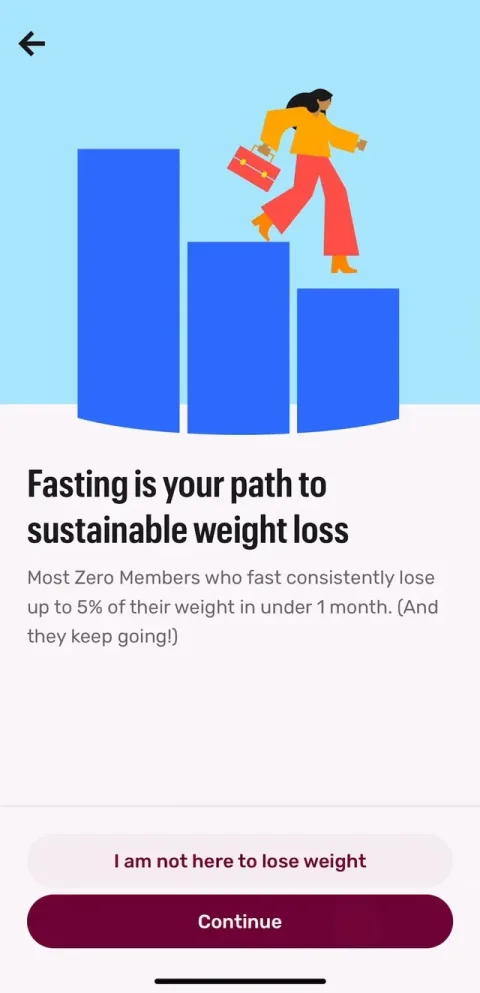
Headway
- Revenue / mo
- ~$500K
- Downloads / mo
- ~40K
- Rating
- 4.64 (117K)
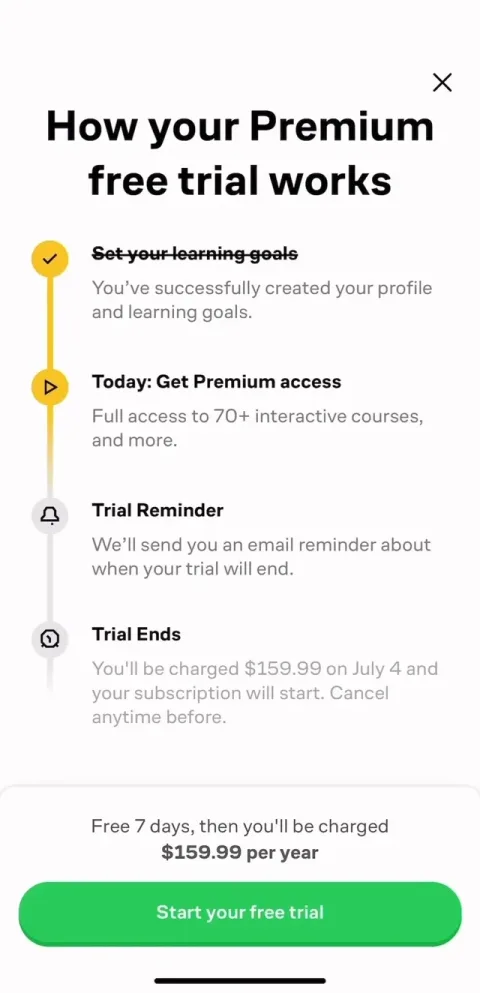
Brilliant
- Revenue / mo
- ~$300K
- Downloads / mo
- ~60K
- Rating
- 4.74 (23K)
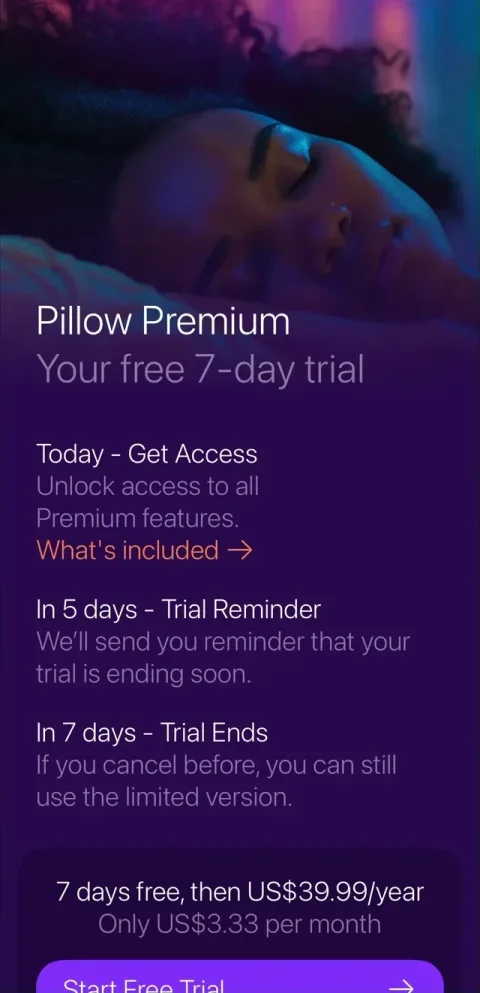
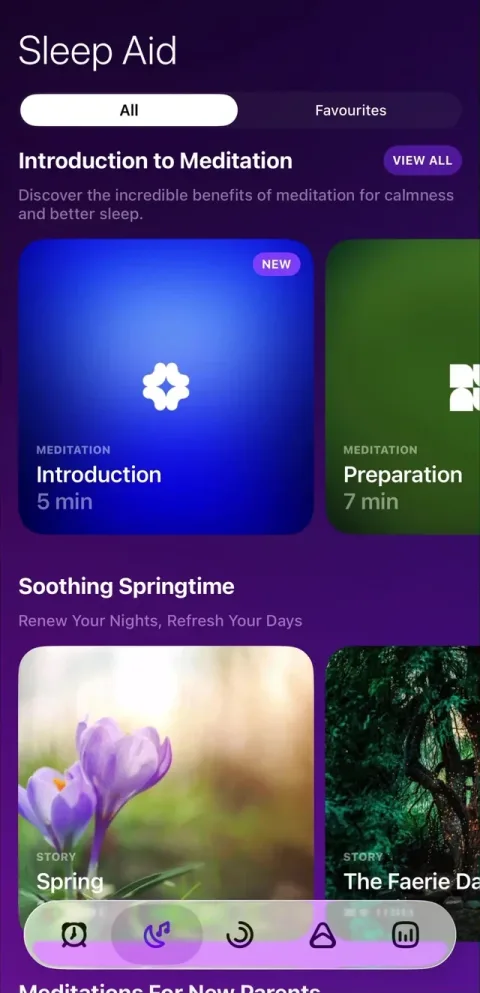
Pillow
- Revenue / mo
- ~$200K
- Downloads / mo
- ~20K
- Rating
- 4.39 (92K)
The numbers
Find out which designs earn.
Sort the library by estimated revenue or downloads, check the rating, and start from the apps that work.
| App | Screens | |||
|---|---|---|---|---|
 Flighty | $800K | 200K | 4.85 (155,494) | 145 |
 Headway | $500K | 40K | 4.64 (116,643) | 161 |
 Endel | $400K | 100K | 4.64 (33,808) | 117 |
 Imprint | $300K | 300K | 4.76 (56,242) | 114 |
 Brilliant | $300K | 60K | 4.74 (23,264) | 95 |
 Pillow | $200K | 20K | 4.39 (91,938) | 131 |
 (Not Boring) Weather | $40K | 40K | 4.76 (17,172) | 43 |
What you get in the beta
700+ apps
iOS and web, screen by screen and flow by flow.
Revenue and downloads
Monthly estimates next to the screens of iOS apps.
Ratings
The App Store rating, so you know what people like.
User reviews
What people praise, ask for and complain about, next to the screens.
Revenue and downloads are monthly estimates.
Where you design
In DESIGN.md Pro. Or on your own machine.
The references come with you, wherever you build.
DESIGN.md Pro
Design with AI on a canvas, starting from the screens you picked.
- Your references next to your design
- Your own DESIGN.md for color and type
Your own machine
Connect the MCP and let your agent read the same screens in your repo.
- Claude Code, Codex, Cursor
- Searches, ranks by revenue and reads the screens
Questions
- Who is the beta for?
- Teams and individuals who design or build mobile and web apps. Tell us which one you are when you apply.
- When do I get in?
- We let people in a few at a time and write to the email on your account when your spot opens.
- Are these real apps?
- Yes. Every screen on this page is a capture of a live iOS or web app. The screens, names and artwork belong to the companies that made them.
- Where do the numbers come from?
- Revenue and downloads are rounded monthly estimates from third-party App Store data. Ratings come from the App Store.
- Which platforms are covered?
- iOS and web. Revenue, downloads and ratings are for iOS apps.
Spend the day designing.
Join the closed beta. One question, and we’ll write when your spot opens.
Request access