AI Build and Connect Product Demo Template
Follow an AI setup request through a template picker, a service connection and a dashboard populated with product figures.
Choose this for an overview where setup, selection and connection are all part of the same first-use story. Tie the dashboard outcome to a service shown earlier.
What’s in the film
- 01
Ask for setup
A typed request leads to the assistant’s step-by-step reply.
- 02
Pick a template and connect a service
A rotating choice leads to a stack strip and a connected button state.
- 03
Open the dashboard
Tabs and figures show the result of the setup.
Best use cases
Demo one product’s first run
Select a named template and use dashboard tiles that illustrate what becomes available after connecting the service.
Customize in Video Studio
- Prompt, setup steps, preview and template names
- Connection states and dashboard tabs and tiles
Edit with Studio chat
Run [setup request], pick [template], connect [service] and show [dashboard outcome].
Fine-tune manually
Check that the connected state uses the same service label as the button before the click.
More video templates
See all One Prompt Website Publishing Demo TemplateSelect a kit from a composer, build a page, request a pricing change and show the site being published.
 Kinetic Manifesto Launch Video TemplateAnimate a launch manifesto with condensed type, vivid geometric wipes and word-by-word feature hits.
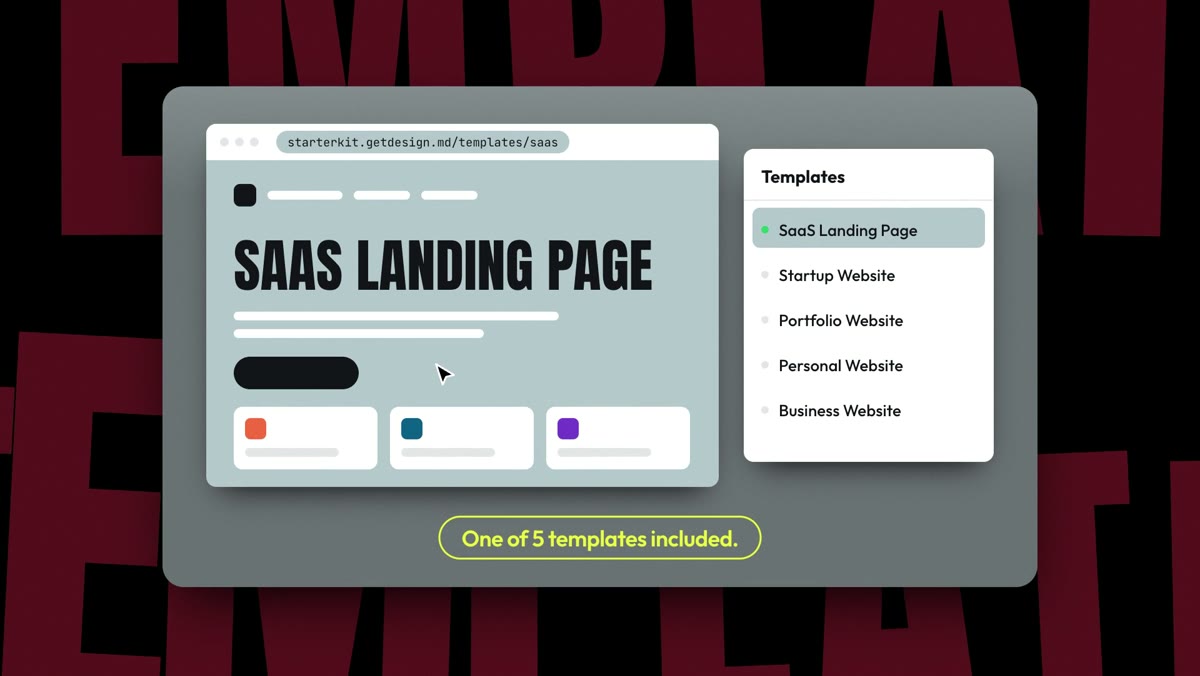 Warped Type Product Highlights Video TemplatePair frosted UI windows with stretched headlines and oversized numerals in a product highlights reel.