One Prompt Website Publishing Demo Template
Select a kit from a composer, build a page, request a pricing change and show the site being published.
Pick this for a full start-to-publish journey that fits into one preview. A follow-up request shows that the initial draft can be refined.
What’s in the film
- 01
Pick a starting point
A typed prompt opens a tool menu and the template chips pass by.
- 02
Build and revise
A split workspace shows the generated page and a second request updates pricing.
- 03
Publish the project
The publish dialog moves from targets to a finished address.
Best use cases
Show how to publish a SaaS landing page
Give the draft one visible checkout change before publishing so the walkthrough shows an actual revision.
Customize in Video Studio
- Initial prompt, tool choices, template chips and draft copy
- Follow-up change, pricing text and publish status and URL
Edit with Studio chat
Use [initial prompt], pick [template], add [pricing change] and publish to [sample URL].
Fine-tune manually
Keep the pricing heading and checkout button aligned with what the follow-up request asks for.
More video templates
See all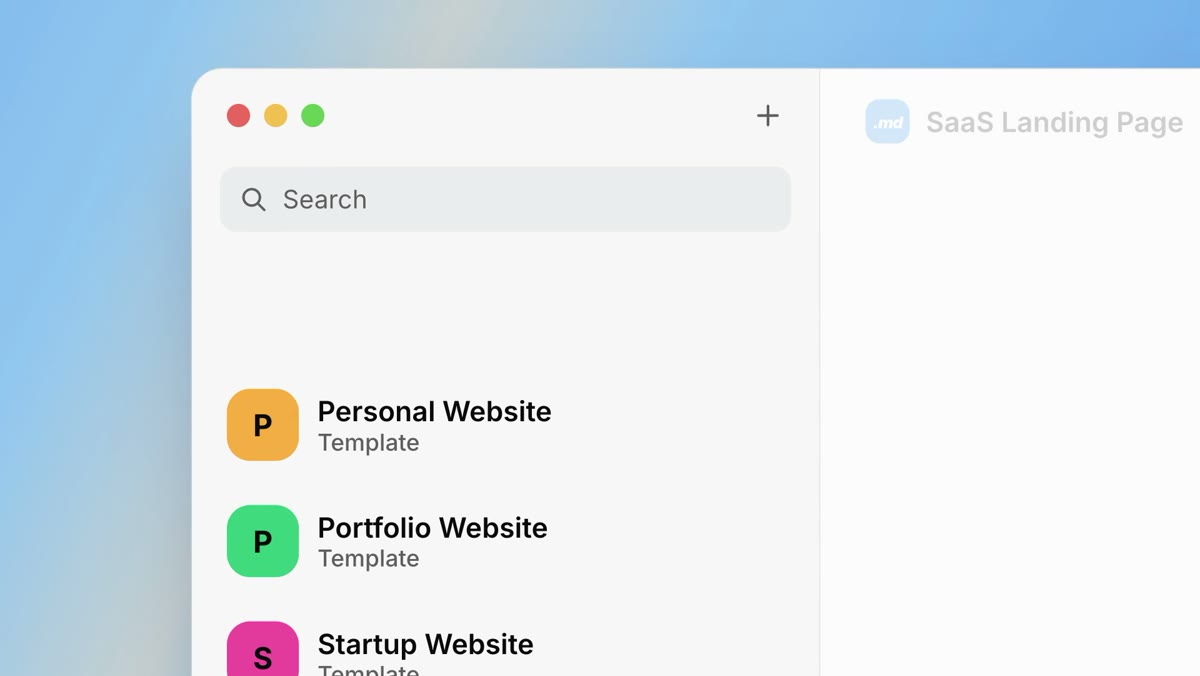 Chat to Website Template Demo TemplateTurn an AI chat request into a website draft, open its template card and show where other templates live.
 App Ecosystem Overview Video TemplateStart with a working dashboard, bring skills and service logos into view, then show an assistant answering from project context.
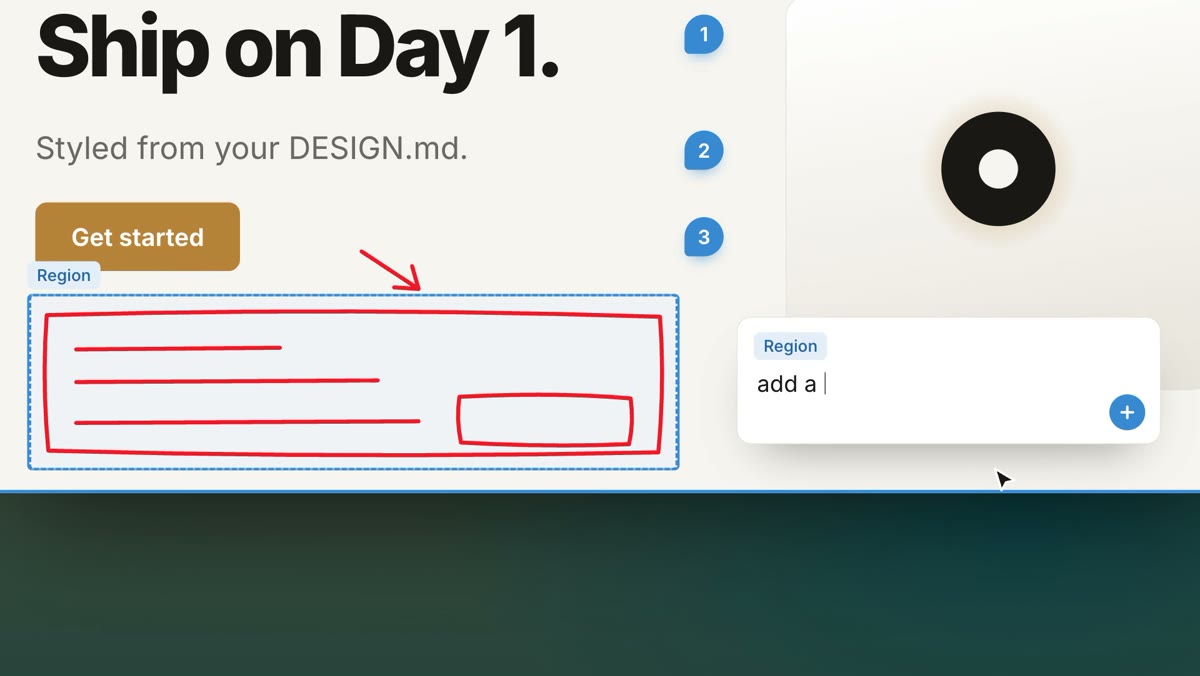 Pinned Website Feedback Demo TemplatePin notes over a webpage, select a design token and turn a sketch into a built section.