AI Chat Answer Demo Video Template
Show an AI assistant turning a question and a stack of source cards into a short answer on a clean white canvas.
Choose this when your assistant’s answer is easier to trust or understand after viewers see the sources it draws on.
What’s in the film
- 01
Ask
A visitor’s question appears in the chat bubble.
- 02
Gather
Source cards fan out while the assistant works.
- 03
Answer
A compact reply and changing verbs lead into the wordmark.
Best use cases
Demo a knowledge assistant
Show the types of records the assistant draws from before presenting its answer.
Explain a product bundle
Use a realistic customer question to introduce the items included.
Customize in Video Studio
- The opening question and assistant status
- The four source cards, answer lines and rotating closing verbs
Edit with Studio chat
Ask ‘[customer question]’. Show these four sources: [source list]. Write [answer] in two short lines and close with three verbs that describe the result.
Fine-tune manually
Set the question, source titles and answer in their own scenes. Check that each source supports the answer and that the two response lines fit.
More video templates
See all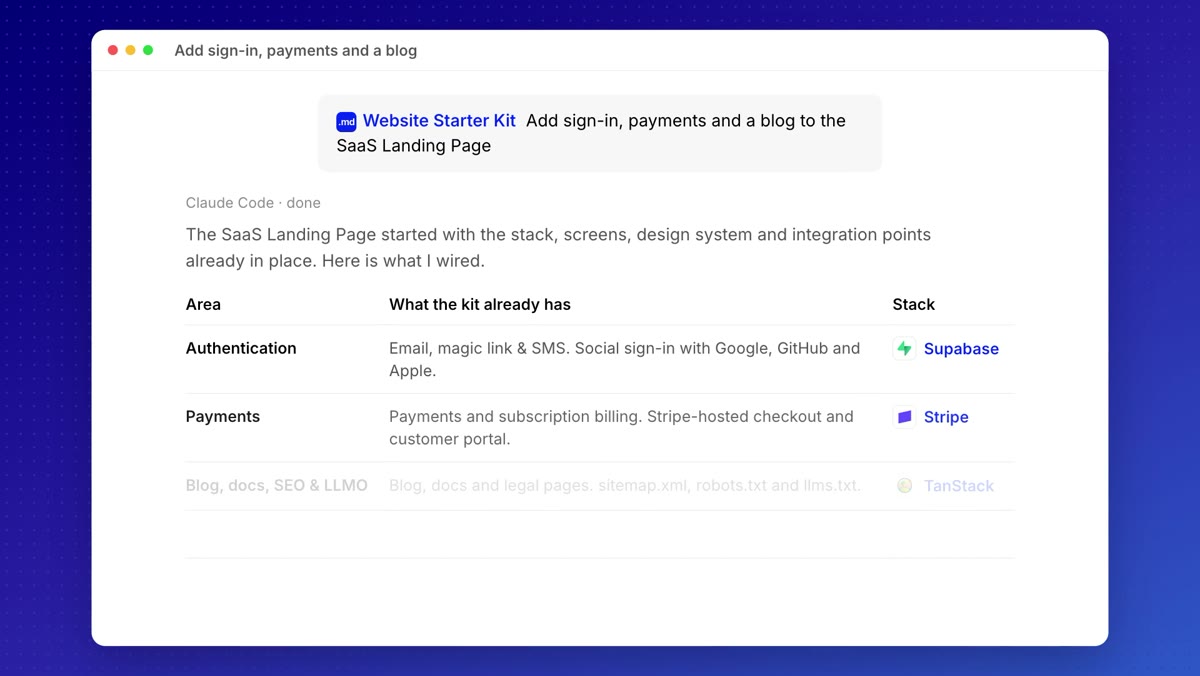 AI Coding Agent Session Demo Video TemplateFollow an AI coding session from a typed feature request through a tool log, an answer table and a preview of the shipped page.
 Waveform Logo Animation TemplateBlack pulses turn into labeled groups, then combine into a single brand tile on a violet field.
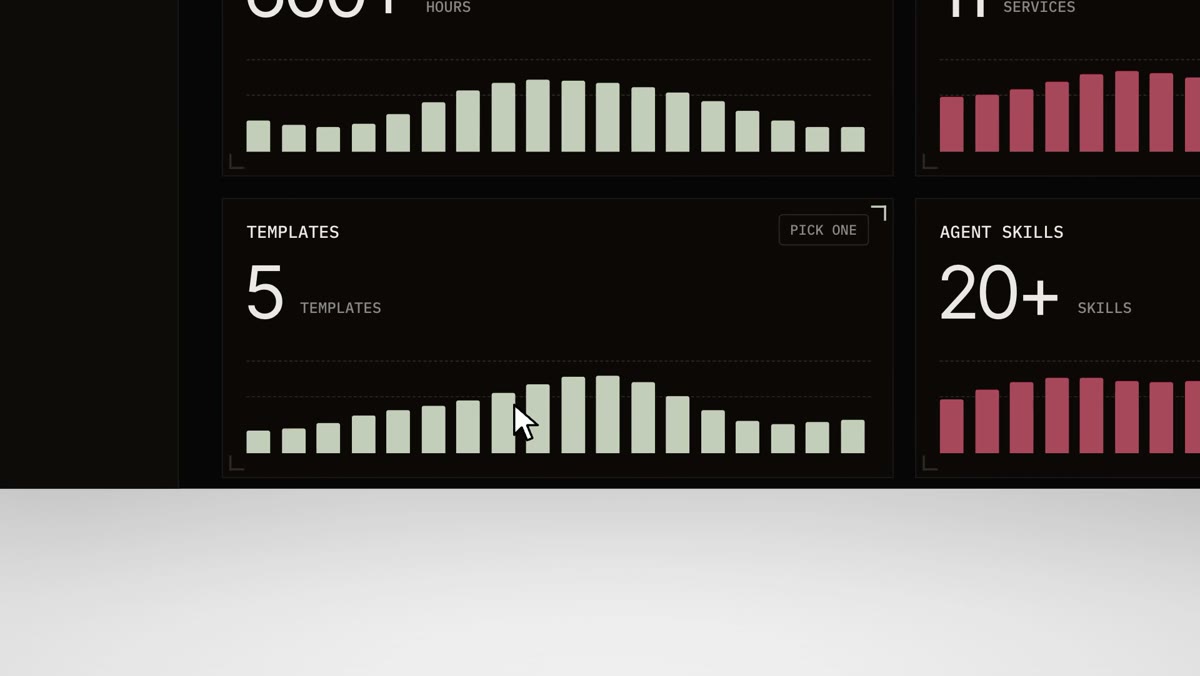 Glitch Typography Developer Launch Video TemplateOrange process wires, scrambled typography and a dark dashboard turn a build sequence into a developer product launch.