AI Coding Agent Session Demo Video Template
Follow an AI coding session from a typed feature request through a tool log, an answer table and a preview of the shipped page.
Choose this when the audience needs to see both the work an AI coding agent performs and the page it produces from one request.
What’s in the film
- 01
Request
A feature request types into a blue chat view.
- 02
Tool log
Rows show the files and skills read by the assistant.
- 03
Delivered page
An answer table leads into the live-looking site preview.
Best use cases
Show an agent using project context
Pick a request whose result is visible on the finished page, and use the log to explain how the agent got there.
Customize in Video Studio
- The feature request and tool activity rows
- The answer table, sample page and deployment card
Edit with Studio chat
Use [feature request] in the composer. Show the agent reading [project files and skills], then write [short result] and show [finished page] before Deploy.
Fine-tune manually
Keep only convincing tool actions in the visible beats. Check the answer table and site preview against the original prompt so the delivered work is clear.
More video templates
See all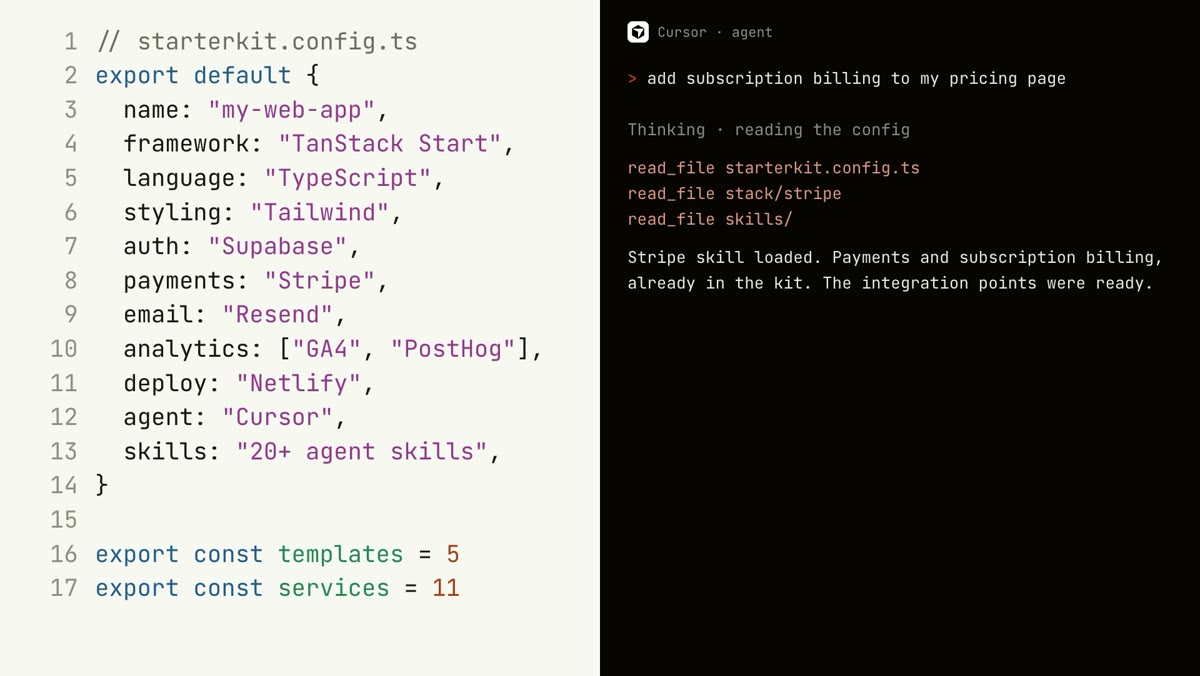 Split Screen Code Editor Demo Video TemplateShow a configuration file and an AI agent’s work side by side, then zoom in as deployment settings change.
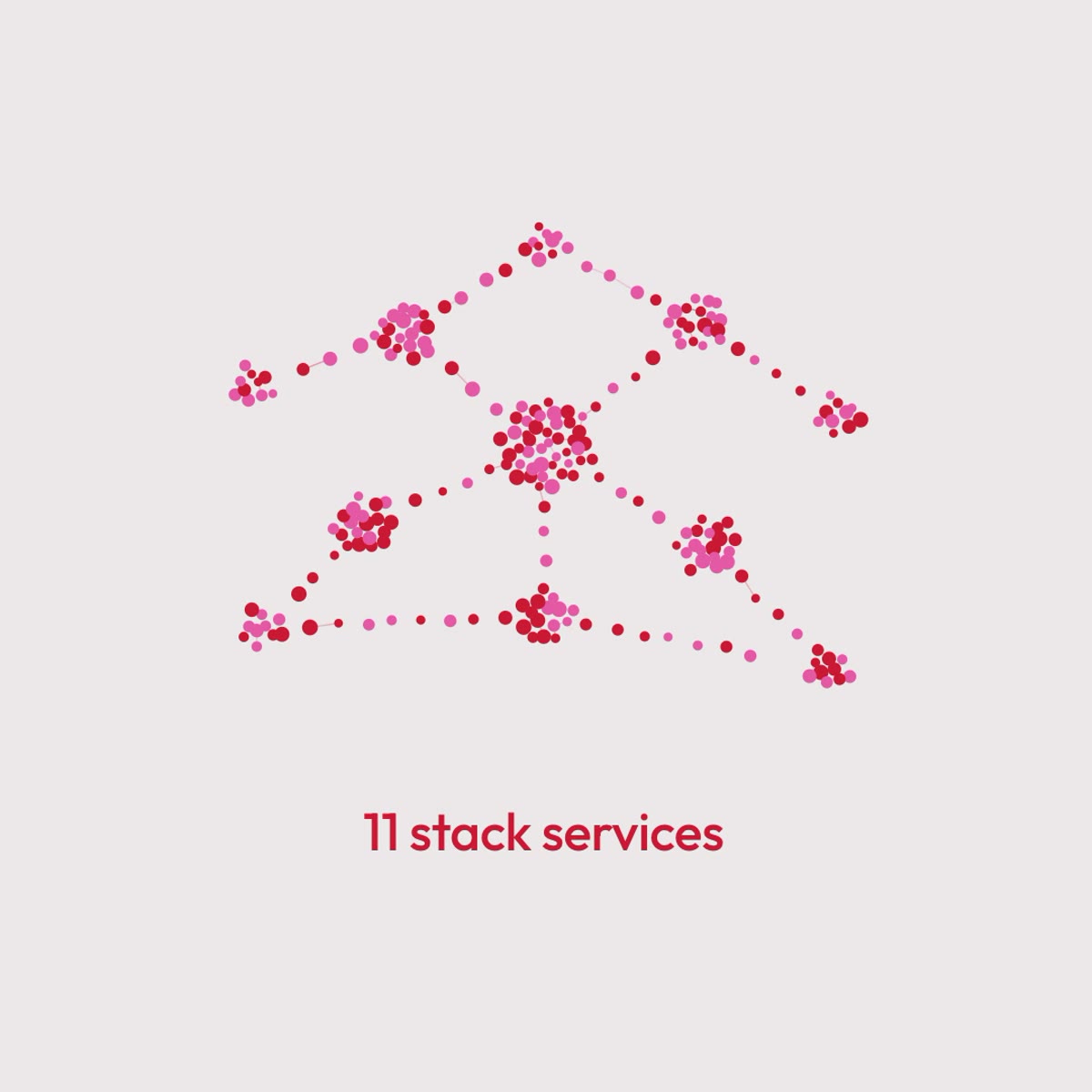 Dot Morph Product Features Video TemplateA square feature teaser in which coloured dots turn into a page grid, a service diagram and a stack of cards.
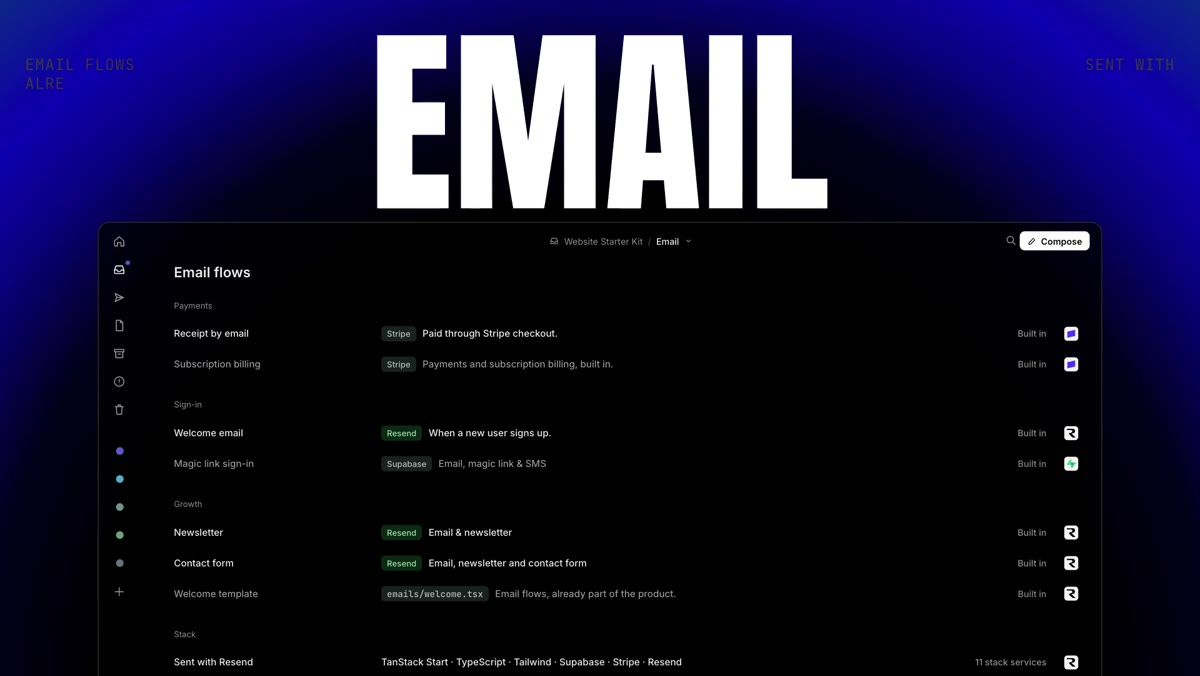 Transactional Email Flow Showcase Video TemplateA dark, single-shot email showcase with a rising inbox, example flow rows and a large backlit headline.