Split Screen Code Editor Demo Video Template
Show a configuration file and an AI agent’s work side by side, then zoom in as deployment settings change.
Choose this when a code setting and the agent’s response need to share the screen. It gives developers time to see which option changes and what the agent does next.
What’s in the film
- 01
Configuration
The stack appears as a typed TypeScript file.
- 02
Parallel work
The left pane keeps the configuration visible as the agent adds billing on the right.
- 03
Edit and rerun
The camera returns to a changed deploy entry before the agent runs again.
Best use cases
Explain a configuration-driven workflow
Keep the relevant option and the terminal result in the same frame so the relationship is readable.
Customize in Video Studio
- The configuration lines, highlighted setting and inserted line
- The terminal prompts, activity rows and closing line
Edit with Studio chat
Show these configuration entries: [entries]. Ask the terminal agent to [task], then highlight [old value] changing to [new value] and show [what the second run does].
Fine-tune manually
Edit the config line and its changed value before touching the terminal rows. Play both runs and confirm the terminal labels match the configuration.
More video templates
See all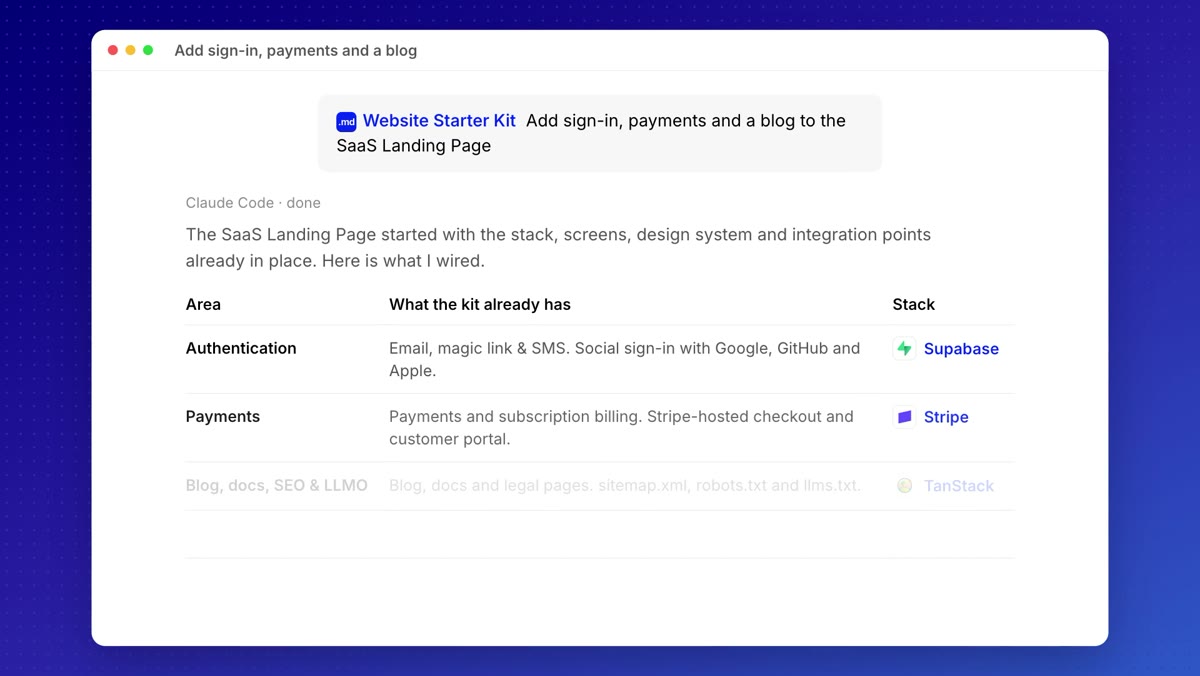 AI Coding Agent Session Demo Video TemplateFollow an AI coding session from a typed feature request through a tool log, an answer table and a preview of the shipped page.
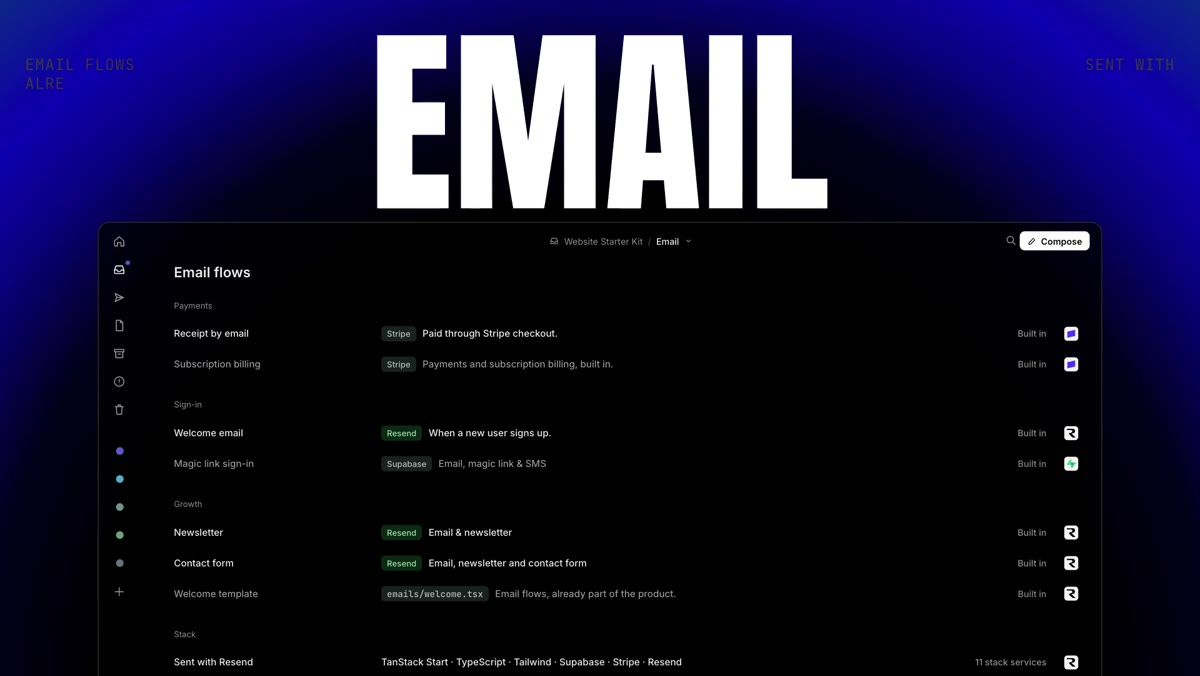 Transactional Email Flow Showcase Video TemplateA dark, single-shot email showcase with a rising inbox, example flow rows and a large backlit headline.
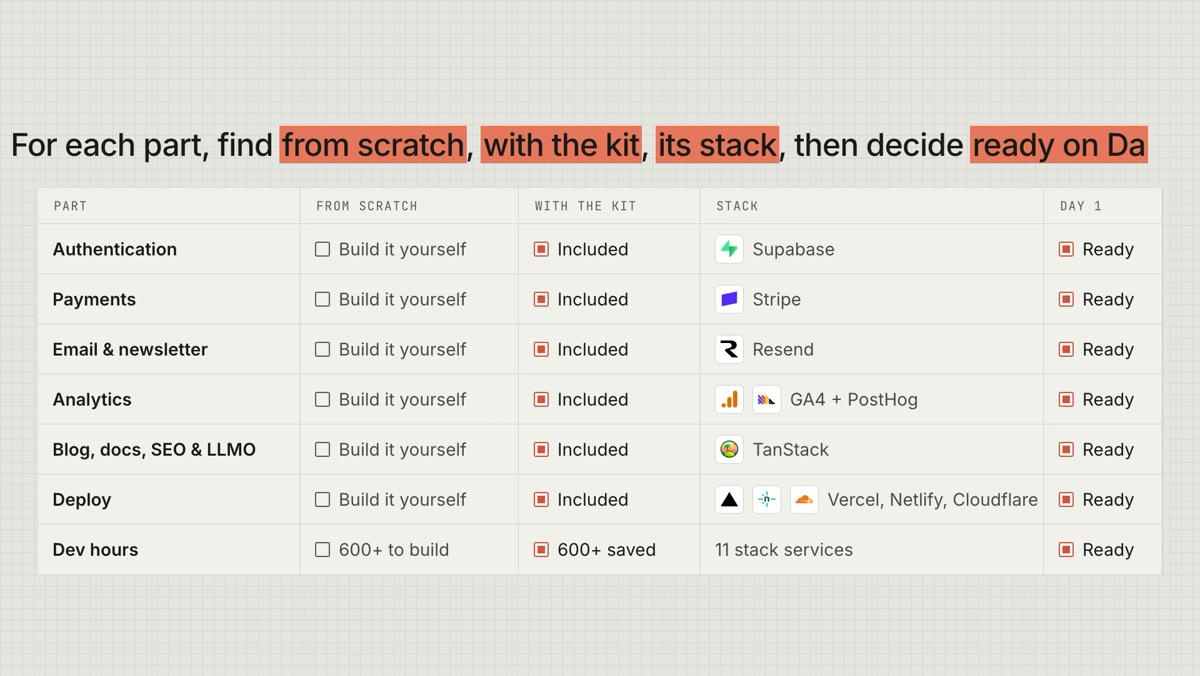 Build vs Buy Comparison Video TemplateTurn a buying question into a visual comparison with a dot-matrix globe, research cards and a table that assembles on screen.