AI Skills Menu Walkthrough Video Template
Open a skills submenu, fill out a skill form and use a slash command to change a page from its design rules.
Use this when users need to see where a reusable command lives and what happens after they run it. Demonstrate one command fully before showing other options.
What’s in the film
- 01
Compare the command with a long prompt
A familiar request gives way to a short skill chip.
- 02
Open the menu and form
The composer’s plus menu reveals skills, then a form shows how one is defined.
- 03
Run the slash command
Typed filtering selects the skill and the page preview changes.
Best use cases
Launch a reusable styling command
Use a before-and-after page with one visible change that users can tie to the command.
Customize in Video Studio
- Composer and menu labels, skill names and slash command
- Skill form fields, preview page and reply
Edit with Studio chat
Open [menu], select [skill], fill [form fields] and run [command] on [preview page].
Fine-tune manually
Keep the slash spelling identical in the menu, typed chip and closing card.
More video templates
See all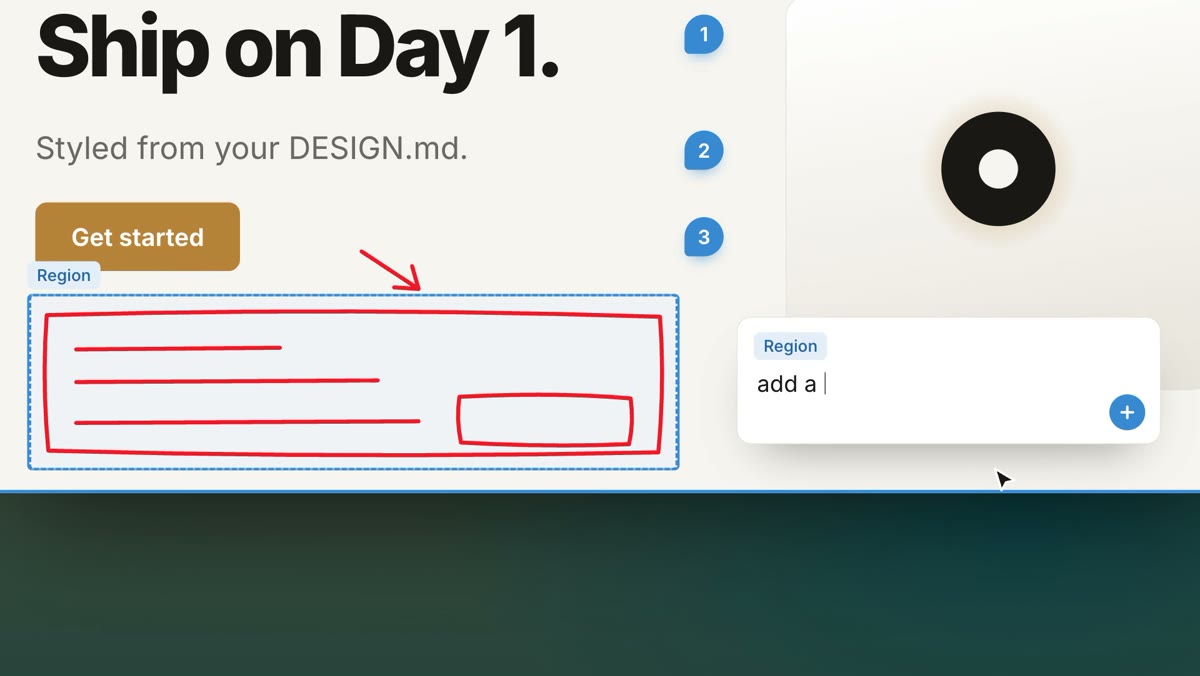 Pinned Website Feedback Demo TemplatePin notes over a webpage, select a design token and turn a sketch into a built section.
 One Prompt Website Publishing Demo TemplateSelect a kit from a composer, build a page, request a pricing change and show the site being published.
 App Ecosystem Overview Video TemplateStart with a working dashboard, bring skills and service logos into view, then show an assistant answering from project context.