AI Voice Note Recap Demo Template
Show an in-app question turn into a voice-note recap with a waveform, playback control and a short title.
Choose this when the format of the answer is the feature. Give the voice note a subject viewers can recognize even with the video muted.
What’s in the film
- 01
Ask for a recap
A composer introduces the question before the phone conversation appears.
- 02
Request the voice note
A second chat bubble asks for an audio answer.
- 03
Play the recap
The waveform fills the frame with the note label beside it.
Best use cases
Promote audio summaries
Ask for a project status recap and use a title that says what the audio covers.
Customize in Video Studio
- Initial prompt, chat messages and reply
- Tool name and voice-note title
Edit with Studio chat
Ask [recap question], request a voice note and title it [short subject].
Fine-tune manually
Check that the title remains visible in the tight waveform crop.
More video templates
See all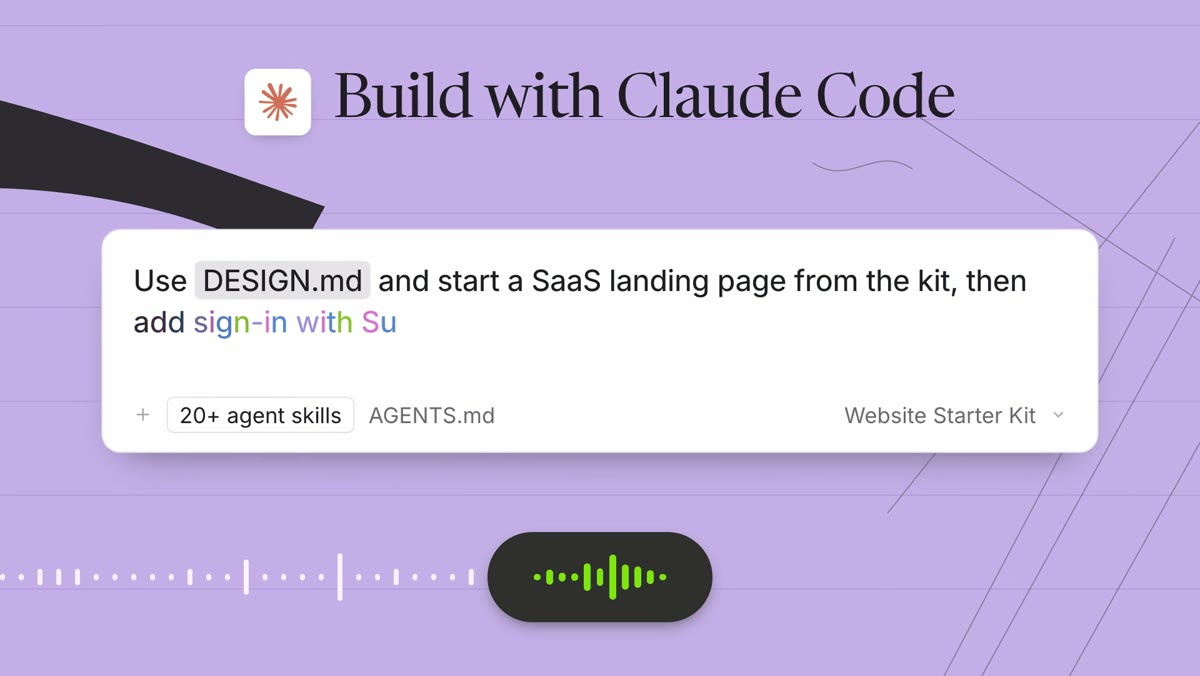 Hold to Talk Voice Feature Demo TemplateShow a keyboard shortcut turn into a waveform and a spoken request become an editable prompt card.
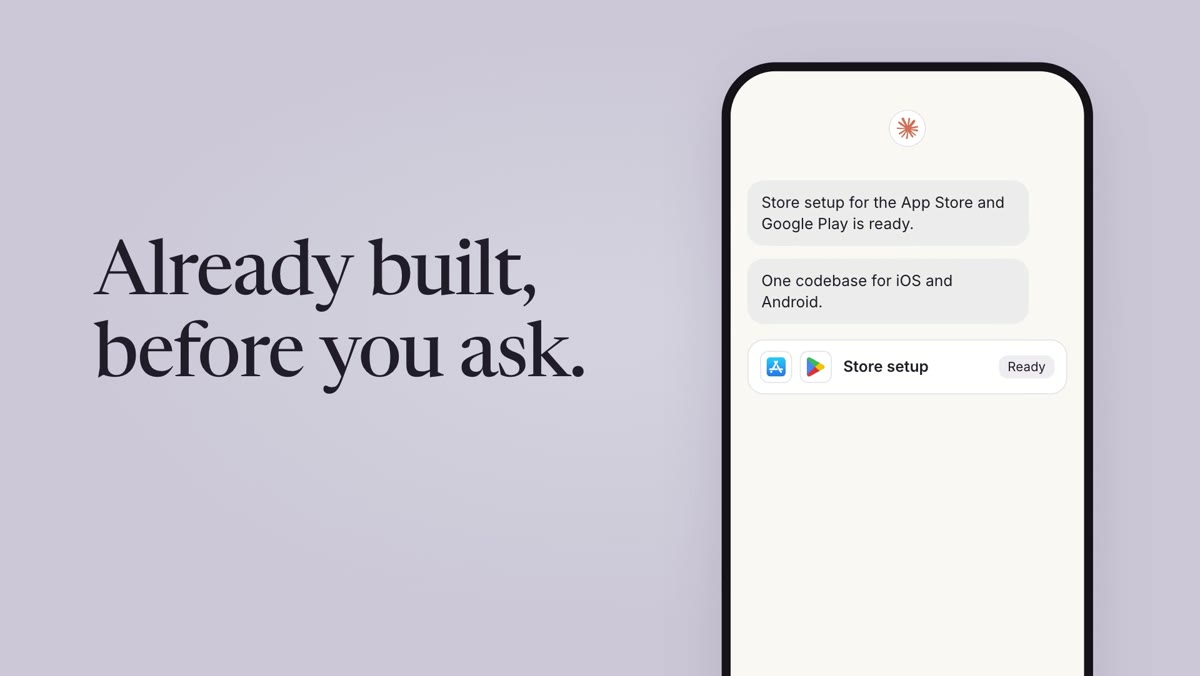 Proactive Assistant Briefing Video TemplateOpen on a proactive notification, show a mobile briefing and let the user review an email before sending it.
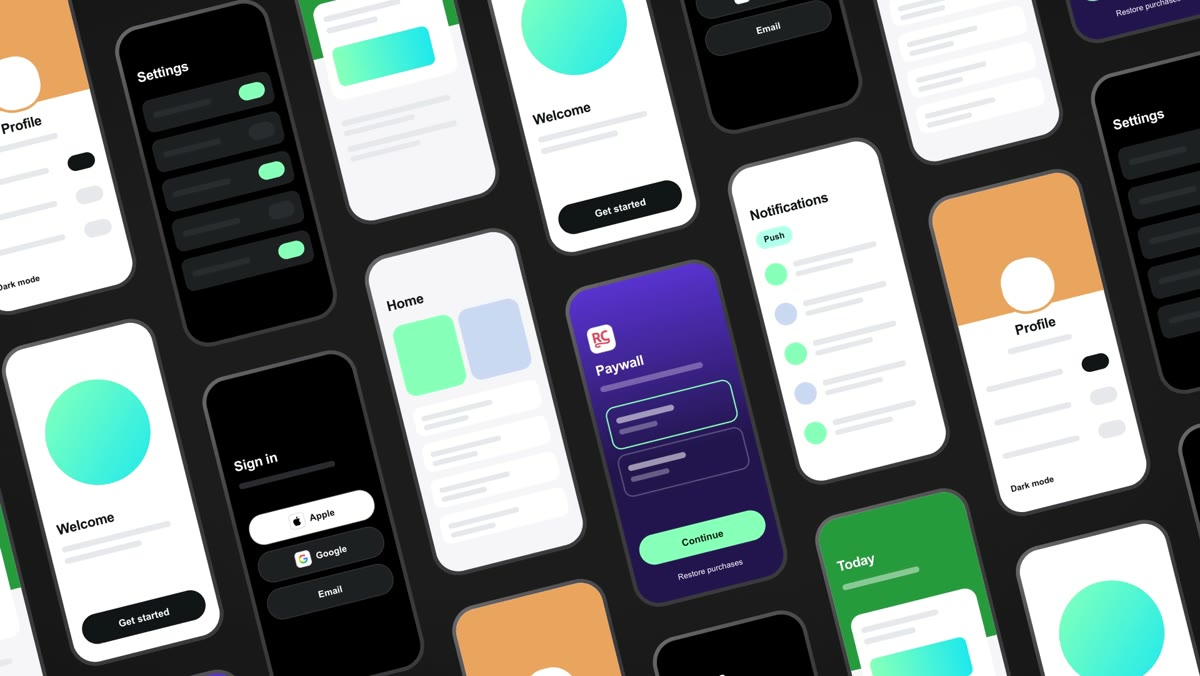 Orb and Mobile Screen Wall Launch Video TemplateFollow a glowing orb into a phone build sequence and then pull back to a wall of finished app screens.