Orb and Mobile Screen Wall Launch Video Template
Follow a glowing orb into a phone build sequence and then pull back to a wall of finished app screens.
Use this for a launch where the prompt is the starting point and the variety of screens is the payoff.
What’s in the film
- 01
Trace the launch path
A glowing orb travels across a grid into quick gradient statements.
- 02
Build on the phone
One prompt is followed by agent rows and a ready screen.
- 03
Expand into the wall
Finished screens fill a tilted grid before the closing statement.
Best use cases
Launch a mobile app toolkit
Use an example app people can identify from its home screen, then label the supporting flows in the wall.
Customize in Video Studio
- Opening swap words and orb captions
- Phone prompt, agent rows and eight screen labels
Edit with Studio chat
Start with [app idea], build [example app] and show [eight screen types].
Fine-tune manually
Choose short labels that stay readable across both dark and light phone cards.
More video templates
See all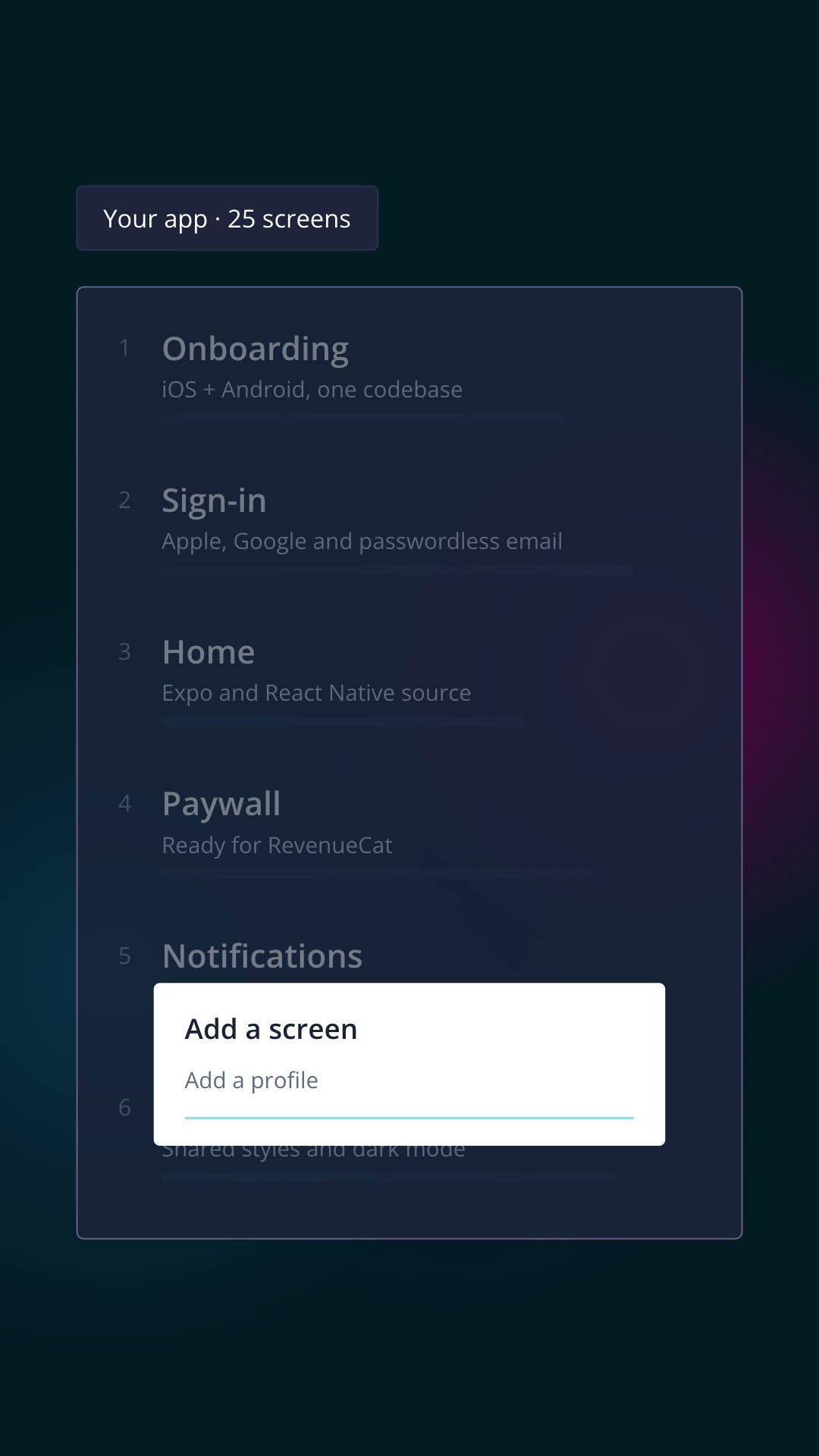 Mobile App Outline to Screens Demo TemplateShow an app prompt become a six-row plan, insert a requirement and reveal the resulting phone screens.
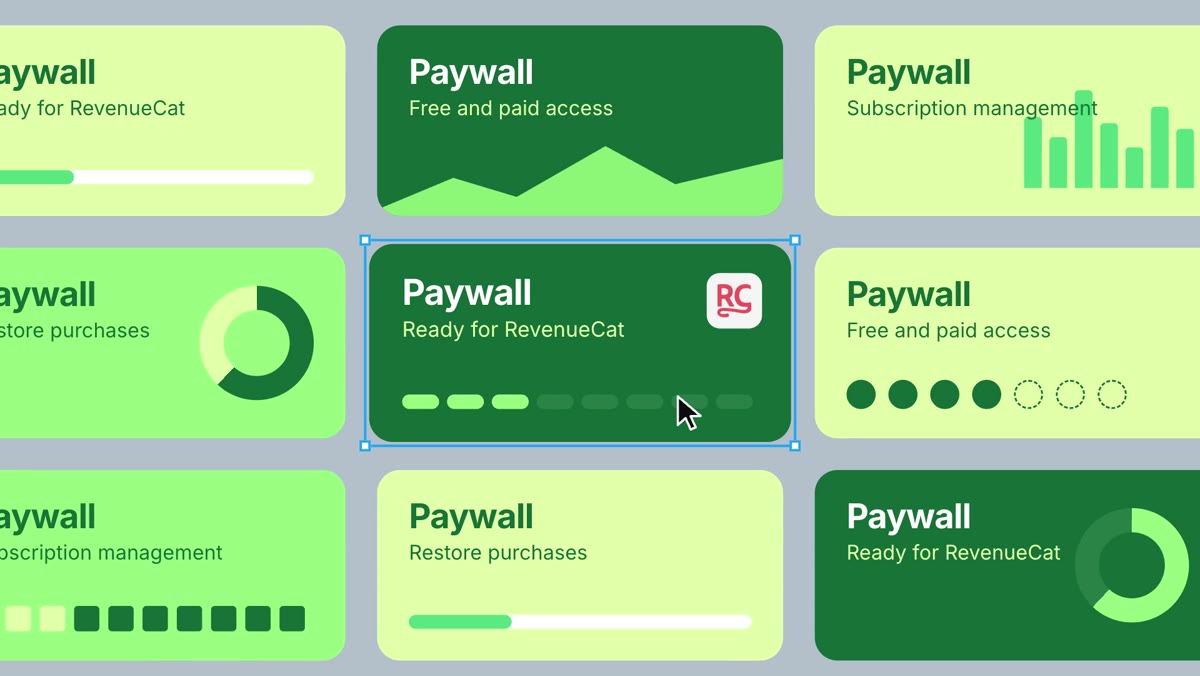 Mobile App Design Variants Demo TemplateStart with a wall of app screens, choose one flow, compare nine variants and request a build with dark mode.
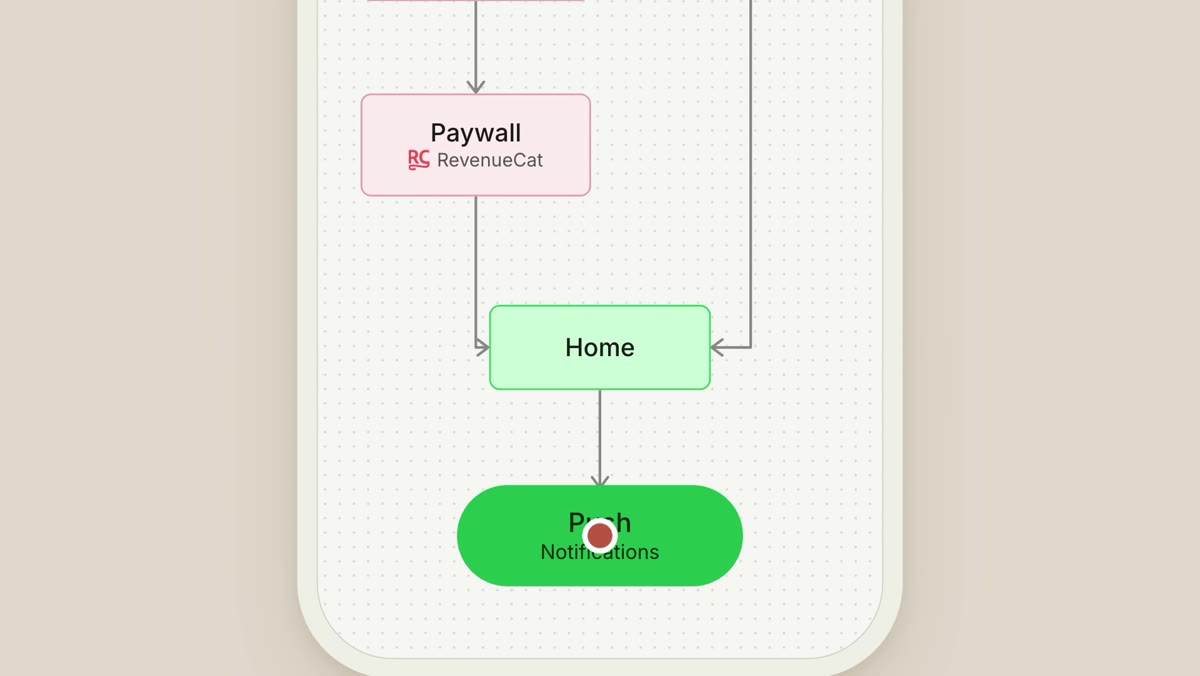 AI Answer Cards Product Demo TemplateTurn three questions about an app into a chart, a flow diagram and a presentation card inside a mobile chat.