Animated Feature Tree Video Template
A typed slash command becomes a branching feature tree with service labels and checks that pass one by one.
Choose this when one command fans out into several related jobs. The branching diagram makes each feature, its supporting service and its check visible together.
What’s in the film
- 01
Invoke
A slash command types into the composer.
- 02
Branch
Feature rows extend from a shared page and connect to service names.
- 03
Verify
Checks appear in sequence before the tree folds back into the brand close.
Best use cases
Show the scope of one command
Map the request to named outputs so viewers can see what belongs to each part of the build.
Customize in Video Studio
- The typed command and suggested menu entries
- The root project and feature rows, service labels, logos and checks
Edit with Studio chat
Type [slash command] for [project]. Branch into [features], connect each branch to [supporting service] and show a check for [visible result].
Fine-tune manually
Change the root label first, then edit each branch, service and check together. Preview the fully expanded tree to catch crowded labels.
More video templates
See all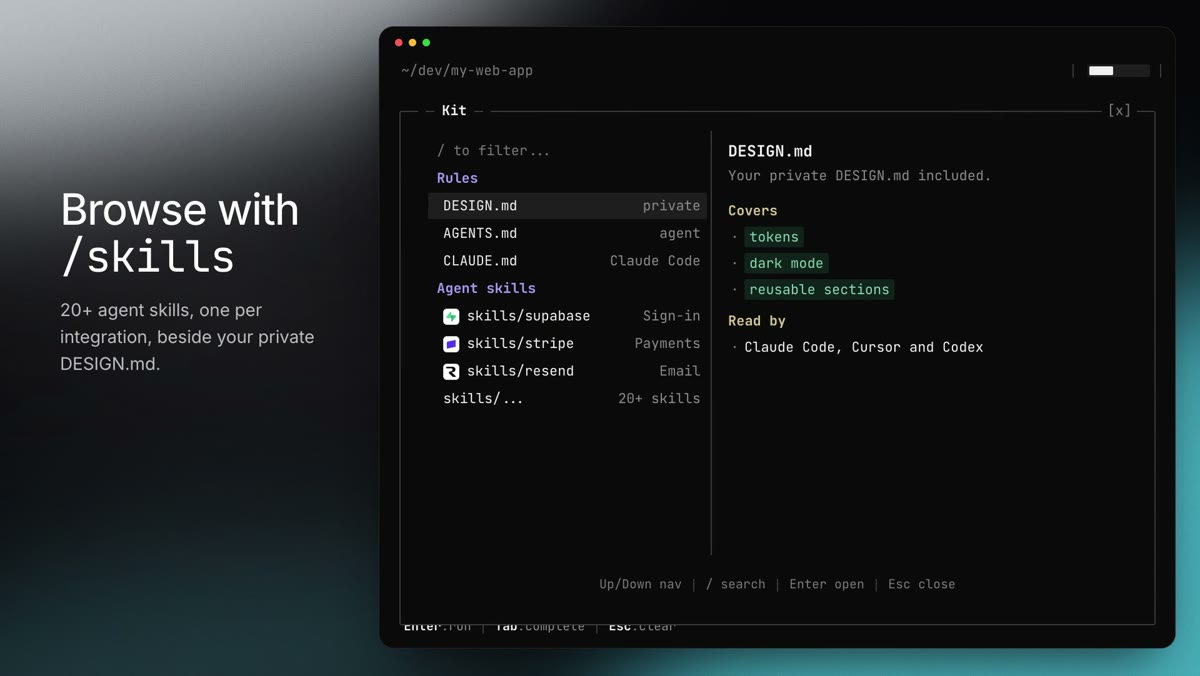 Repeatable AI Coding Rules Video TemplateShow an agent reading project rules before editing, browsing skills, then applying the same instructions in a later session.
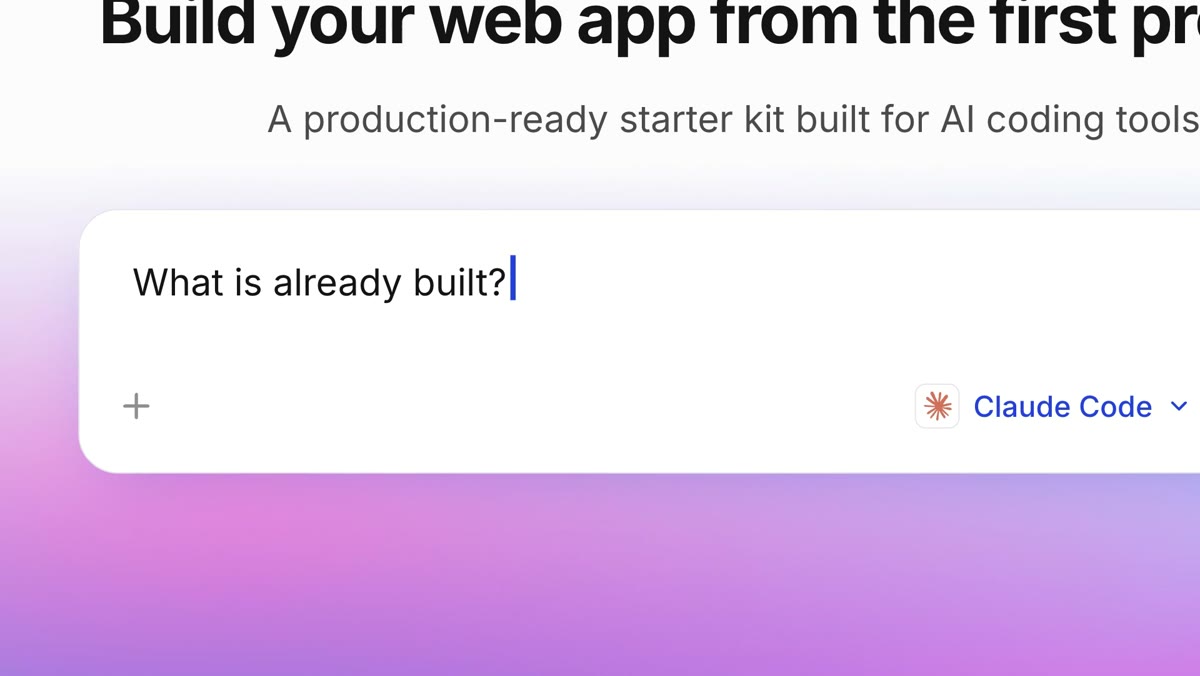 Customer Question Product Launch Video TemplateOpen on a relatable social post, then answer it with a website reveal and a short product chat demo.
 Prompt to Publish Website Video TemplateA glass composer turns a website brief into a published preview, then a cloud of cards shows the rest of the collection.