Prompt to Publish Website Video Template
A glass composer turns a website brief into a published preview, then a cloud of cards shows the rest of the collection.
Choose this for a website builder launch that should show a brief, a generated page and a publish action before revealing more of the catalogue.
What’s in the film
- 01
Type the brief
A coding tool is selected and the request types into glass.
- 02
Publish the result
The window builds the page and a click brings up deployment.
- 03
Show the collection
A paper plane leads into a floating cloud of page cards.
Best use cases
Demo a website builder’s first result
Show the original brief next to a clear preview before moving into publishing.
Customize in Video Studio
- The two prompts, tool picker and sample page copy
- The publish card, headline metric and floating template cards
Edit with Studio chat
Type [brief] in the glass composer and build [sample site]. Publish it using [target], then use the second request to reveal [other templates or features].
Fine-tune manually
Edit the first prompt and the visible page headline together. Verify the publish card names the intended target and the later cards show different examples.
More video templates
See all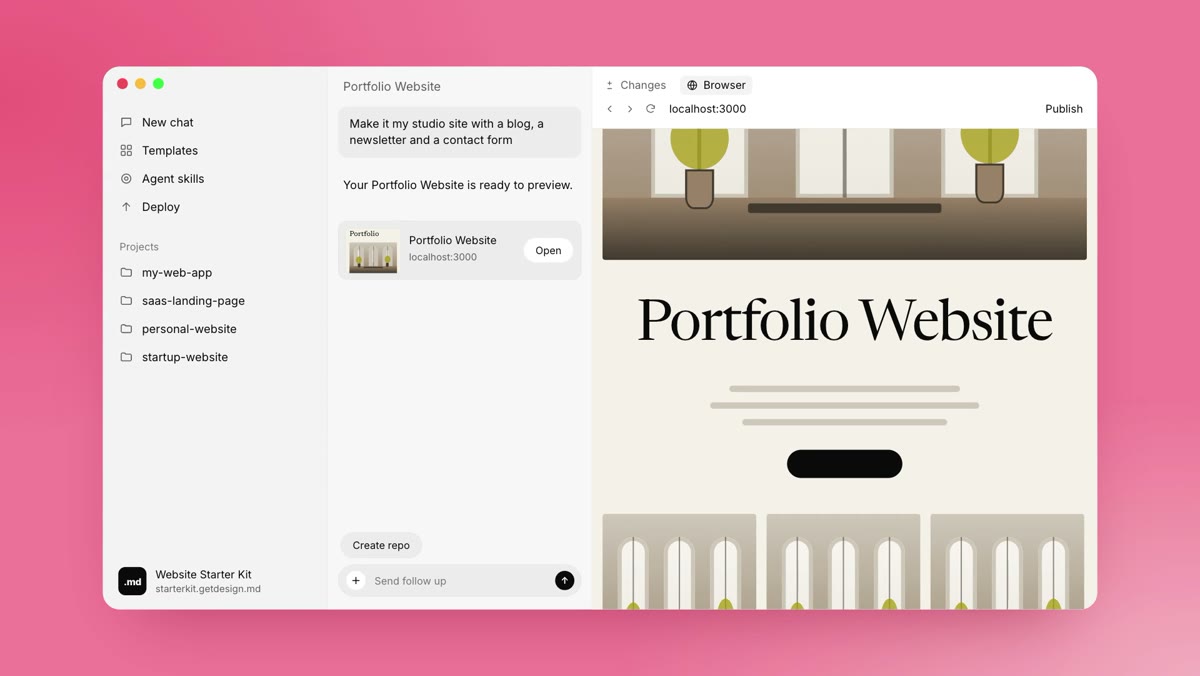 Template Picker Website Walkthrough Video TemplateChoose a portfolio from a dropdown, customize it in chat, then open the preview and create a repository.
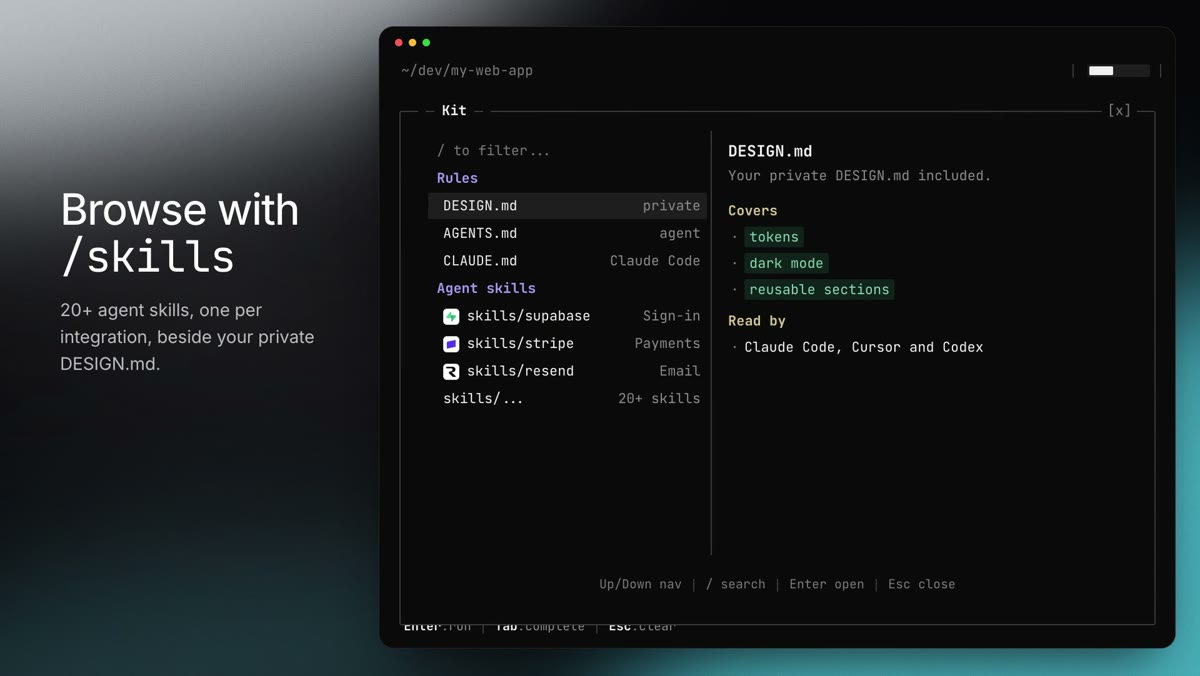 Repeatable AI Coding Rules Video TemplateShow an agent reading project rules before editing, browsing skills, then applying the same instructions in a later session.
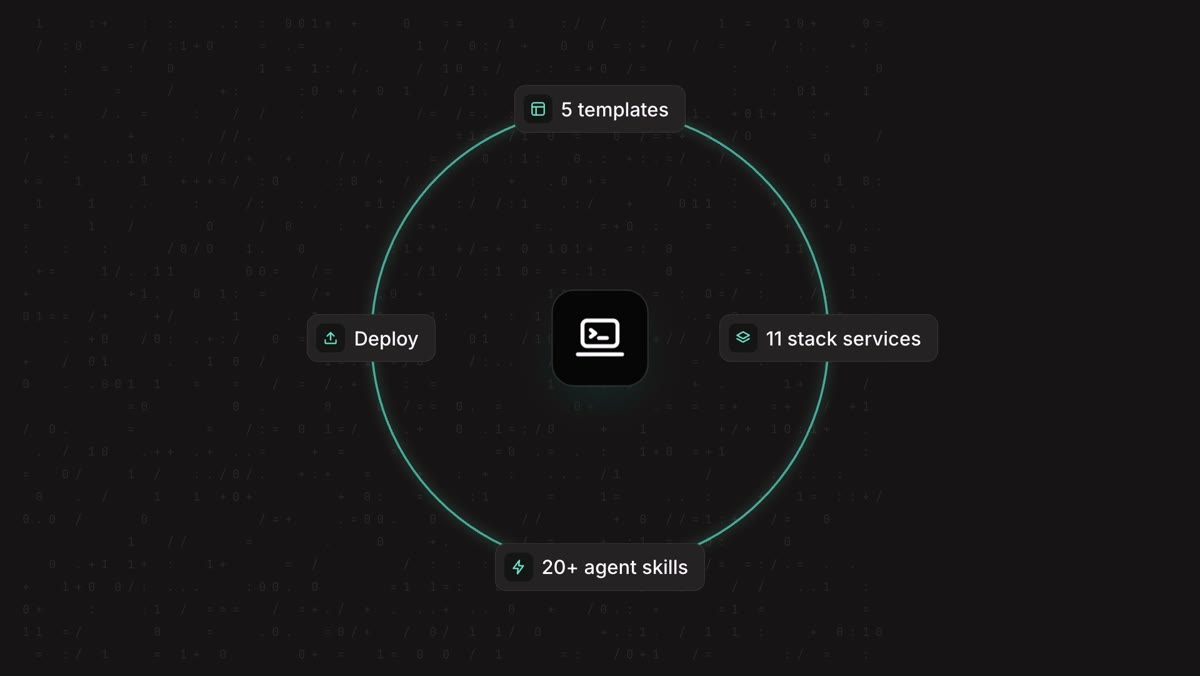 Glass Download Software Launch Video TemplateA glass download pill turns into an orbit of product features and a diagram linking local code to cloud deployment.