Animated Product Metrics and Checklist Video Template
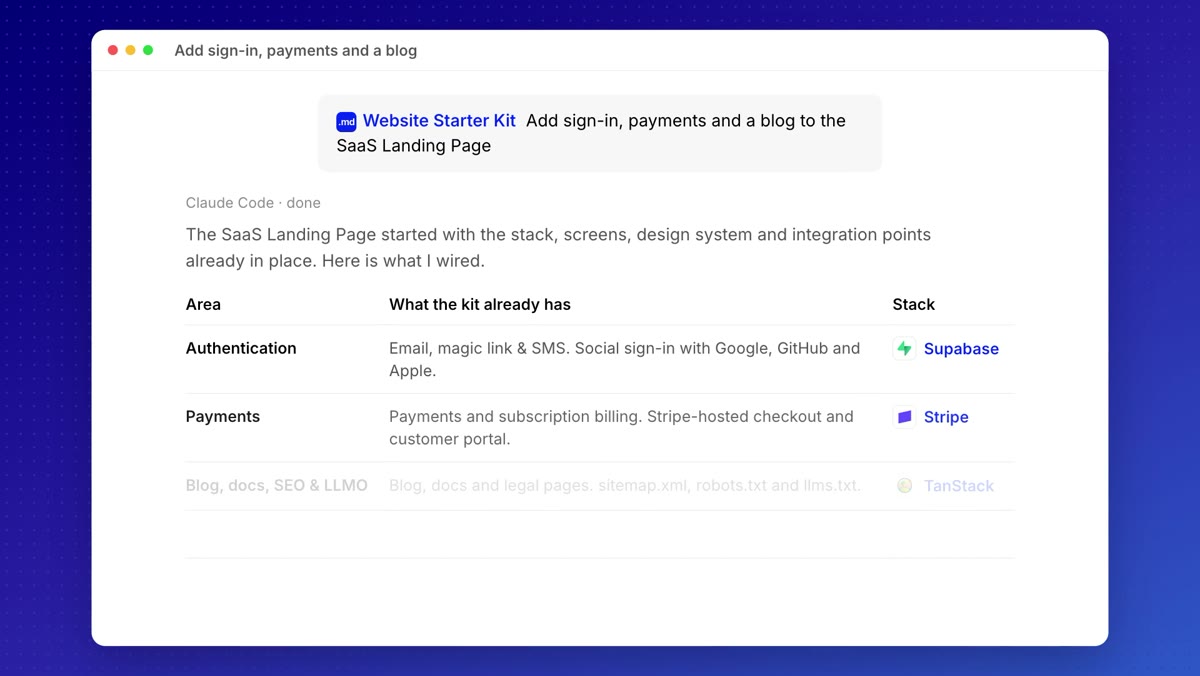
An orange count-up leads into a coding prompt, a checklist of ready features and a moving grid of tool names.
Choose this when there are several useful product figures and you can follow them with a checklist that explains what those numbers represent.
What’s in the film
- 01
Count-up
An illuminated dot opens into successive product figures.
- 02
Ready checklist
A typed prompt leads into code and named service statuses.
- 03
Tool grid
Stack and AI tool chips move in rows before one brand chip remains.
Best use cases
Show what comes ready
Pair top-level counts with named items so viewers can tell what the figures represent.
Present a catalogue release
Use the moving grid to suggest breadth after the film has highlighted the most important additions.
Customize in Video Studio
- The four figures, their units and the typed prompt
- The checklist items, service status rows and scrolling tool names
Edit with Studio chat
Count up to [four verified figures and units]. Type [launch request], then check off [features] and show [named services] as ready before closing on [brand].
Fine-tune manually
Replace each figure together with its unit. In the checklist and ready-state scenes, use the same names for services that appear more than once.
More video templates
See all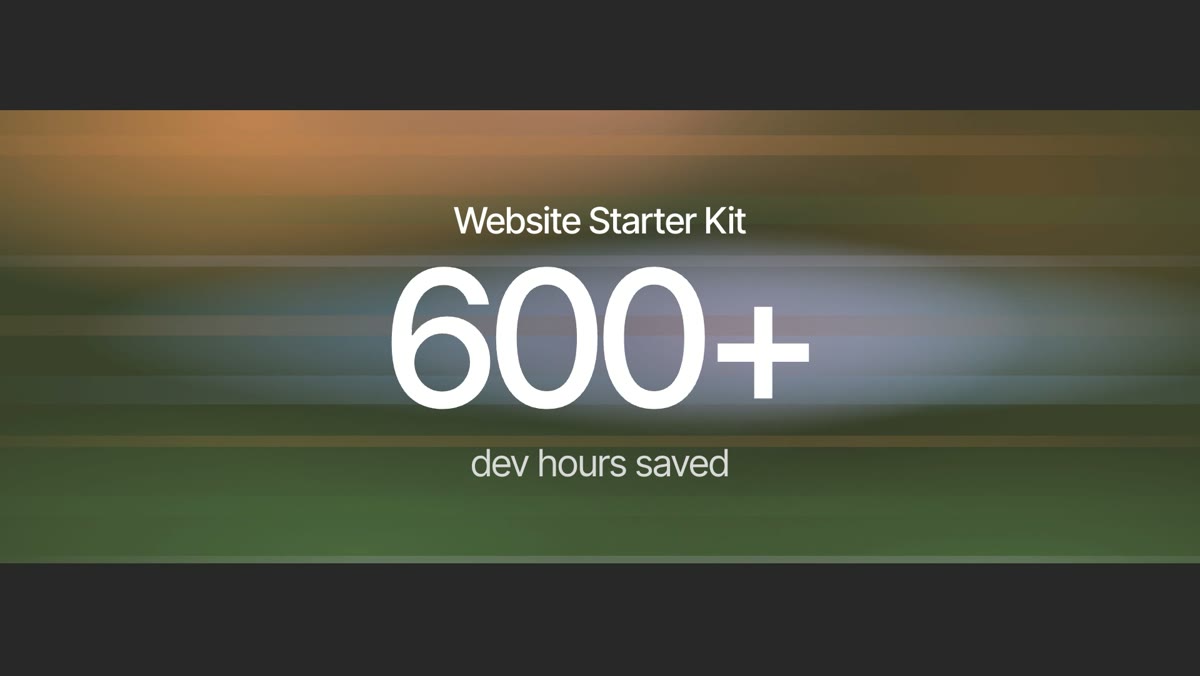 SaaS Tech Stack Launch Video TemplateA 17-second launch video built around a bold product number, a connected tech stack, AI coding tools, and a clear closing message.
 AI Coding Agent Session Demo Video TemplateFollow an AI coding session from a typed feature request through a tool log, an answer table and a preview of the shipped page.
 Dot Morph Product Features Video TemplateA square feature teaser in which coloured dots turn into a page grid, a service diagram and a stack of cards.