Backend Infrastructure Launch Video Template
Turn a backend setup story into a launch video with a failure chart, a service setup form, and an animated data pipeline.
Choose this for a backend launch where viewers need to understand how services connect and which data stays in sync.
What’s in the film
- 01
The starting problem
Status rows fail and a graph spikes red.
- 02
The setup
A green button opens a service form that fills in on screen.
- 03
The architecture
Database traffic splits into service branches and two tables sync.
Best use cases
Show a managed backend
Put the manual setup problem first, then demonstrate the specific connections your product handles.
Explain data sync
Use the matching table views to show the relationship a feature list would leave implicit.
Customize in Video Studio
- The failure states and service setup form fields
- The database and service labels, table names and sample schema changes
Edit with Studio chat
Show [two setup errors], then fill the setup form with [services]. Label the database [name], connect it to [three services], and show [a real change] syncing across the tables.
Fine-tune manually
Fill in the failure messages and the form fields separately. Then check the pipeline and schema scenes for consistent service and table names.
More video templates
See all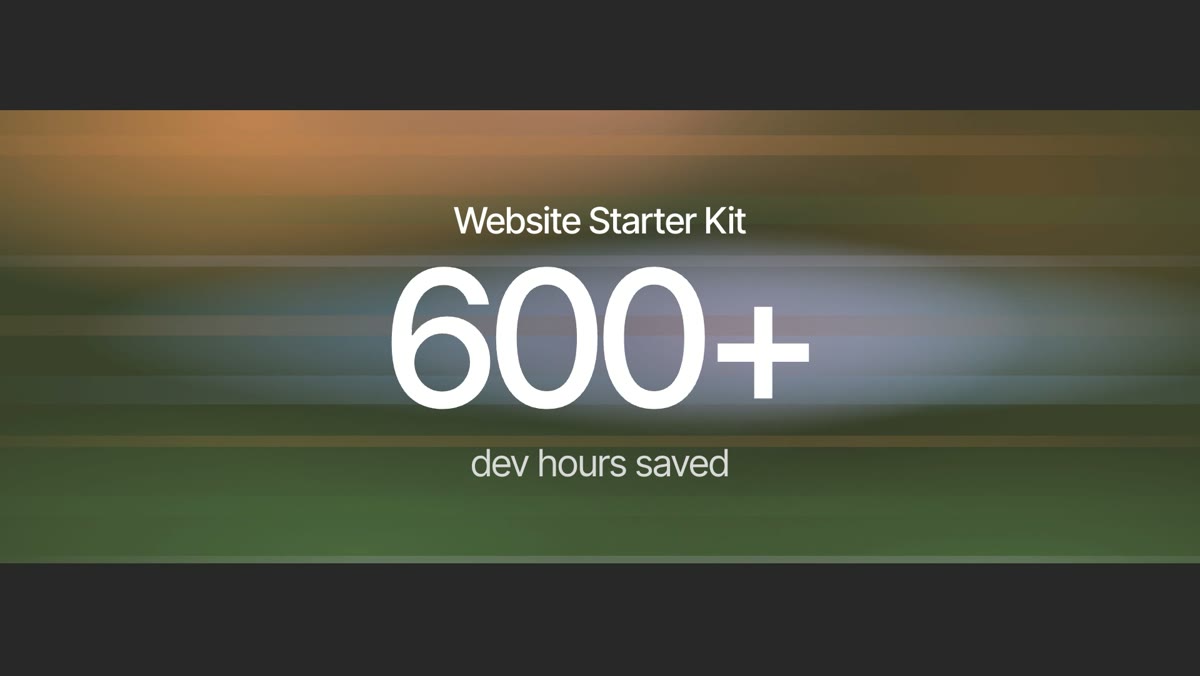 SaaS Tech Stack Launch Video TemplateA 17-second launch video built around a bold product number, a connected tech stack, AI coding tools, and a clear closing message.
 Animated Logo Reveal Teaser TemplateA short black-and-mint brand teaser built around cycling status text, a pointer click and an illuminated logo reveal.
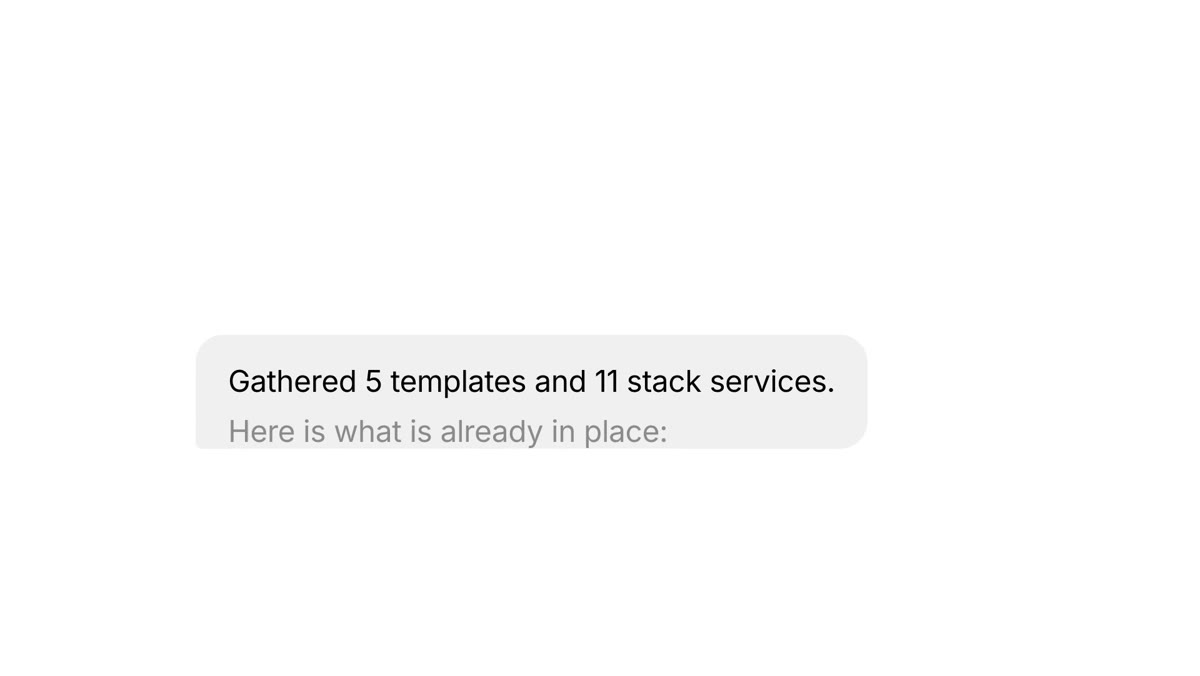 AI Chat Answer Demo Video TemplateShow an AI assistant turning a question and a stack of source cards into a short answer on a clean white canvas.