Configuration Cards Product Video Template
Show three project setups as dark cards gliding past the camera, with each card labeled by tool, stack and deployment target.
Choose this when several compatible setups are the point. Each card gives viewers one combination to recognize without following a full coding session.
What’s in the film
- 01
First setup
A SaaS card presents a coding tool, stack and host.
- 02
Switch configurations
Portfolio and startup cards move past the camera with their own combinations.
- 03
Close
A short launch line leads into the brand and site.
Best use cases
Show supported starter configurations
Keep the information in the same order on each card so viewers can compare examples quickly.
Customize in Video Studio
- The project and coding-tool names on each card
- Stack and deployment labels and environment variable names
Edit with Studio chat
Use these setups for the three cards: [project, tool, stack, host] for each. Include variable names only and keep any values masked.
Fine-tune manually
Keep the field order consistent across all three cards. Preview at playback speed and shorten the chips that overlap at the tilted angles.
More video templates
See all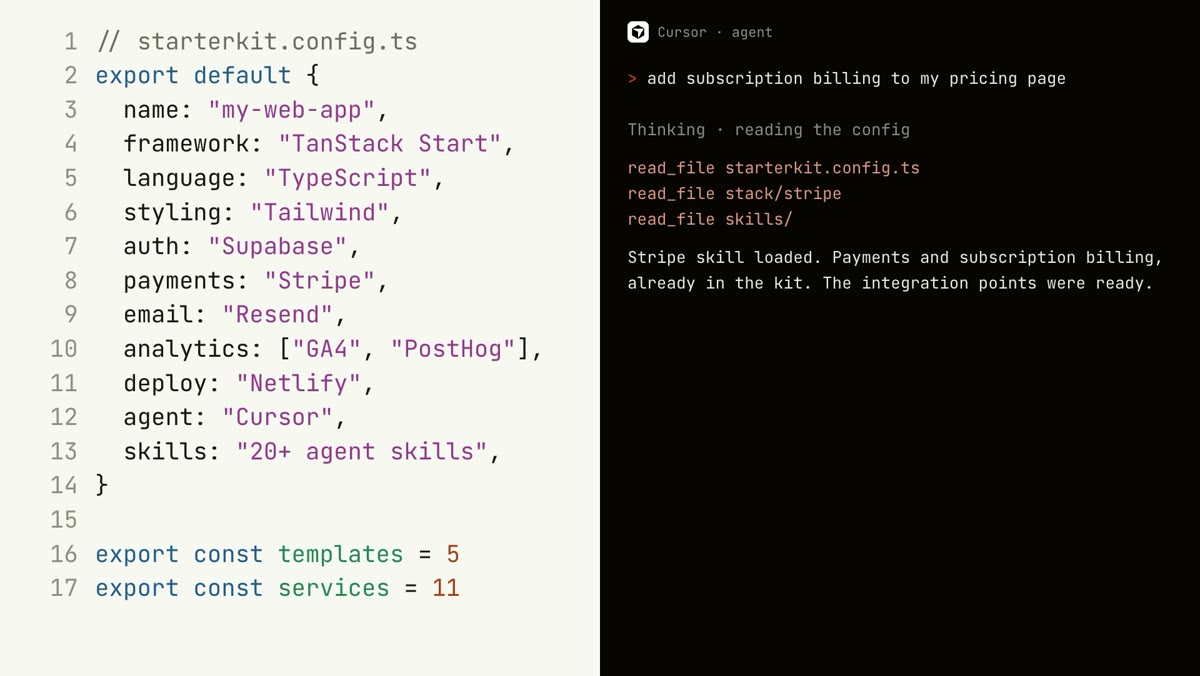 Split Screen Code Editor Demo Video TemplateShow a configuration file and an AI agent’s work side by side, then zoom in as deployment settings change.
 Kinetic Product Manifesto Motion TemplateA fast type-led launch film with spinning shapes, sharp teal and plum cuts and quick feature reveals.
 Pixel Bot Marquee Motion TemplateA lime pixel character climbs a ladder and builds a glowing letterboard one tile at a time.