Day One Release Readout Video Template
Ask when a web app ships, scan a row of timeline options and answer with an oversized date and a compact readout.
Use this when a release timing claim can be answered with a firm milestone and supporting facts.
What’s in the film
- 01
Ask the release question
A typed line appears inside a dark HUD.
- 02
Scan the timeline
A warm selection moves across candidate milestones.
- 03
Show the readout
The answer fills the stage and the supporting facts follow.
Best use cases
Announce a launch milestone
Set the question and answer around the same release scope, then use the readout to give it context.
Customize in Video Studio
- Opening question, timeline cells and the headline milestone
- Four readout rows and final copy
Edit with Studio chat
Ask [timing question], highlight [confirmed milestone], and show [supporting facts].
Fine-tune manually
Use the same milestone text in the selected cell, large type and closing card.
More video templates
See all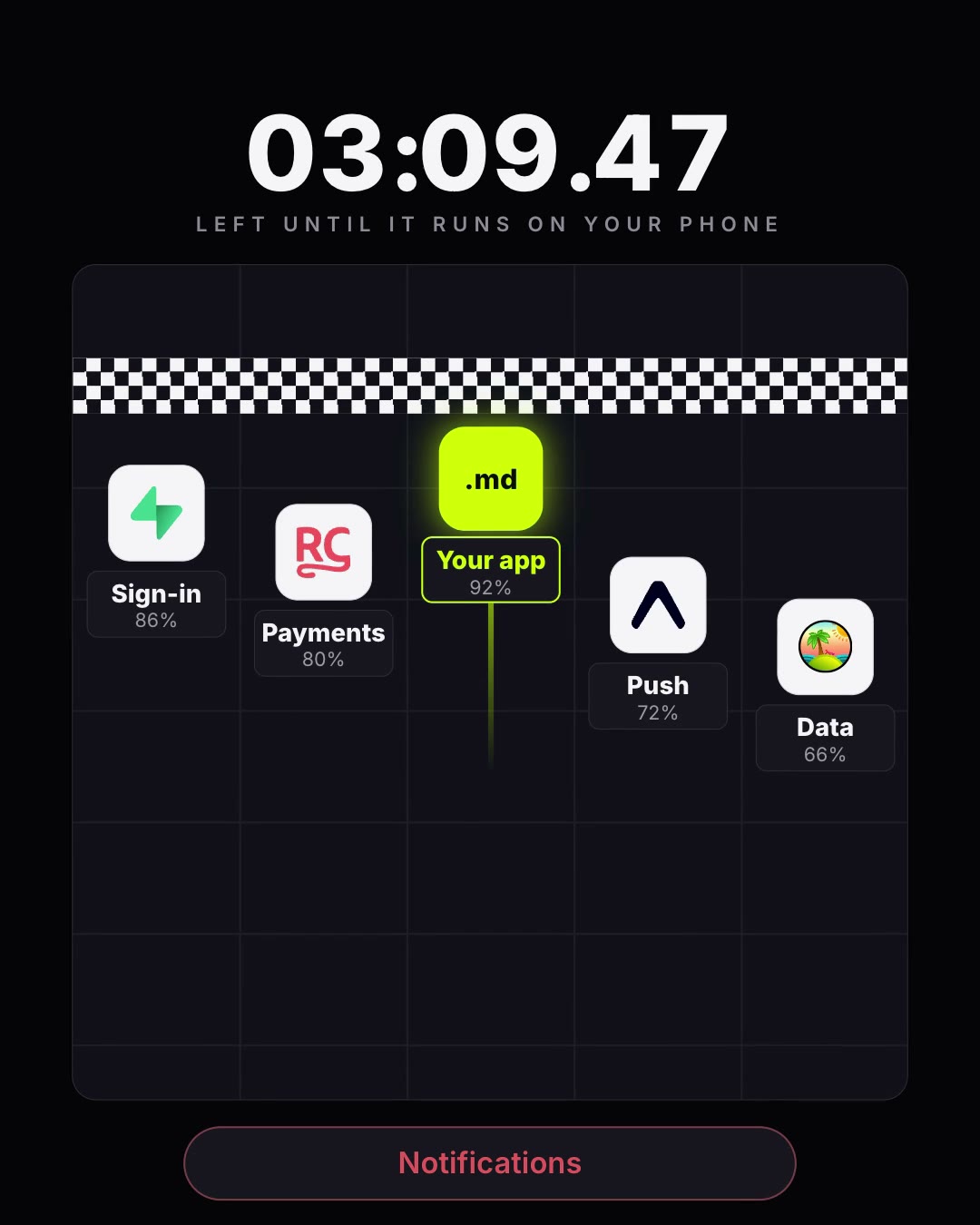 Mobile Build Stopwatch Race Video TemplateRun a lime stopwatch over a dark board, then climb a dawn mountain through a second set of milestones.
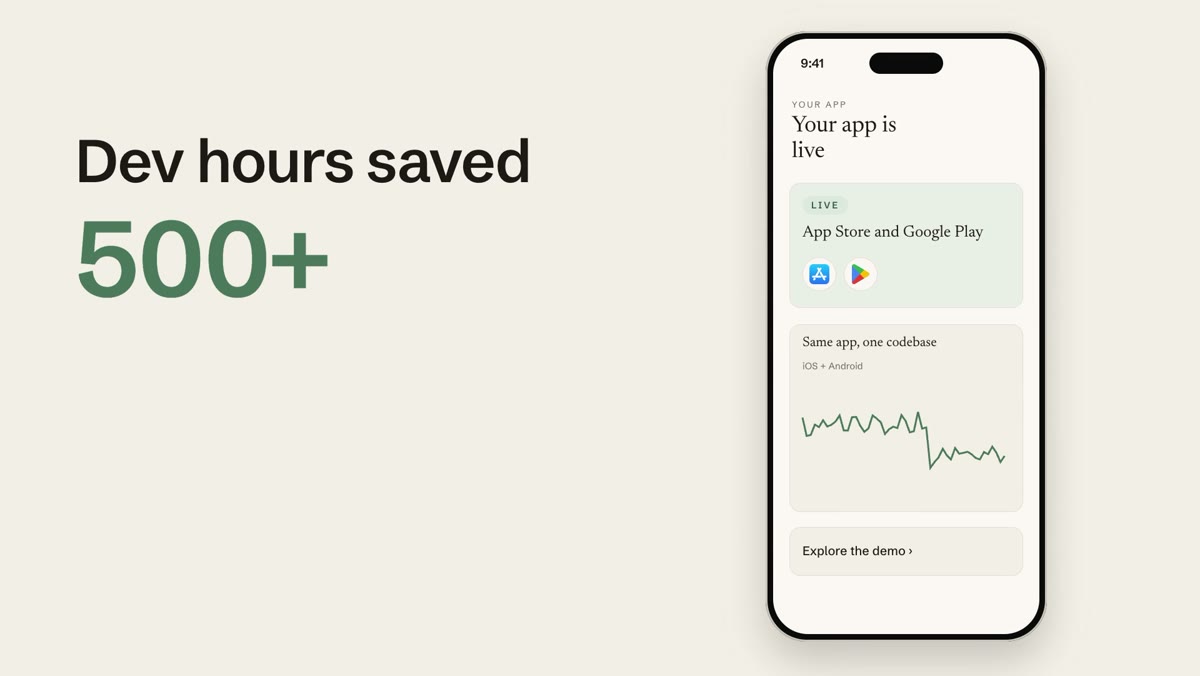 Ship It Yourself Mobile Launch Video TemplateIntroduce a self-serve mobile release through a rules card, a setup progress view, a phone and a tree of supported tools.
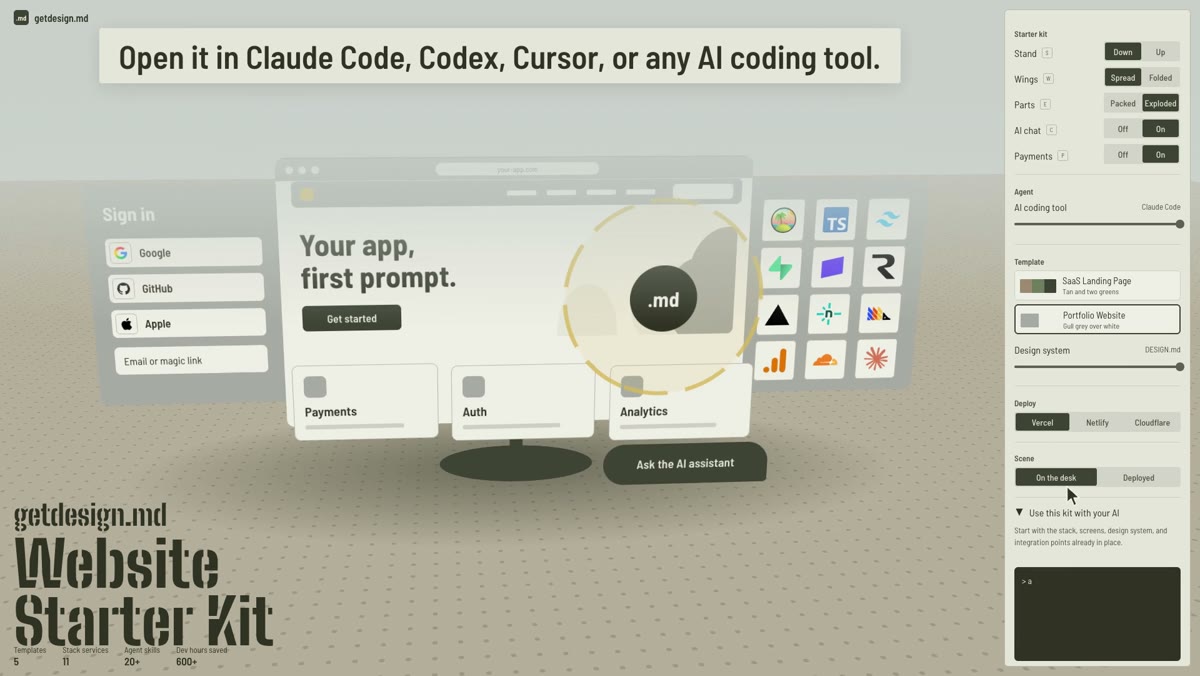 3D Workshop Website Showcase Video TemplateRotate a website like a physical model, select templates from a side panel and fly the assembled site over a landscape.