Ship It Yourself Mobile Launch Video Template
Introduce a self-serve mobile release through a rules card, a setup progress view, a phone and a tree of supported tools.
Use this when solo builders need to see the steps and tools behind an independent app release.
What’s in the film
- 01
Set the scope
A cream title card introduces the mobile build.
- 02
Show progress and outcome
A ready-state sequence leads to a phone and supporting stat.
- 03
Draw the tool tree
A central action branches to compatible coding tools.
Best use cases
Speak to solo app builders
Use the rules card to name what’s included and the phone to show a realistic first result.
Customize in Video Studio
- Launch claim, rule chips and progress steps
- Phone and store labels, proof figure and tool tree
Edit with Studio chat
Show [app goal], fill [setup stages], and connect [supported tools].
Fine-tune manually
Preview the branch labels against the phone captions and use the same tool names throughout.
More video templates
See all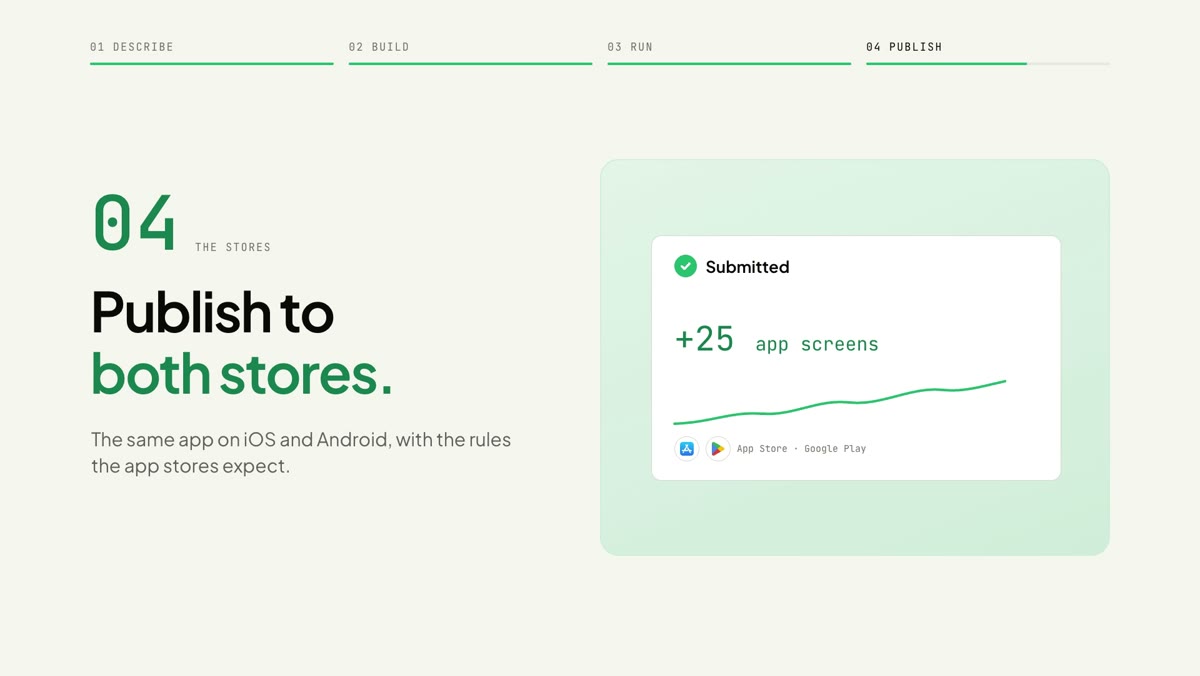 Four-Step Mobile App Build Video TemplateWalk through four numbered mobile build steps, from a terminal request to publishing to both stores.
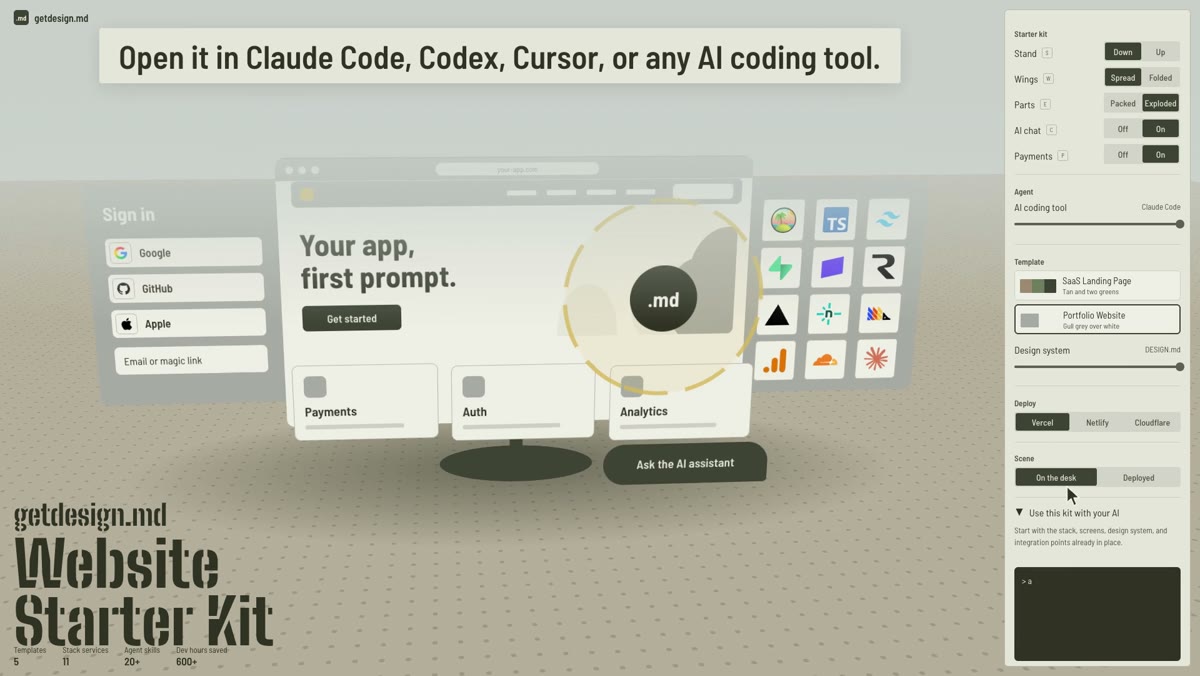 3D Workshop Website Showcase Video TemplateRotate a website like a physical model, select templates from a side panel and fly the assembled site over a landscape.
 Breathing Mobile Motion Design Reel TemplateMove between cobalt, yellow and dark scenes with expanding rings, particles, elastic type and brief app interface shots.