Editorial Product Pricing Explainer Template
Compare setup approaches on a spacious white canvas, show what the product includes and lead into checkout.
Use this when the audience needs context for an offer. The comparison should name what buyers get and how they reach the purchase step.
What’s in the film
- 01
Introduce the comparison
Two light cards lay out the pricing or setup choice.
- 02
Look inside the kit
Feature and stack cards show what is included.
- 03
Open checkout
A clean purchase card presents the action and supporting line.
Best use cases
Explain a one-time offer
Name the included items and write the checkout note so the viewer can tell what the purchase covers.
Customize in Video Studio
- Comparison labels, included feature tiles and logos
- Checkout title, CTA, note and footnote
Edit with Studio chat
Compare [two approaches], show [included features] and close on [purchase action].
Fine-tune manually
Check that the comparison and checkout describe the same offer and terms.
More video templates
See all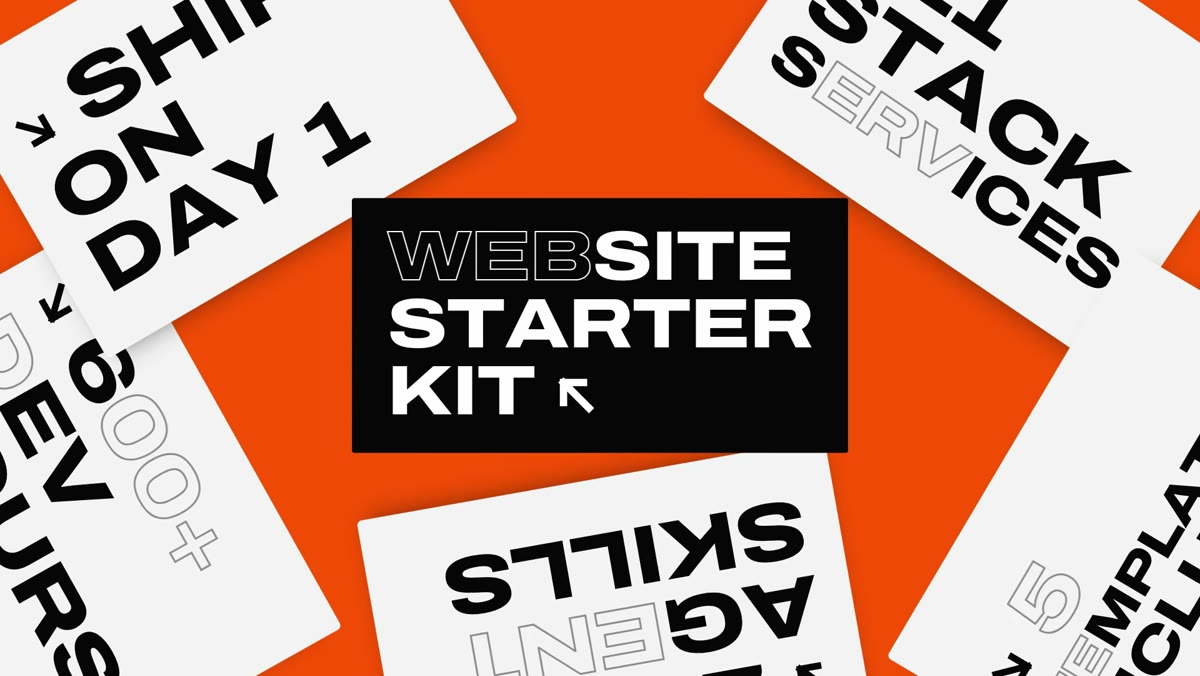 Sticker Carousel Product Launch TemplateUnpack a product bundle in a 30-second motion video with orange fact stickers, a curved template carousel and tool logos orbiting the final pitch.
 Developer Day One Launch Reel TemplateBoot into a terminal, switch through templates and stack features, then cut to a full-frame shipping message on a saffron-to-rose gradient.
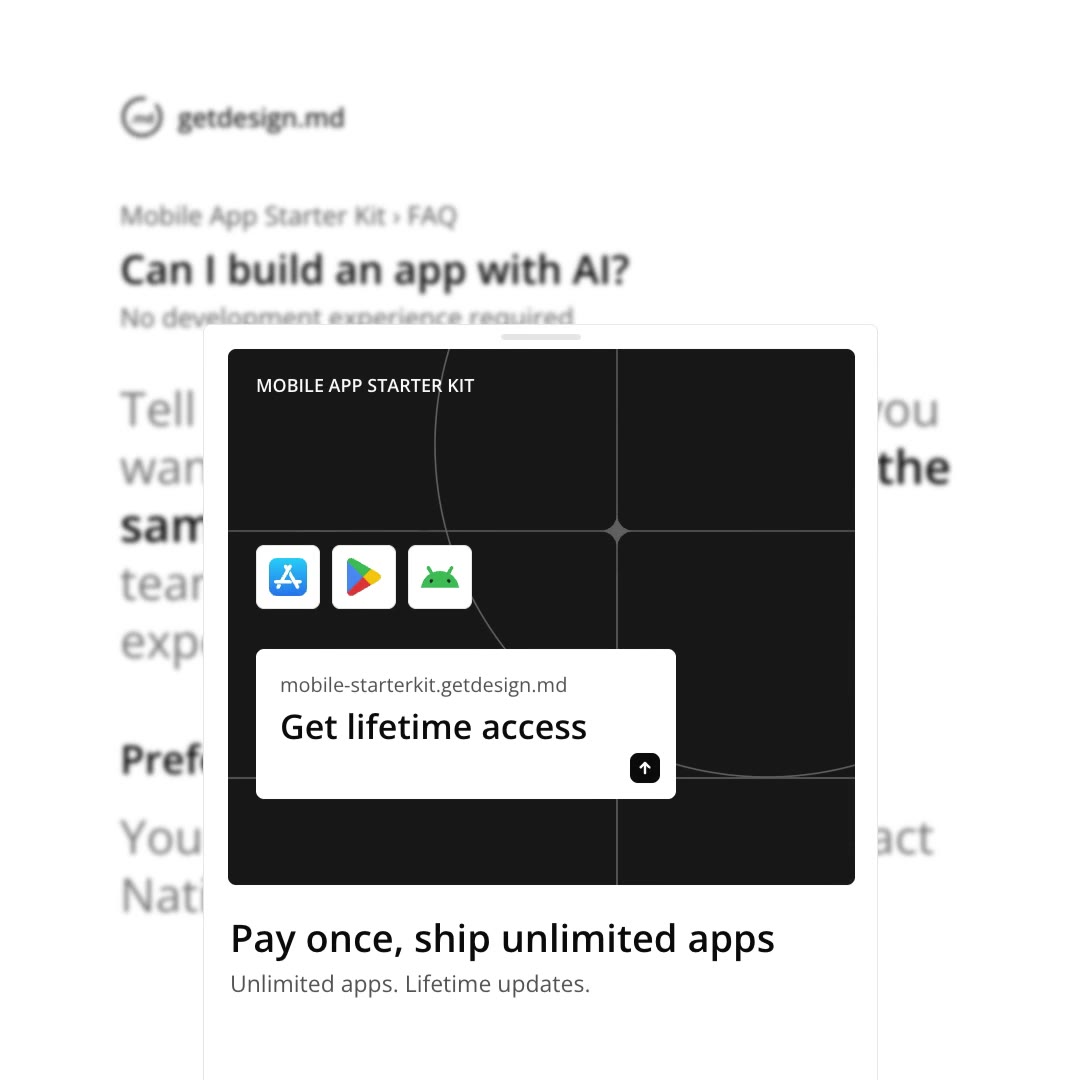 Mobile Product Question and Answer Video TemplateOpen a menu-bar prompt, ask a product question and reveal a concise answer page with mobile feature cards.