Sticker Carousel Product Launch Template
Unpack a product bundle in a 30-second motion video with orange fact stickers, a curved template carousel and tool logos orbiting the final pitch.
Use this when a bundle has several pieces to name and one payoff to emphasize. The opening stickers introduce the facts quickly, while the carousel and spokes give examples room to register.
What’s in the film
- 01
Shuffle the facts
Tilted stickers rotate around the product name on an orange field.
- 02
Show what comes with it
Templates sweep across an arc, then a wheel rotates through individual kit pieces.
- 03
Bring back the payoff
An oversized number lands with stamps before tool logos orbit a headline and the site appears.
Best use cases
Launch a bundle with several components
Give each sticker one included item or benefit. Use the carousel to show where the items differ and reserve the large figure for the strongest proof point.
Customize in Video Studio
- Five opening stickers, carousel titles and the names and logos in the rotating feature wheel
- The headline metric, stamps, orbiting tool labels and closing URL
Edit with Studio chat
Write five stickers for [bundle], rotate through [included items], highlight [verified metric] and end on [URL].
Fine-tune manually
Preview the carousel and the feature wheel separately. Trim long labels until they fit the tilted tiles without shrinking the main headline.
More video templates
See all Vertical Ribbon Product Showcase Video TemplateShow a collection and how to use it in a 30-second vertical video with crossing ribbons, five tilted page previews and an animated prompt-to-build demo.
 Pink Type Grid Product Teaser TemplateLead with an animated plus, repeat a two-word message in pink rows and reveal one product metric in this 16-second widescreen teaser.
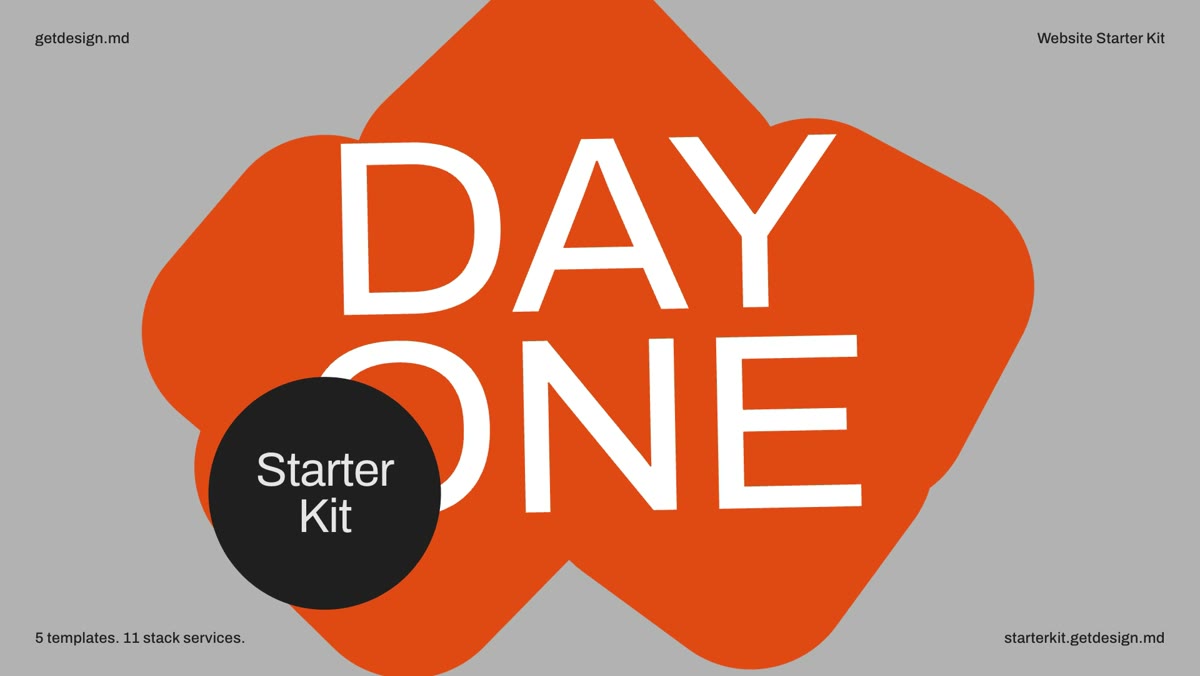 Blooming Headline Motion Sting TemplateReveal a two-word headline inside an orange shape that grows and contracts as a dark disc bounces across the frame in this eight-second motion sting.