Four-Step Mobile App Build Video Template
Walk through four numbered mobile build steps, from a terminal request to publishing to both stores.
Use this when audiences want a compact map of the release process. Give each step one outcome.
What’s in the film
- 01
Set up the build
Green-accented type gives way to a terminal command.
- 02
Walk through four steps
Cream cards pair numbered instructions with examples.
- 03
Show app and code together
A split layout displays both before the closing line.
Best use cases
Teach a mobile starter workflow
Use one example app and label the build, edit and release milestones viewers will recognize.
Customize in Video Studio
- Four step titles, tabs and cards
- Command, app and code captions, and store close
Edit with Studio chat
Use [app example] for [four stages] and end with [release destinations].
Fine-tune manually
Match the tab labels to the big step titles and keep the numbering intact.
More video templates
See all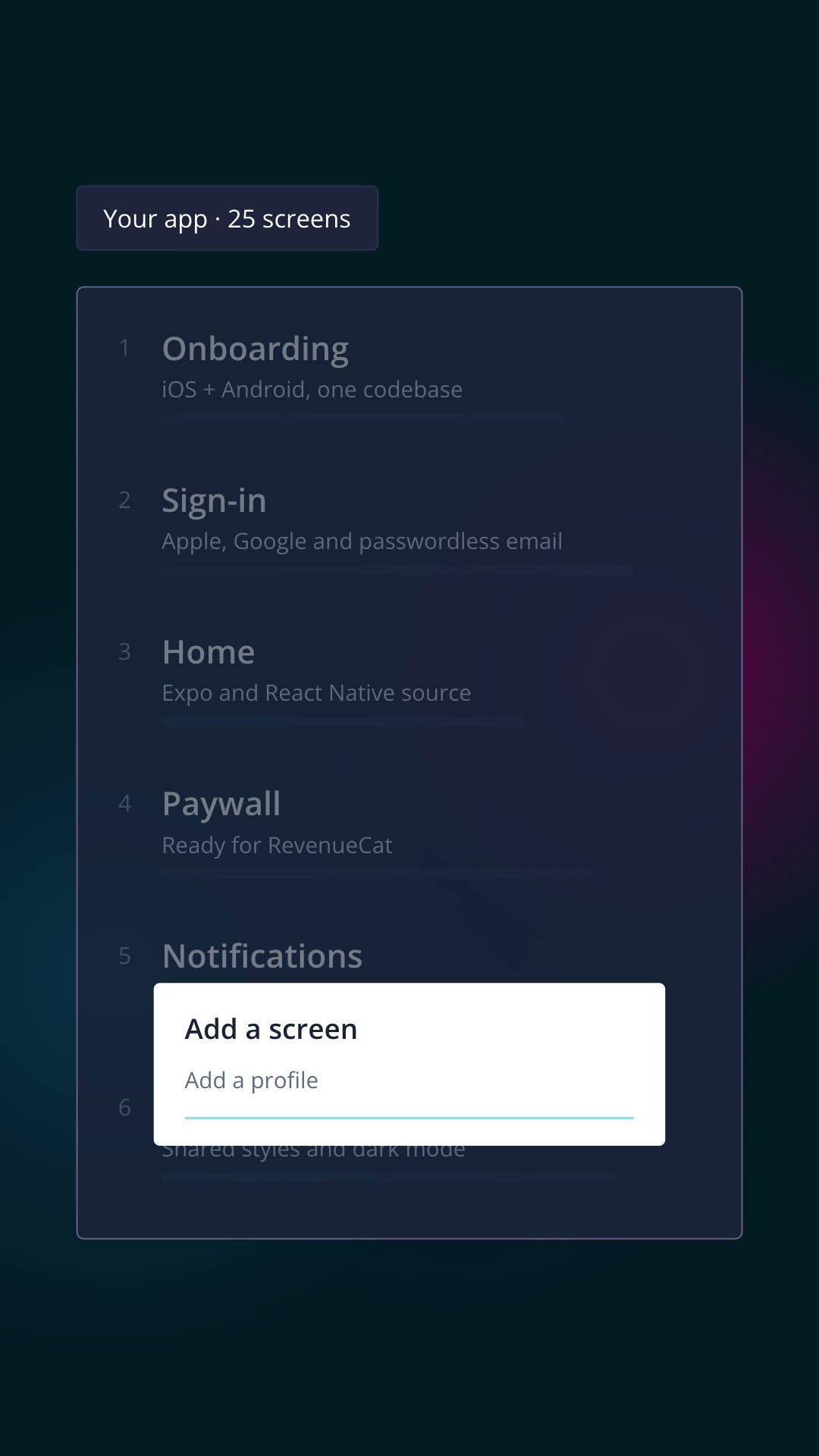 Mobile App Outline to Screens Demo TemplateShow an app prompt become a six-row plan, insert a requirement and reveal the resulting phone screens.
 Action Verb Mobile Poster Reel TemplateTurn product verbs into animated posters with bouncing forms, bold type and words crossed out by a yellow stroke.
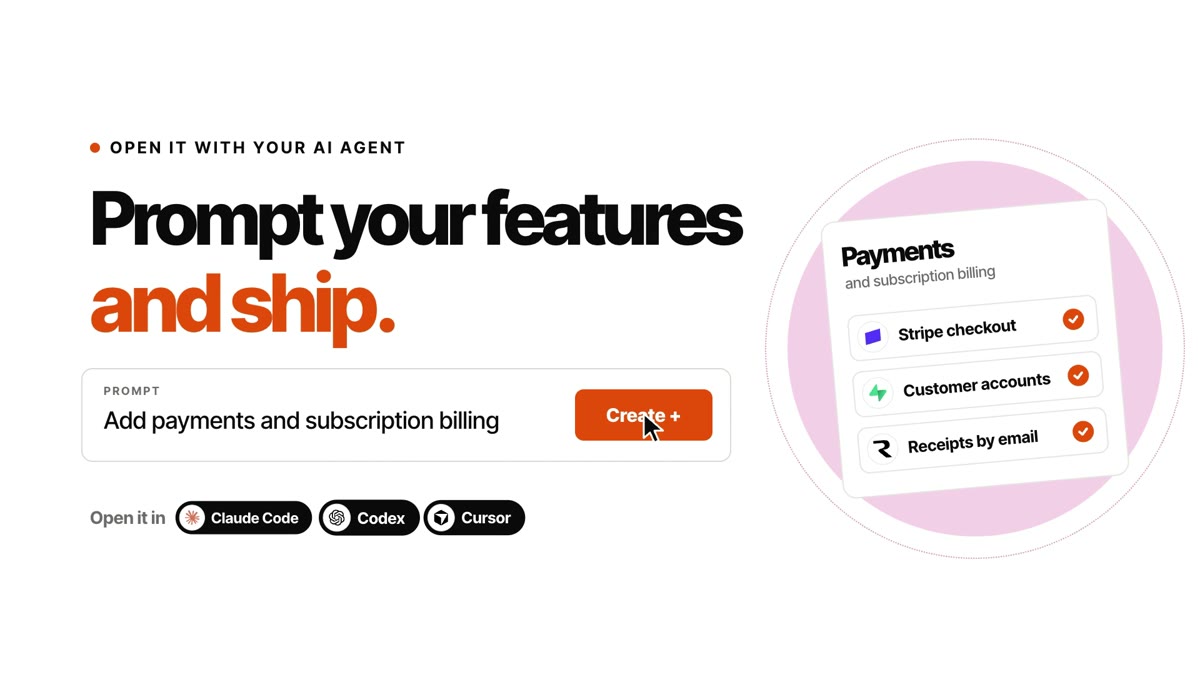 Referral Style Website Launch Video TemplateMark up a launch headline with magenta strokes, show a prompt and stack cards, then lead into a referral-style close.