Mobile App Outline to Screens Demo Template
Show an app prompt become a six-row plan, insert a requirement and reveal the resulting phone screens.
Choose this if you want viewers to see a plan they can still change before the build begins.
What’s in the film
- 01
Type the brief
A glowing pill contains the initial request.
- 02
Edit the plan
A dialog inserts one row into the outline before the build starts.
- 03
Show the screens
A grid of phones presents the resulting app areas.
Best use cases
Demonstrate planning before building
Add one recognizably different requirement, such as a saved-items screen, and label its result in the grid.
Customize in Video Studio
- App prompt, outline title and six rows
- Inserted requirement, build status and phone screen labels
Edit with Studio chat
Plan [app], insert [new requirement] after [row], and reveal [screen names].
Fine-tune manually
Put the inserted task where its dependency is already visible and use the same phrase on the resulting screen.
More video templates
See all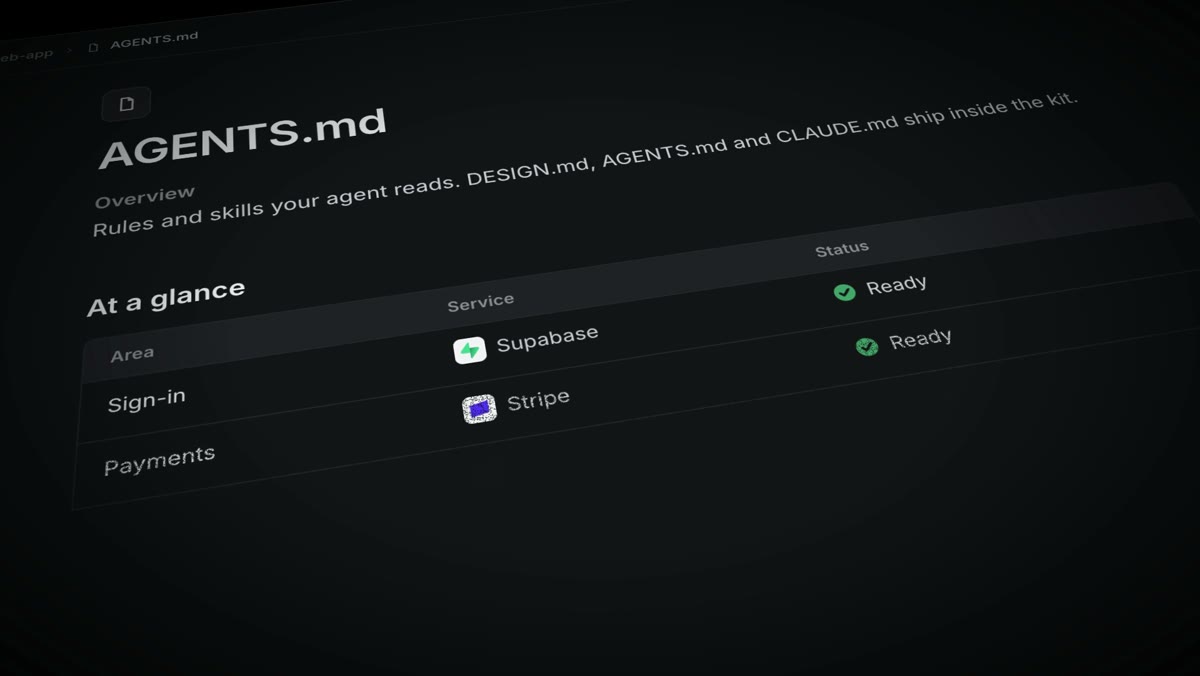 AI Launch Planning Walkthrough Video TemplateShow a launch request becoming a task checklist, a project rules document and a diagram of connected services.
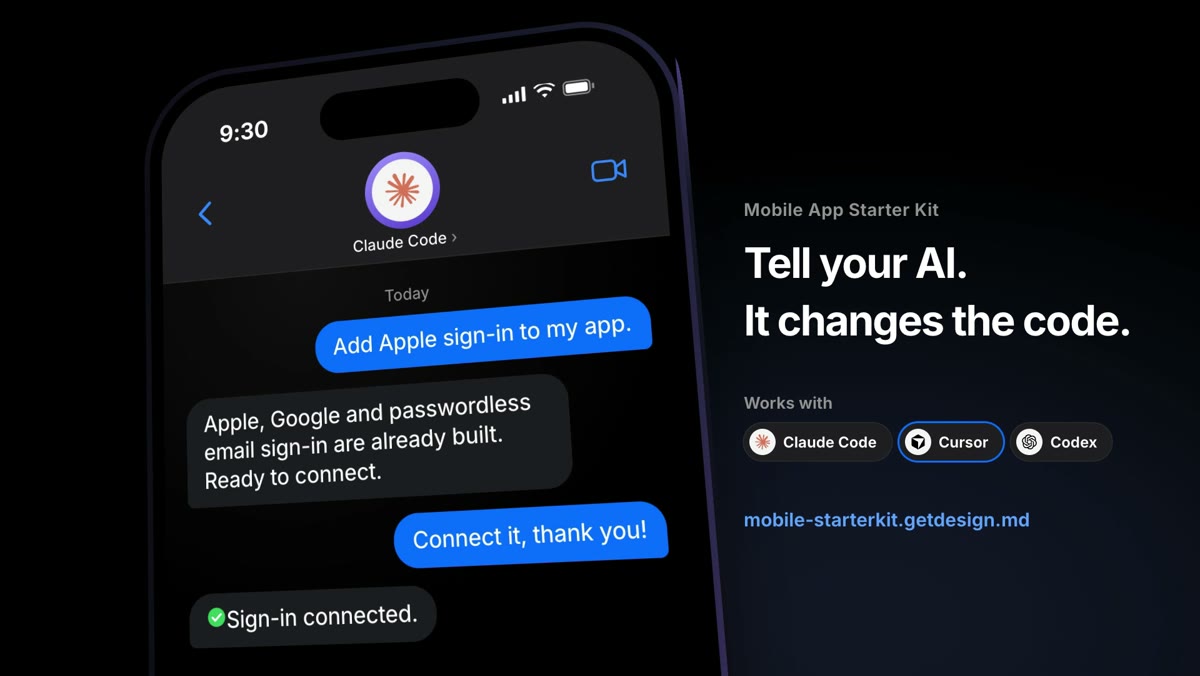 Dark Mobile AI Chat Demo TemplateShow one request, an AI reply and a confirmation inside a dark phone chat with a short headline beside it.
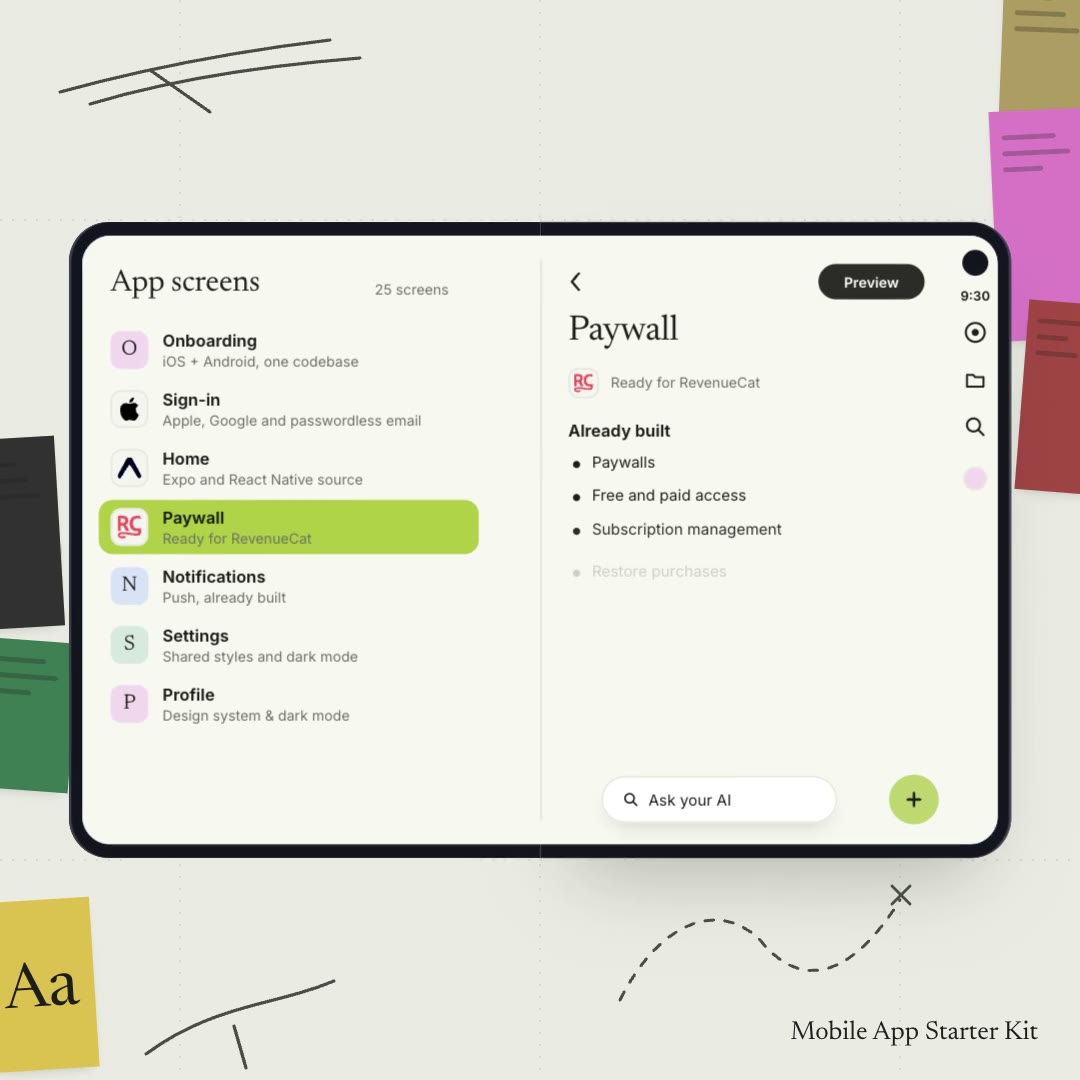 Foldable App Split View Demo TemplateUnfold a dark phone into a tablet layout and show a list beside its selected detail on a paper desk.