Hosting Migration Product Demo Template
Map app features to services, show a single hosting row change and finish at the destination host’s configuration form.
Use this for a migration explainer where viewers need to see which service changes and what information moves with it. Keep unrelated rows readable as context.
What’s in the film
- 01
Map the stack
A monospace table pairs features with services and key names.
- 02
Swap the host
The deploy row changes while the other services remain in place.
- 03
Enter the configuration
The destination form shows masked values and a save action.
Best use cases
Explain a supported host switch
Show the source and destination in the same table row and identify the example configuration fields the viewer should expect.
Customize in Video Studio
- Feature-to-service table and example command captions
- Replacement host, configuration field labels and close
Edit with Studio chat
Map [features to services], swap [source host] for [destination], and show [placeholder keys].
Fine-tune manually
Keep values masked in every form shot and use demonstration project names throughout.
More video templates
See all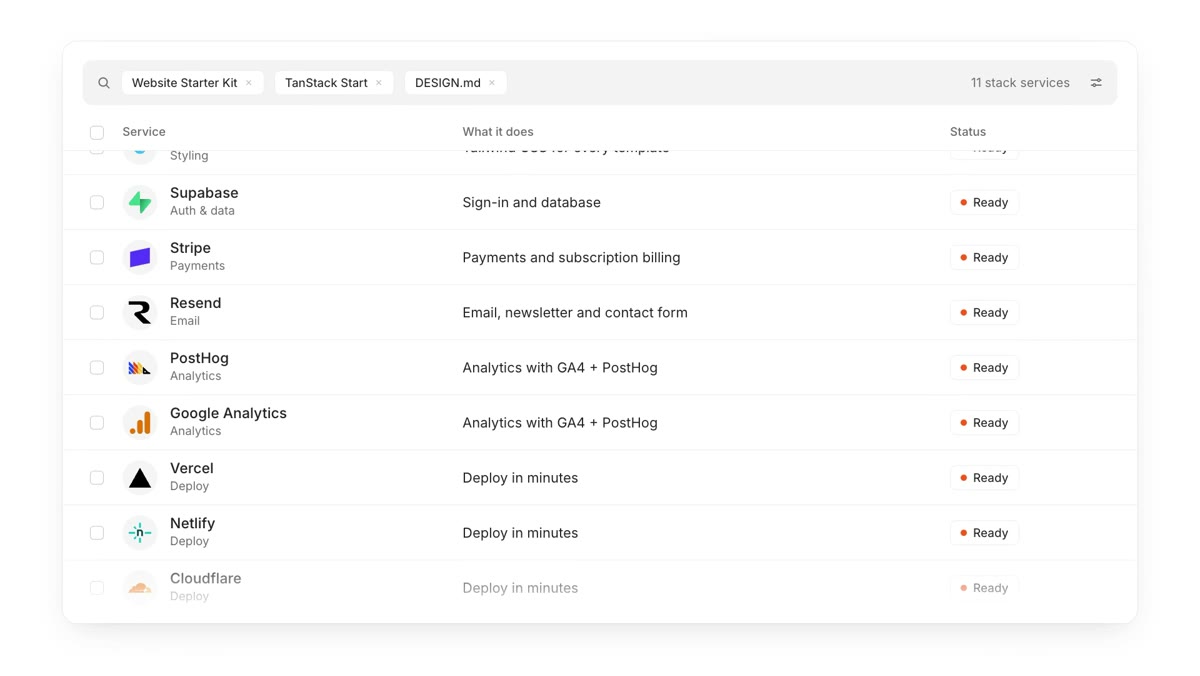 Searchable Integration Directory Demo TemplateTurn a search request into a filterable integration directory after a ring of logos introduces the available services.
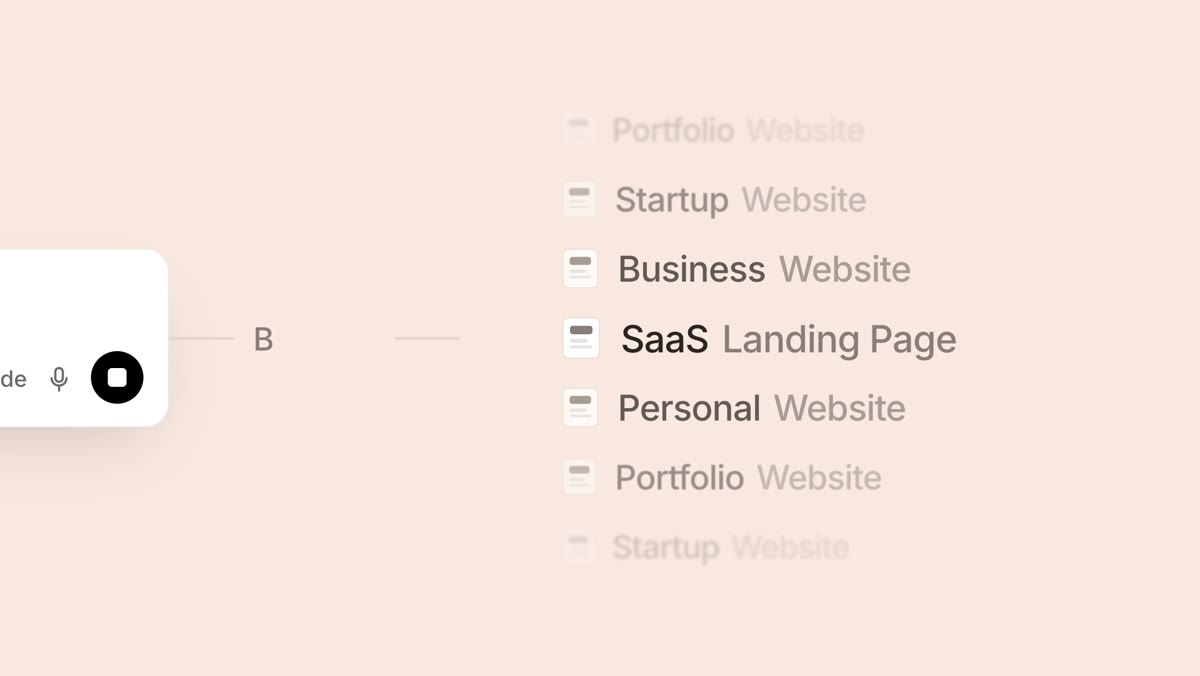 AI Build and Connect Product Demo TemplateFollow an AI setup request through a template picker, a service connection and a dashboard populated with product figures.
 Kinetic Manifesto Launch Video TemplateAnimate a launch manifesto with condensed type, vivid geometric wipes and word-by-word feature hits.