Integration Radar SaaS Launch Video Template
Scan project work, map integration points and follow a typed request to a live release state.
Use this when a calm launch should make hidden setup tasks visible before showing how one project ships.
What’s in the film
- 01
Inspect the work
A dark scene opens a list of project tasks.
- 02
Map the integrations
An orange-accented radar identifies connections and screens.
- 03
Run the request
Typed copy leads into a state and time readout for the launch.
Best use cases
Tell a technical launch story
Make one service on the radar connect to the issue introduced in the opening list.
Customize in Video Studio
- Search rows, radar services and setup cards
- Typed request, launch status and closing CTA
Edit with Studio chat
Scan [tasks], highlight [integration], and launch [project example].
Fine-tune manually
Match the integration name and service state between the radar and the launch panel.
More video templates
See all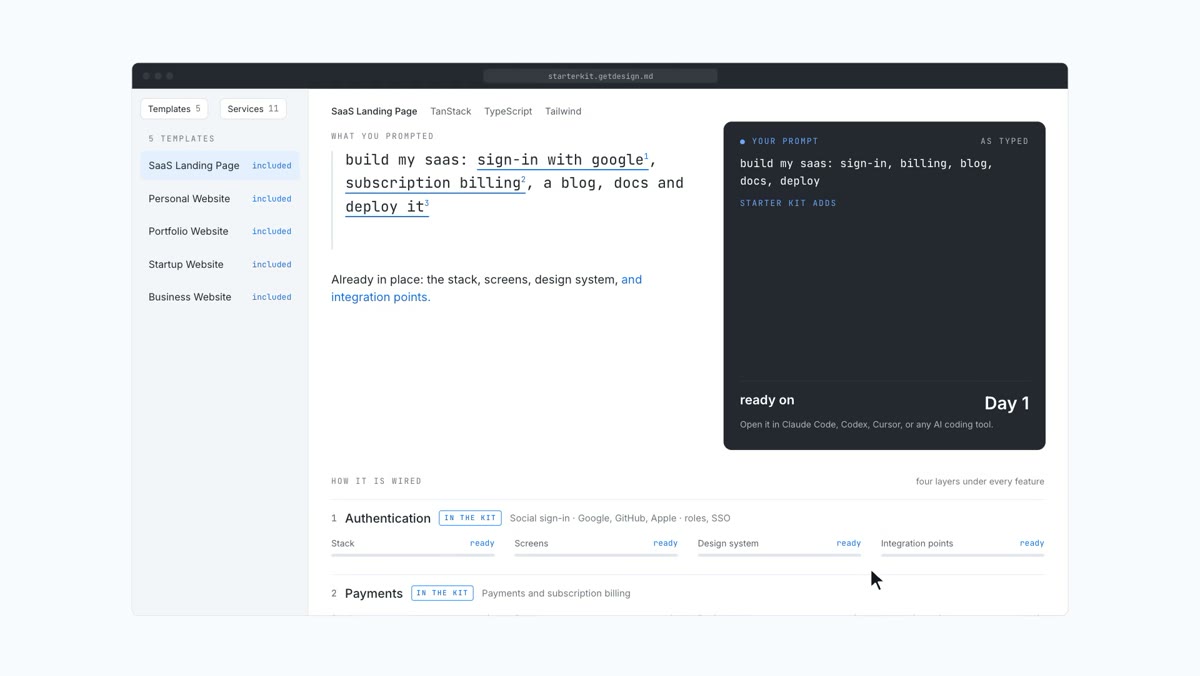 Prompt Gap Product Demo Video TemplateContrast a first prompt with the work a dashboard, setup list and deployment settings still need to show.
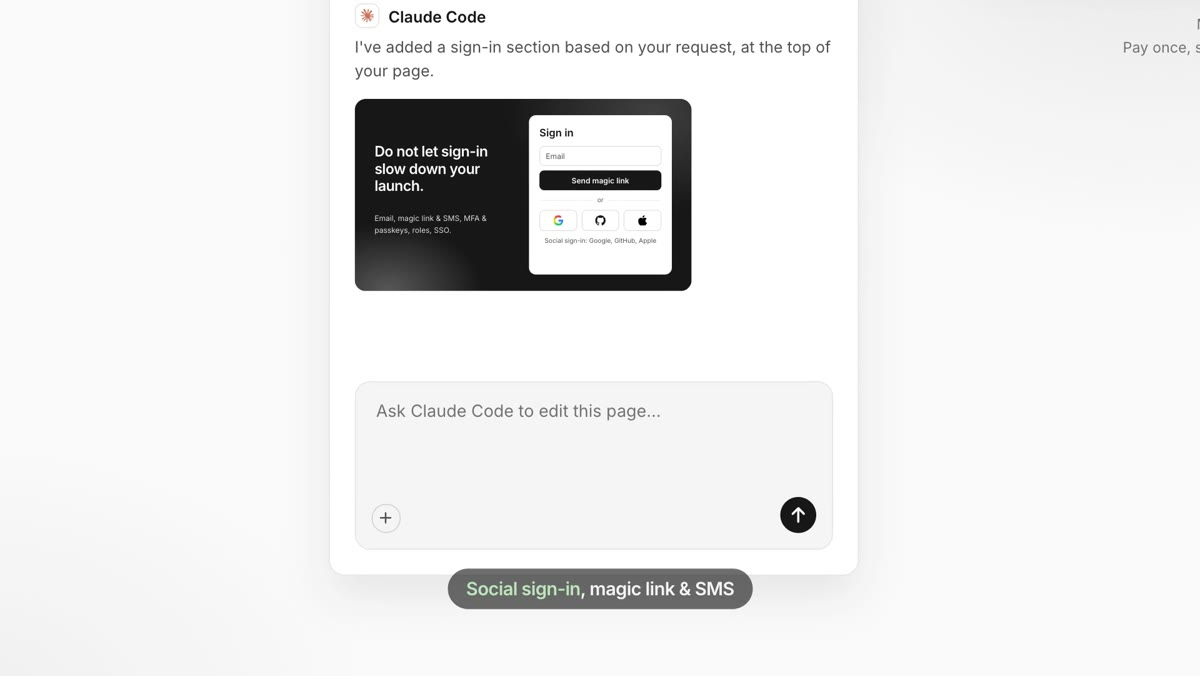 Prompt to Website Section Demo TemplateType a request, watch it move through a working state and reveal a finished sign-in section in the page.
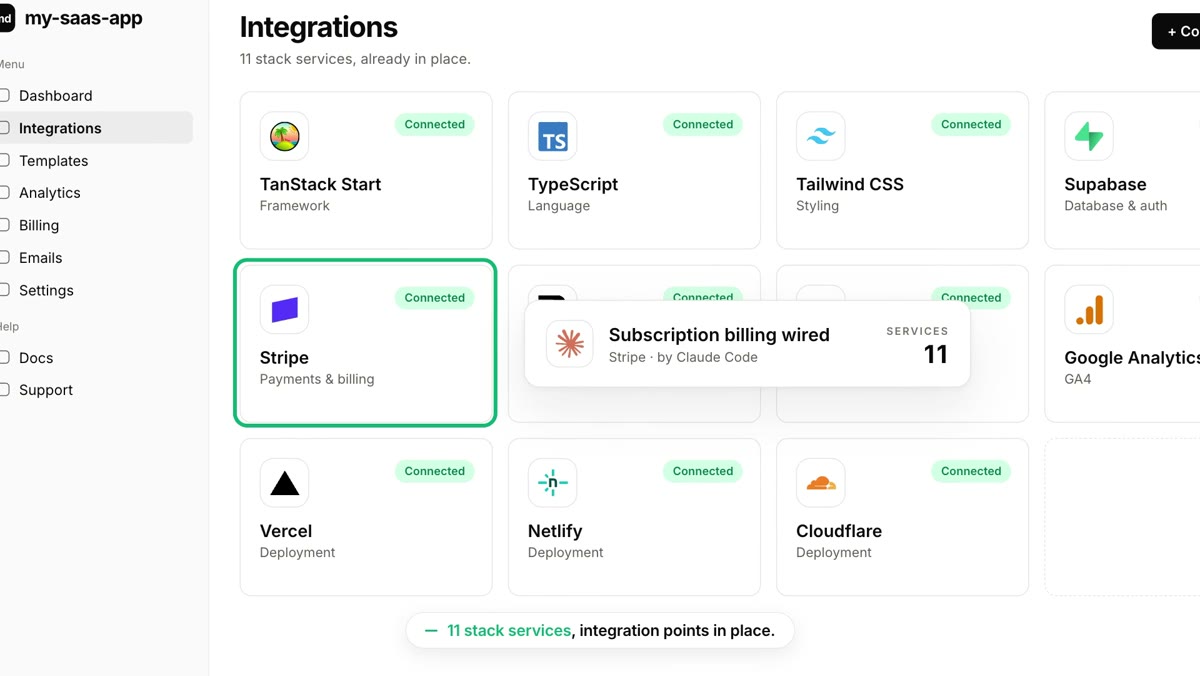 Warm Studio SaaS Launch Video TemplateTour a SaaS launch through integrations, sign-in, templates, analytics and deployment in clean browser windows.