Prompt Gap Product Demo Video Template
Contrast a first prompt with the work a dashboard, setup list and deployment settings still need to show.
Use this for a product demo that explains what a bare request leaves unresolved and where the product handles it.
What’s in the film
- 01
Show the gap
Underlined prompt phrases sit beside small cards that name missing work.
- 02
Open the dashboard
A brand transition leads into the product and included features.
- 03
Show deployment settings
Host options and an oversized figure close the argument.
Best use cases
Explain a guided build environment
Name one setup gap early and show the panel where a user can address it.
Customize in Video Studio
- Opening prompt, highlighted phrases and gap cards
- Dashboard copy, included items, deploy options and figure
Edit with Studio chat
Start from [common request], flag [gaps], open [dashboard] and show [deploy settings].
Fine-tune manually
Align highlights with the replaced phrases and repeat the same gap in the UI checklist.
More video templates
See all One Prompt Website Publishing Demo TemplateSelect a kit from a composer, build a page, request a pricing change and show the site being published.
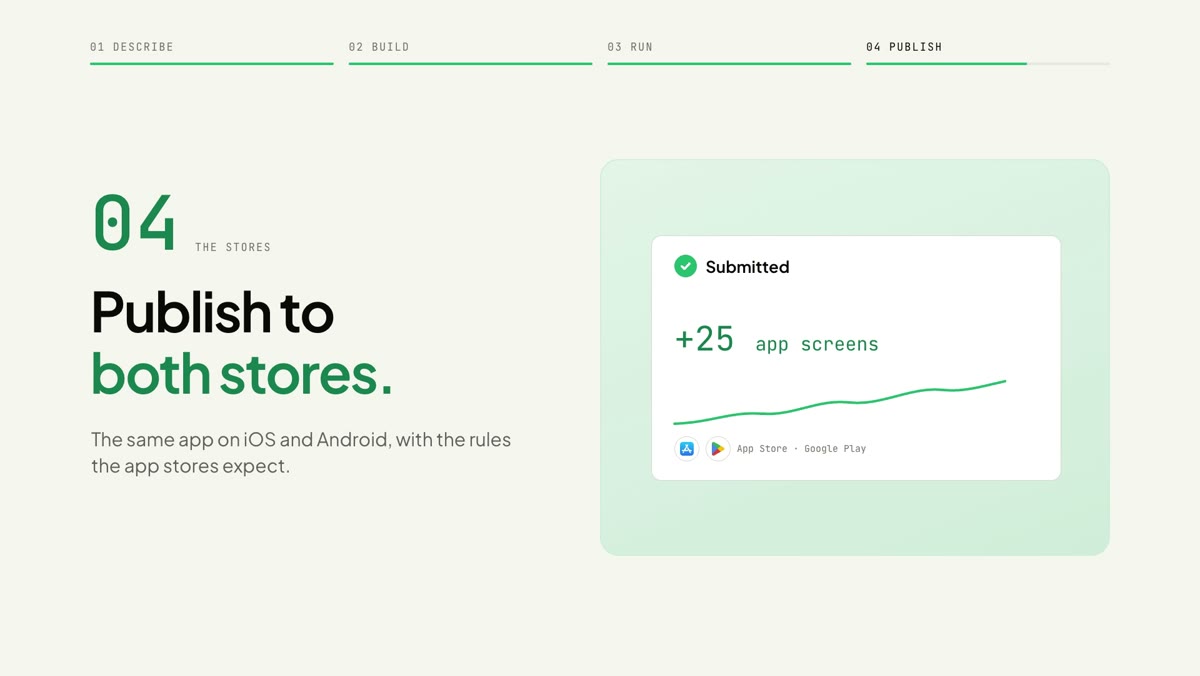 Four-Step Mobile App Build Video TemplateWalk through four numbered mobile build steps, from a terminal request to publishing to both stores.
 Action Verb Mobile Poster Reel TemplateTurn product verbs into animated posters with bouncing forms, bold type and words crossed out by a yellow stroke.