Interactive Web Toolkit Controls Video Template
Tour toolkit covers, a prompt and a white product board before using named sliders and color controls.
Use this when a design toolkit is best understood by seeing its settings respond to a change.
What’s in the film
- 01
Introduce the stack
A cover view gives way to a grid of recognizable tools.
- 02
Open the working board
A typed prompt leads to the private design sheet.
- 03
Use the controls
Sliders and color choices lead into the final burst of tiles.
Best use cases
Demonstrate design customization
Change one setting whose effect is noticeable in the preview while leaving the other controls as context.
Customize in Video Studio
- Cover names, prompt and AI tool label
- Panel heading, slider bounds, colors and closing copy
Edit with Studio chat
Type [design request], adjust [slider], then apply [color option].
Fine-tune manually
Use intuitive minimum and maximum values and align visible slider movement with the stated change.
More video templates
See all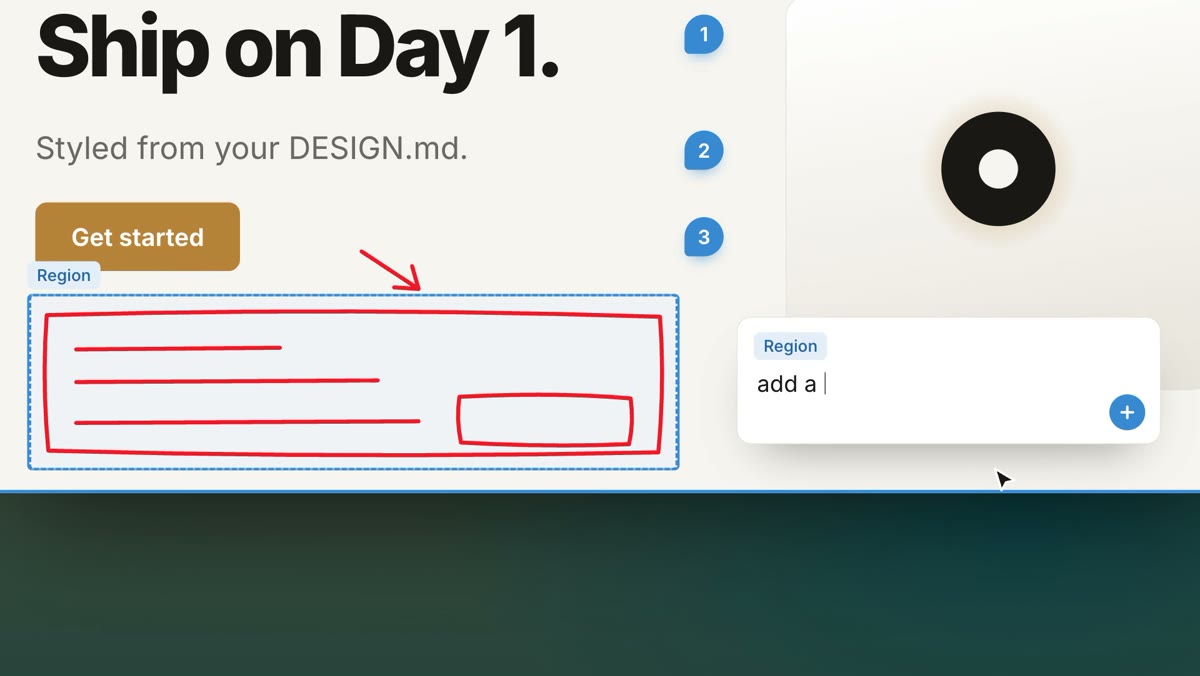 Pinned Website Feedback Demo TemplatePin notes over a webpage, select a design token and turn a sketch into a built section.
 Quiet Mobile Feature Ledger Video TemplatePresent ready-made mobile flows on alternating stone and dark cards with restrained type and a sage status accent.
 Minimal Product Outputs Launch Video TemplateIntroduce a product prompt, turn its outputs into a card carousel and close on a few large figures.