Minimal Product Outputs Launch Video Template
Introduce a product prompt, turn its outputs into a card carousel and close on a few large figures.
Choose this when the output matters more than the interaction details. Use the carousel to put recognizable names on what ships.
What’s in the film
- 01
Show the product UI
A minimal workspace opens on the typed request.
- 02
Show what comes out
Output rows become vertical cards in a rotating carousel.
- 03
Land the figures
The film closes with a metric sequence and logo.
Best use cases
Show what a toolkit ships
Put the actual outputs on the cards and pair each number with the feature category it measures.
Customize in Video Studio
- Opening product prompt, quote rows and carousel cards
- Phone preview, three figures and ticker copy
Edit with Studio chat
Type [request], rotate through [outputs] and end with [three verified numbers].
Fine-tune manually
Use the same name for a deliverable in the list and on its carousel card.
More video templates
See all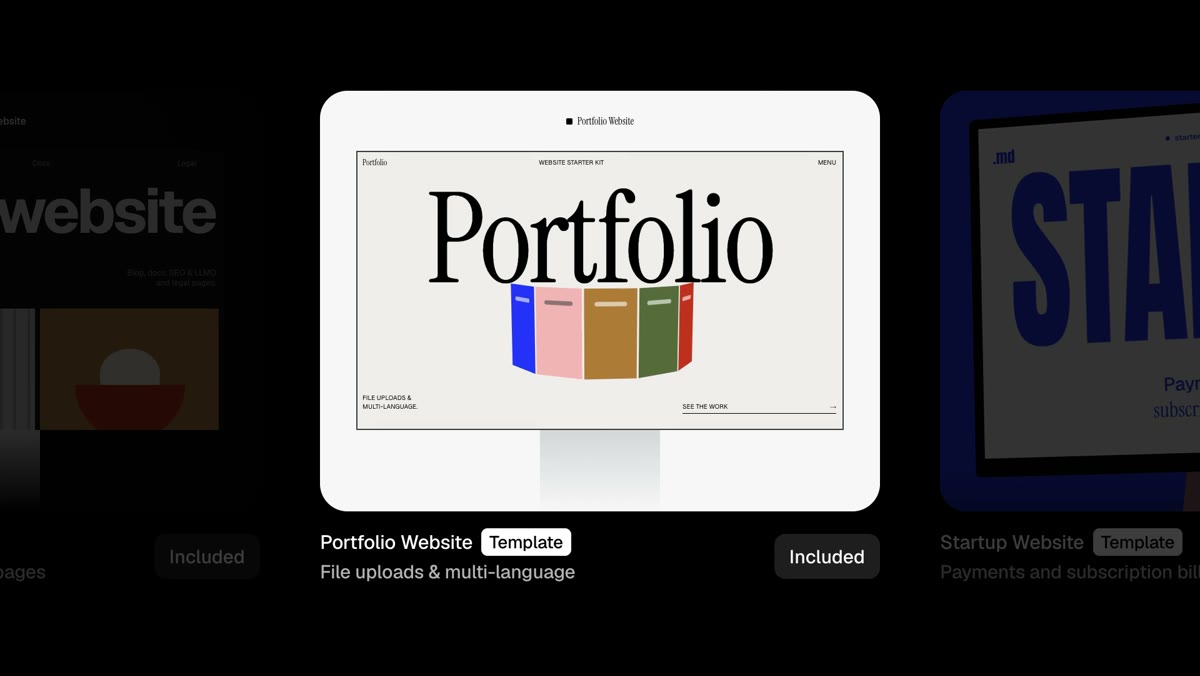 Spotlight Website Showroom Video TemplateMove four website previews through a single center spotlight so each design gets a readable front view.
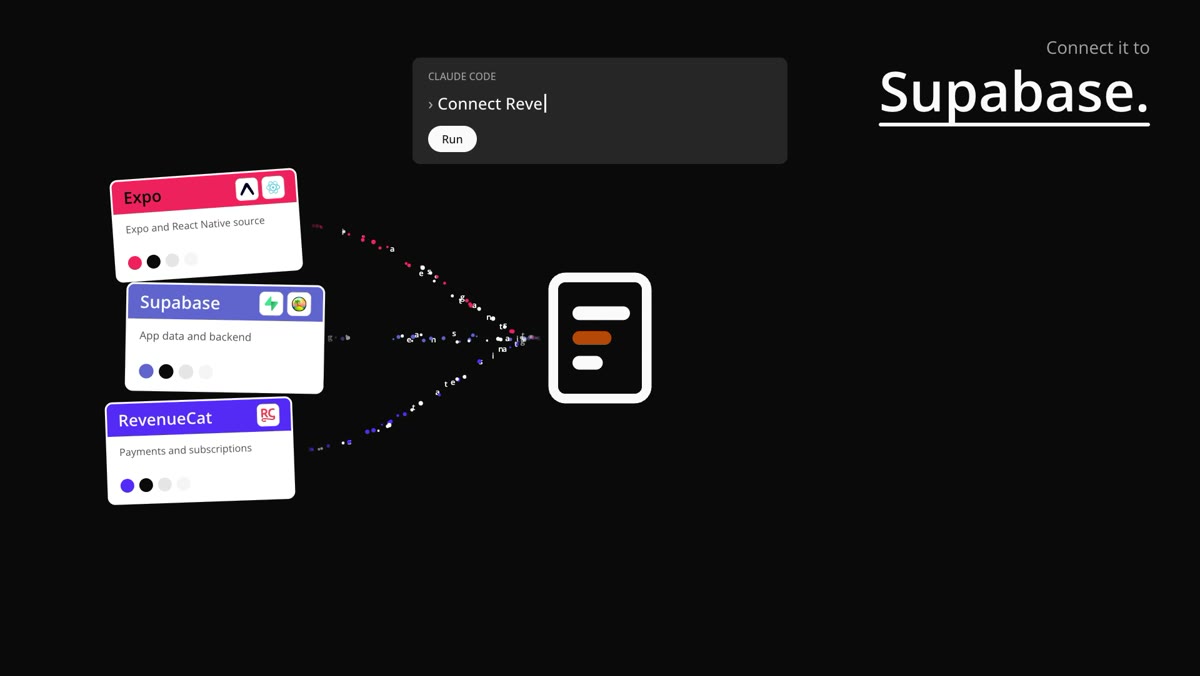 Mobile Product Vortex Explainer TemplateCollapse scattered items into a brand mark, show the app stack as a connected pipeline and end with a built page.
 Hyperspace Tool Logos Reveal Video TemplateSend tool marks flying through light streaks, converge on a brand lockup and pass through a second typed request.