Iris Scan Technical Brand Video Template
Open a technical iris, assemble a numeric readout and introduce supported tools on bright waveform fields.
Use this when a brand teaser needs a precise technical mood without a full software walkthrough.
What’s in the film
- 01
Scan the stage
An iris opens to readouts and bracketed words.
- 02
Show the system
Panels assemble into a tilted set of figures.
- 03
Switch to the tool fields
Bright waveform cards introduce individual tools before the decode.
Best use cases
Reveal a technical toolkit
Make the readout describe one measurable product fact and use the brighter cuts for compatibility.
Customize in Video Studio
- HUD keys, shape labels and progress values
- Tool names, six letters and final decoded line
Edit with Studio chat
Scan [product], reveal [value], then show [four tools].
Fine-tune manually
Check each letter treatment after changing the six-character sequence.
More video templates
See all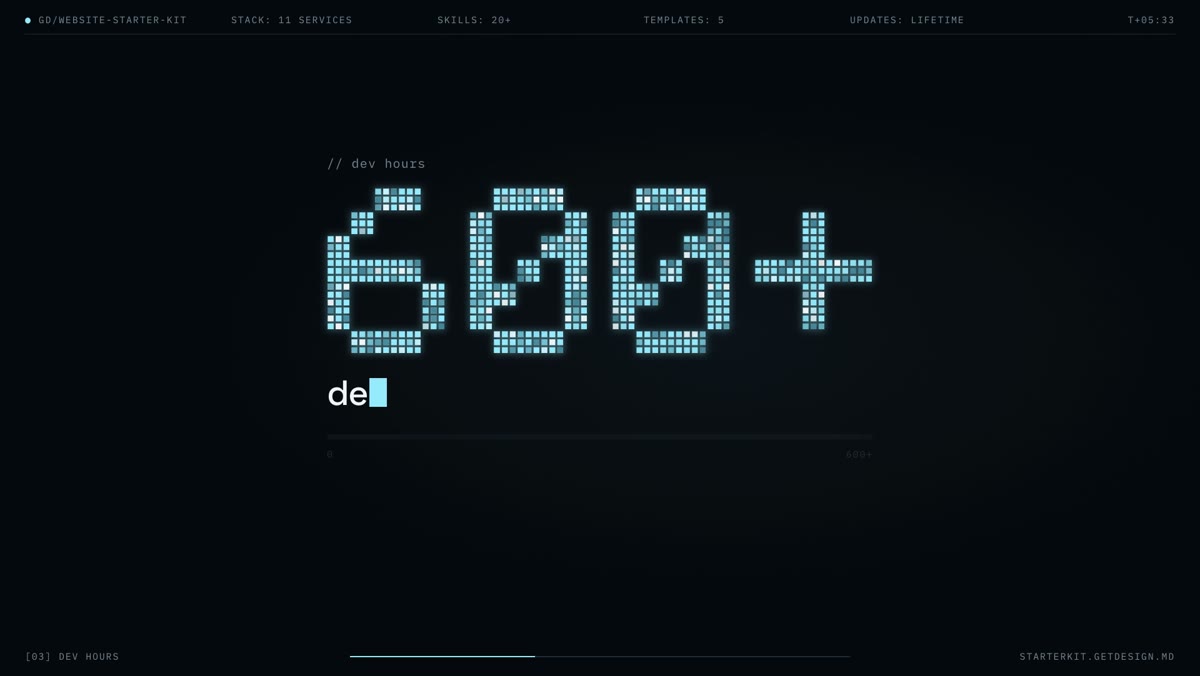 Dot Matrix Boot Launch Video TemplateBoot a blue-black console and animate ice-blue dot-matrix figures, command lines and template cards.
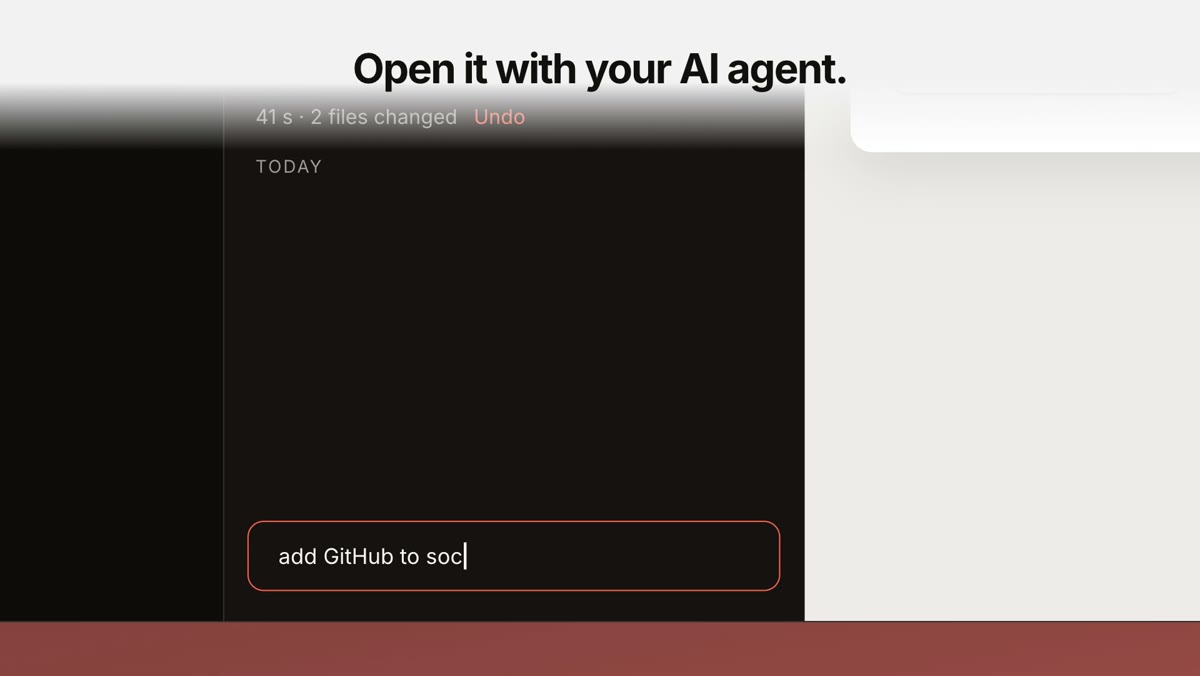 Notification to Desktop Launch Video TemplateStart with notifications on a light page, open a desktop AI chat and show hosting choices and project files.
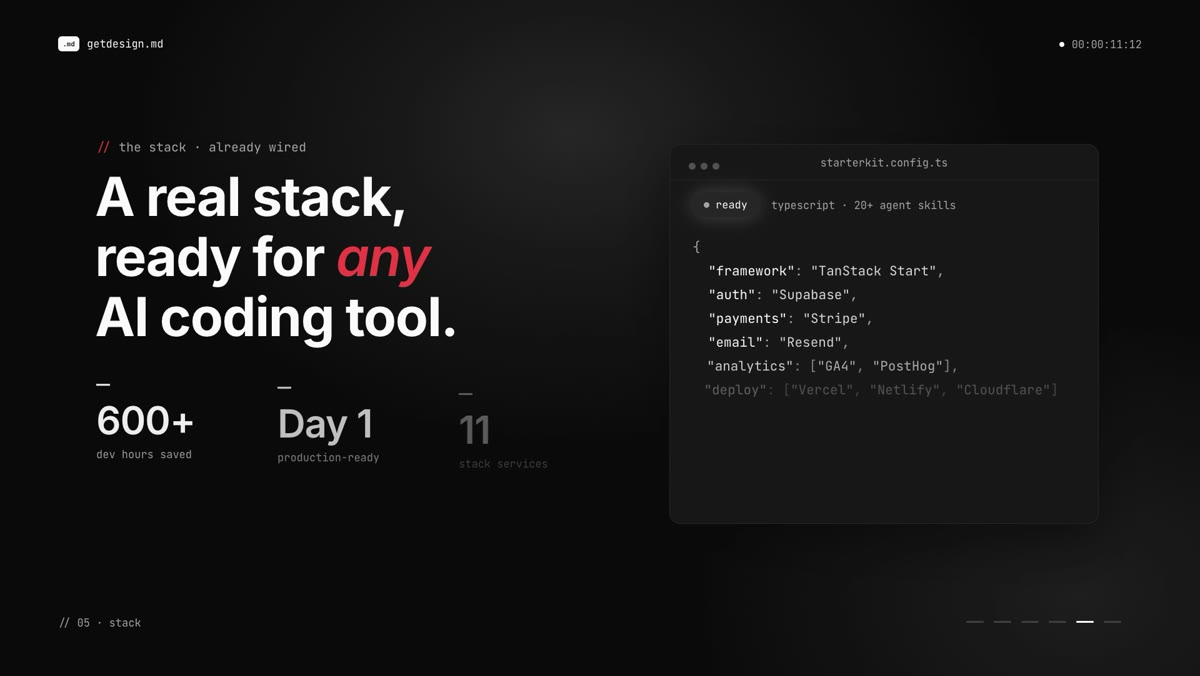 Dark No-Code Website Product Ad TemplateUse a dark recording frame to show a prompt, ready templates and a chat-led workflow, followed by technical proof.