Kanban Agent Workflow Motion Template
Follow one task across a board as an agent plans, a review hands it off, and a second agent takes it to release.
Use this when the handoff between people and tools is the story. The moving card keeps one request recognizable across planning, building and release.
What’s in the film
- 01
Plan
A task moves out of triage and the first agent’s plan appears.
- 02
Hand off
A comment assigns the build and the second agent’s work enters the board.
- 03
Ship
The card moves through review into the release lane.
Best use cases
Show a multi-agent workflow
Give each agent a distinct responsibility and keep the same task card visible as work changes hands.
Customize in Video Studio
- The task card and lane labels
- Agent steps, review comment and release outcome
Edit with Studio chat
Put ‘[one task]’ on the card. Have [first tool] write [plan], use ‘[review comment]’ to hand it to [second tool], then show [verification] and [release].
Fine-tune manually
Keep the task title consistent in every lane. Check that the comment bridge appears before the build steps to make ownership clear.
More video templates
See all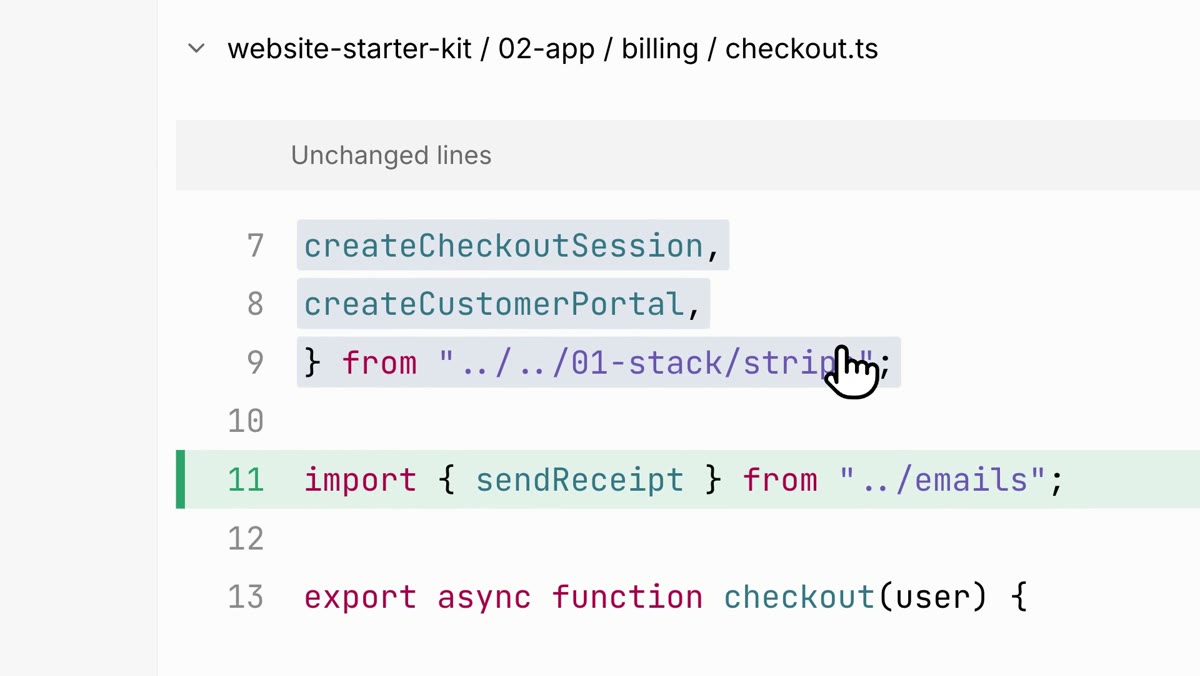 Repository to Deployment Walkthrough Video TemplateWalk from creating a project to reviewing a code diff, merging a change and choosing where to deploy.
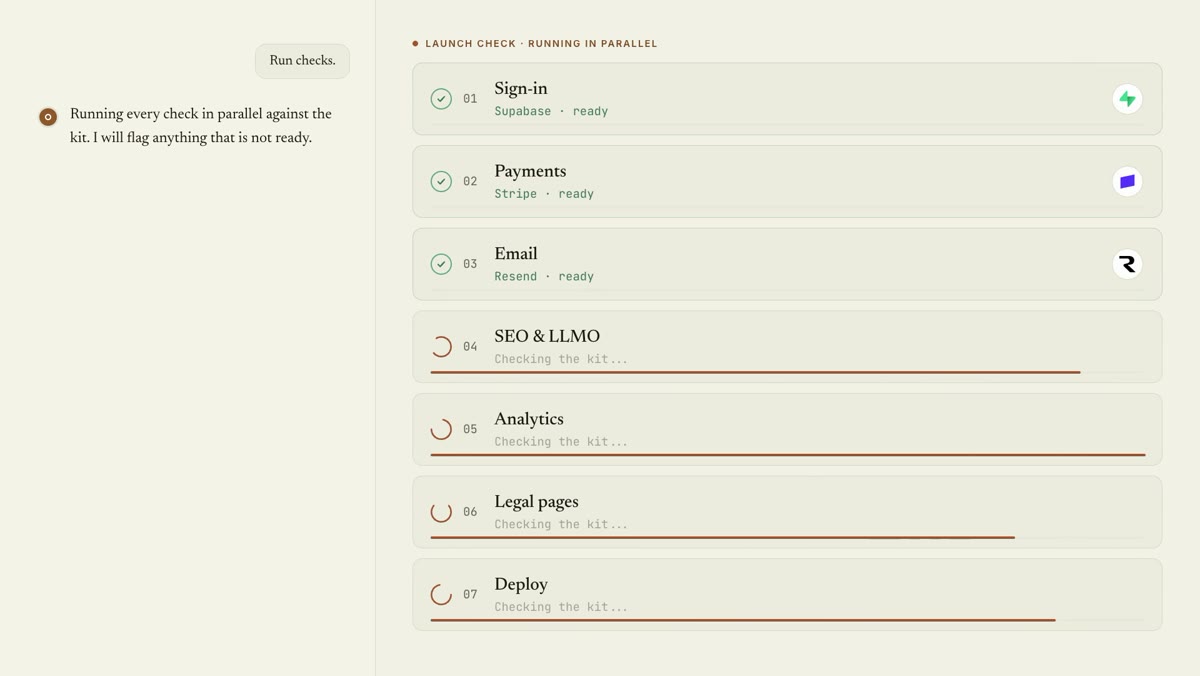 Prelaunch Checklist Product Demo Video TemplateAsk for a launch check, watch parallel checks finish, then show a readiness report and deployment.
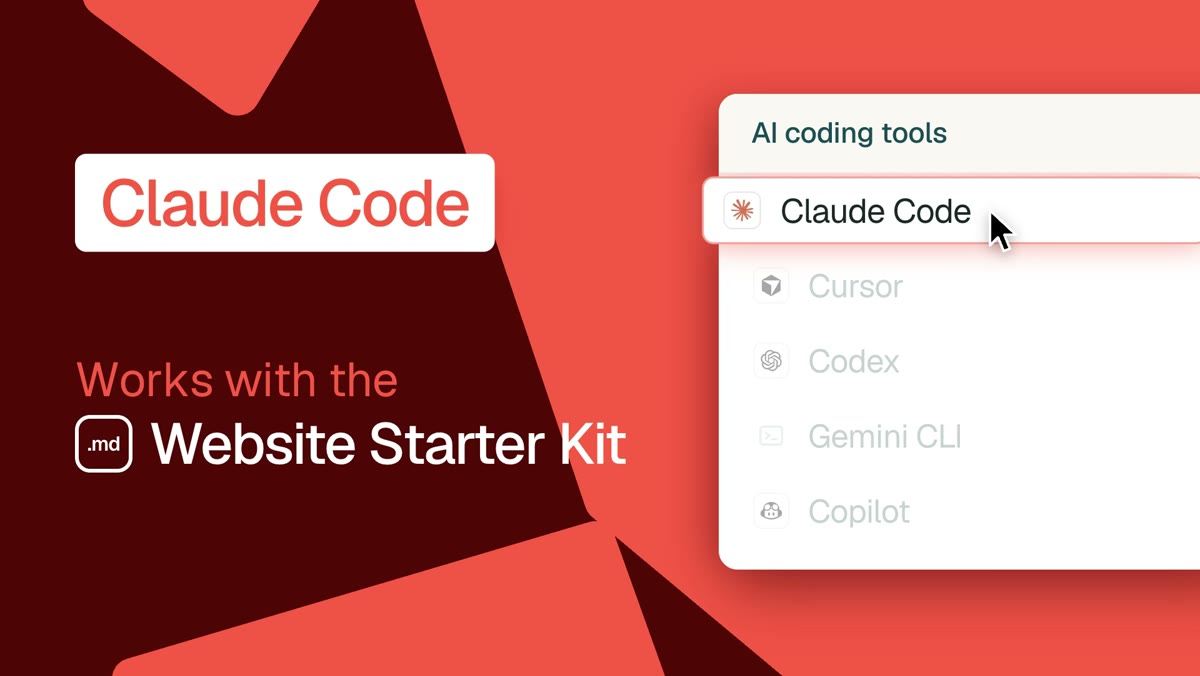 Dropdown Feature Reveal Motion TemplateThree quick dropdown selections turn a list of options into labels for a featured design, tool and product result.