Repository to Deployment Walkthrough Video Template
Walk from creating a project to reviewing a code diff, merging a change and choosing where to deploy.
Choose this to teach the path from a new repository to a release. It has room for setup, a reviewable change, a merge and the deployment handoff.
What’s in the film
- 01
Start a project
A pointer clicks New and creates a named web app.
- 02
Review the change
The file tree gives way to a selected checkout diff and a merge card.
- 03
Ship
Short cards describe deployment targets and the Git push flow.
Best use cases
Walk through a new release workflow
Choose one meaningful code change and follow it from creation through review and release.
Customize in Video Studio
- The project name, workspace files and creation controls
- The selected code diff, merge card and deployment targets
Edit with Studio chat
Create [project name], open [folder or file], then review [one meaningful diff]. Show the merge decision and end with [deployment targets and outcome].
Fine-tune manually
Set the project name wherever it appears. Update the diff and merge copy together, then check that the deploy caption describes the workflow viewers just saw.
More video templates
See all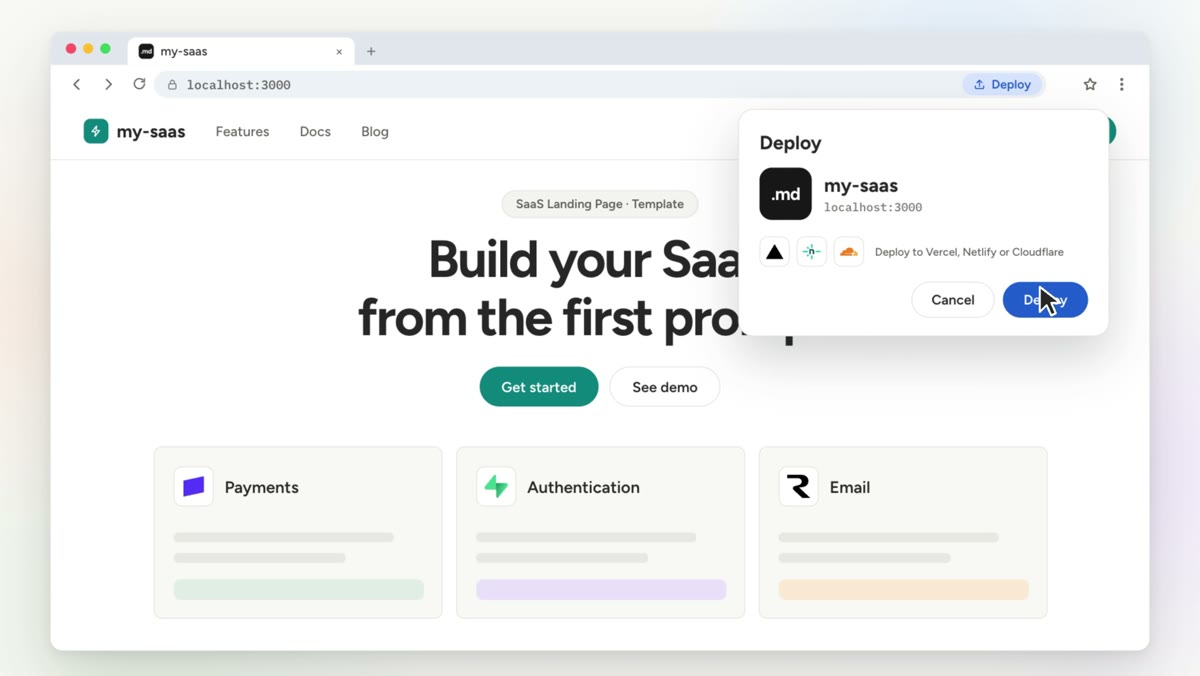 Website Deployment Demo Video TemplateShow a website moving from browser preview to deployment, then reveal the dashboards and services behind it.
 Snap Zoom Typography Promo Video TemplateAn eight-second square promo where a red headline rushes past the camera and snaps back into a compact fact.
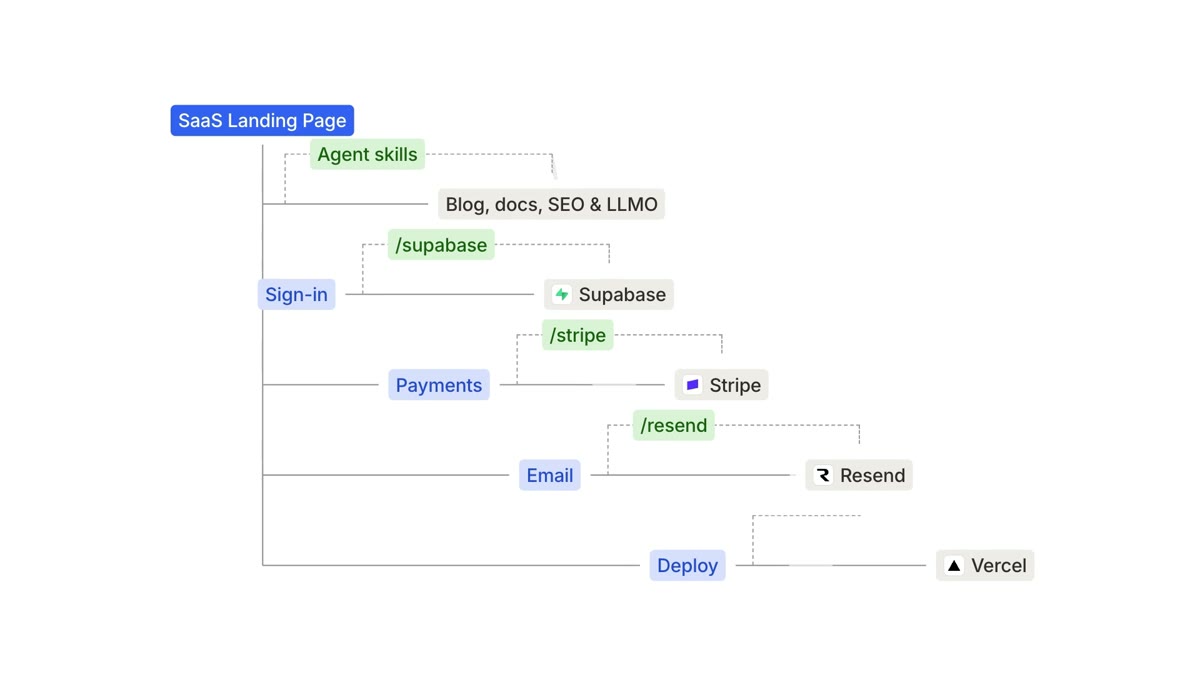 Animated Feature Tree Video TemplateA typed slash command becomes a branching feature tree with service labels and checks that pass one by one.