Live Link Publish Demo Video Template
Take a website from a typed brief to a readiness checklist, a publish dialog and a live link that opens the finished page.
Choose this when the last click proves the product works. The viewer sees the brief, the ready components and the finished page loading at its public address.
What’s in the film
- 01
Brief
A typed request introduces the build and the AI tools.
- 02
Checklist
The chosen template and connected capabilities tick green.
- 03
Open the link
Publish generates a destination that opens the finished app in a browser.
Best use cases
Demonstrate a website going live
Show the same domain in the publish dialog and final browser so the outcome is unambiguous.
Customize in Video Studio
- The initial prompt and tool names
- Checklist items, publish dialog labels and the destination URL
Edit with Studio chat
Start with ‘[website brief]’, tick off [ready features], publish [site name] to [domain], and open that same domain in the last browser scene.
Fine-tune manually
Edit the publish destination, live link and browser address together. Watch the final click and confirm the page shown follows the original brief.
More video templates
See all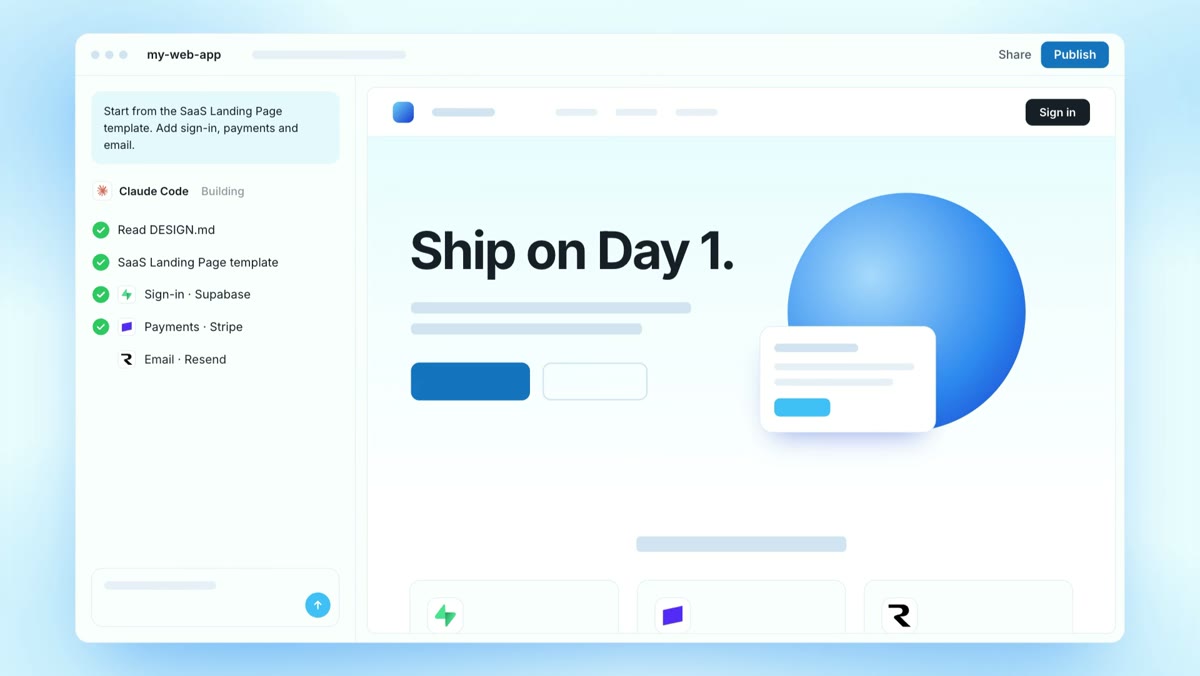 Prompt to Publish Website Video TemplateA glass composer turns a website brief into a published preview, then a cloud of cards shows the rest of the collection.
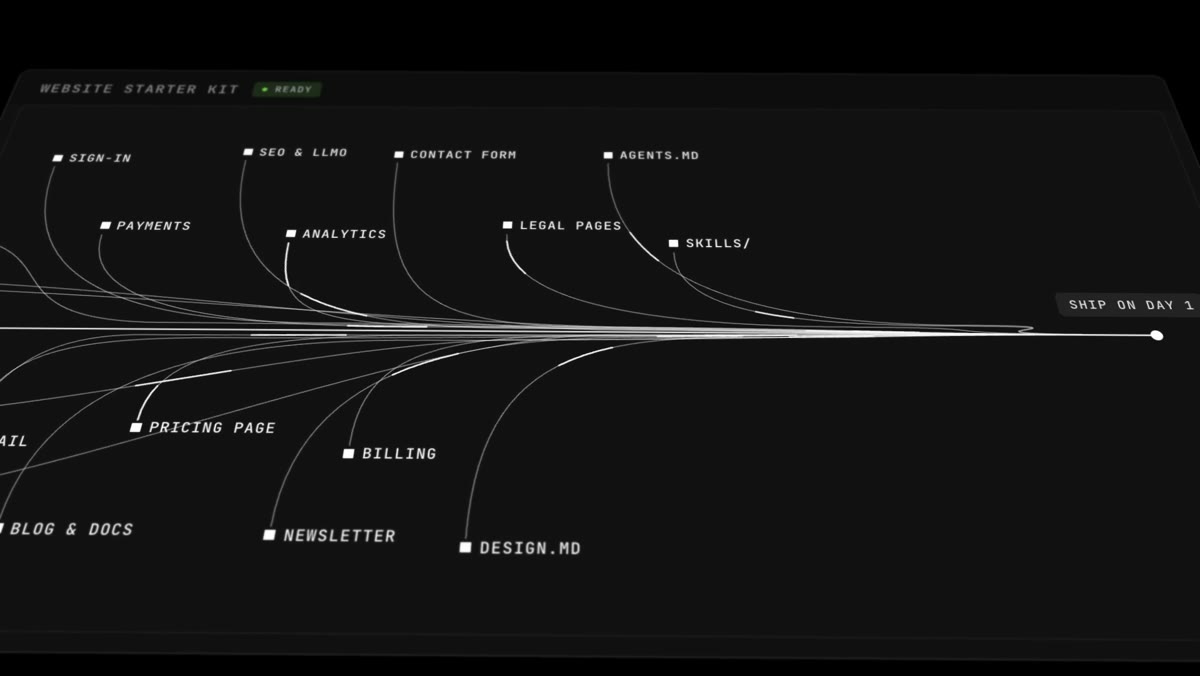 Converging Release Line Motion TemplateSilver paths carry feature labels across a dark board and converge on one release milestone.
 Trigger Dial Automation Video TemplateA moving point travels around a graphite dial, pairing each event with the action it triggers.