Mention-Driven AI Product Demo Template
An @mention brings a product and its skills into a prompt, followed by an app preview, an activity log and a metrics board.
Use this when the first step is invoking your product from an existing AI chat. The film shows the mention, the context it loads and the resulting work.
What’s in the film
- 01
Mention the product
Typing a handle reveals the product and loads its skill chips.
- 02
Run the request
The app window appears and an activity log describes what the agent did.
- 03
Show what’s included
Templates and a set of product figures give the result context.
Best use cases
Show a product inside an existing chat
Use a real handle and one request that benefits from the context exposed by the mention.
Customize in Video Studio
- The @mention, skill chips and typed request
- The activity log, template cards and four closing figures
Edit with Studio chat
Type @[handle], load [skill chips], and ask for [specific change]. Show it in the app preview, then use [verified figures] on the metrics board.
Fine-tune manually
Match the handle in the prompt to the product card and keep the log in the same order as the brief. Verify figures before export.
More video templates
See all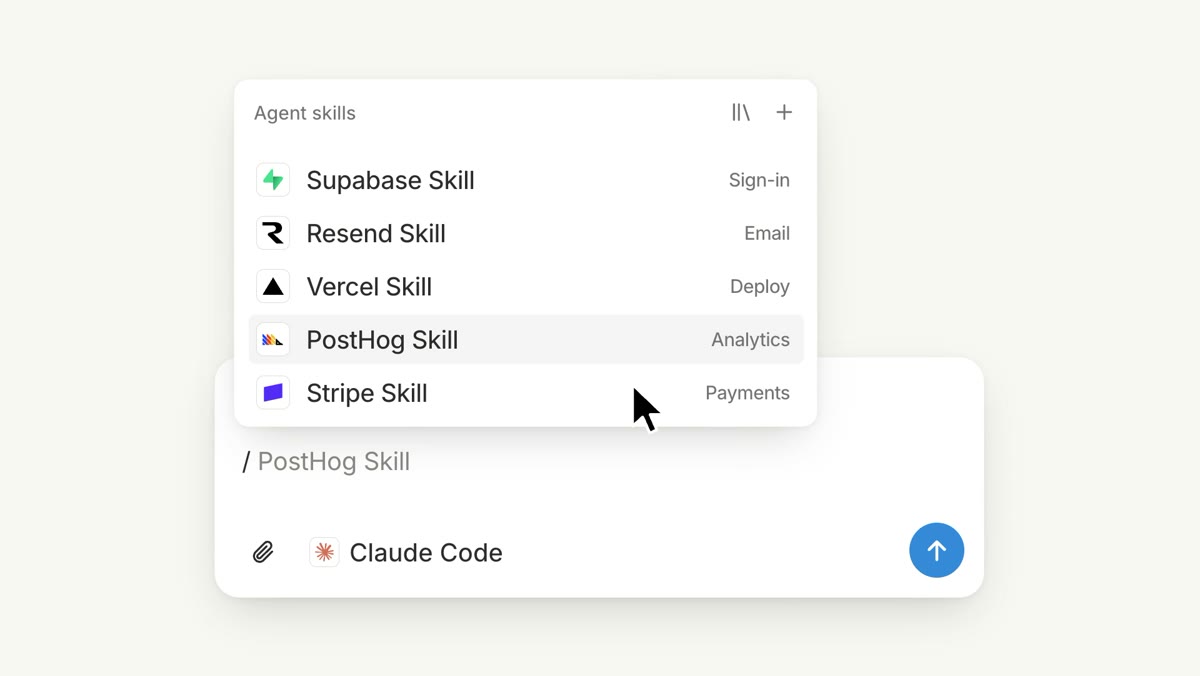 Slash Command Integration Demo Video TemplatePick an integration from a slash menu, follow a short agent run, then show where the skill can be opened.
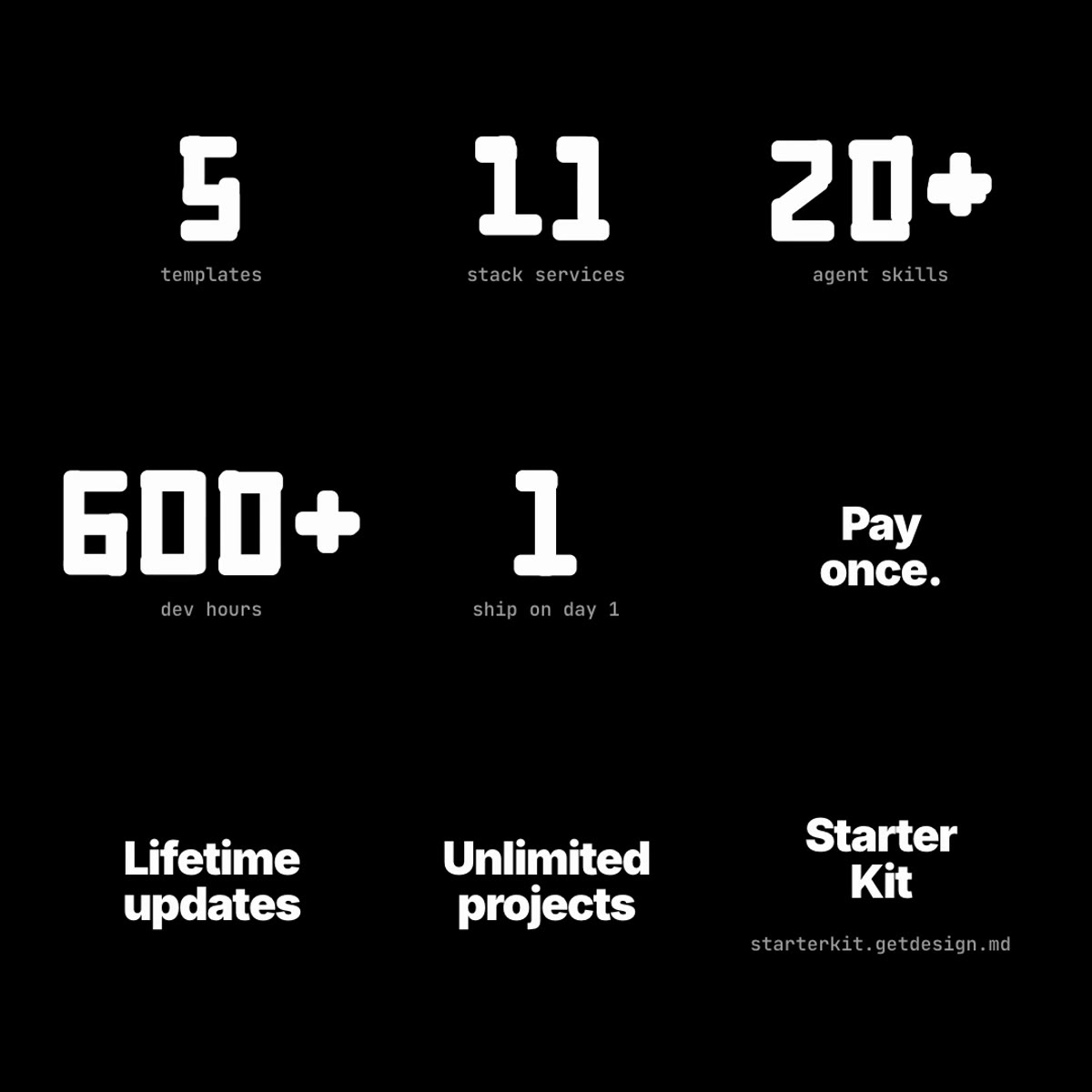 Block Countdown Launch Loop TemplateA square 3–2–1 countdown snaps into a nine-cell launch grid and returns to the opening frame.
 Feature Icon Morph Motion TemplateA square black-and-white motion teaser turns a document into a lock, a card, an envelope and a globe before revealing the brand.