Slash Command Integration Demo Video Template
Pick an integration from a slash menu, follow a short agent run, then show where the skill can be opened.
Use this for an integration that deserves more than an enable button. The film follows selection, a concrete task and the skill’s documentation.
What’s in the film
- 01
Choose a skill
A pointer works through the menu and picks an integration.
- 02
Run a task
A typed request leads to file reads and completed steps.
- 03
Find the skill
A documentation page and tool menu show where the workflow lives.
Best use cases
Demonstrate a developer integration
Show the exact command and one common task viewers can recognize.
Customize in Video Studio
- The menu items, selected skill and typed request
- The agent steps, skill page and tool choices
Edit with Studio chat
Select [skill] from [other commands], then send ‘[specific integration request]’. Show [steps] completing and open [skill page] in the final walkthrough.
Fine-tune manually
Use the same command name in the menu, agent log and terminal. Read through the task steps in order to check that the actions describe the request.
More video templates
See all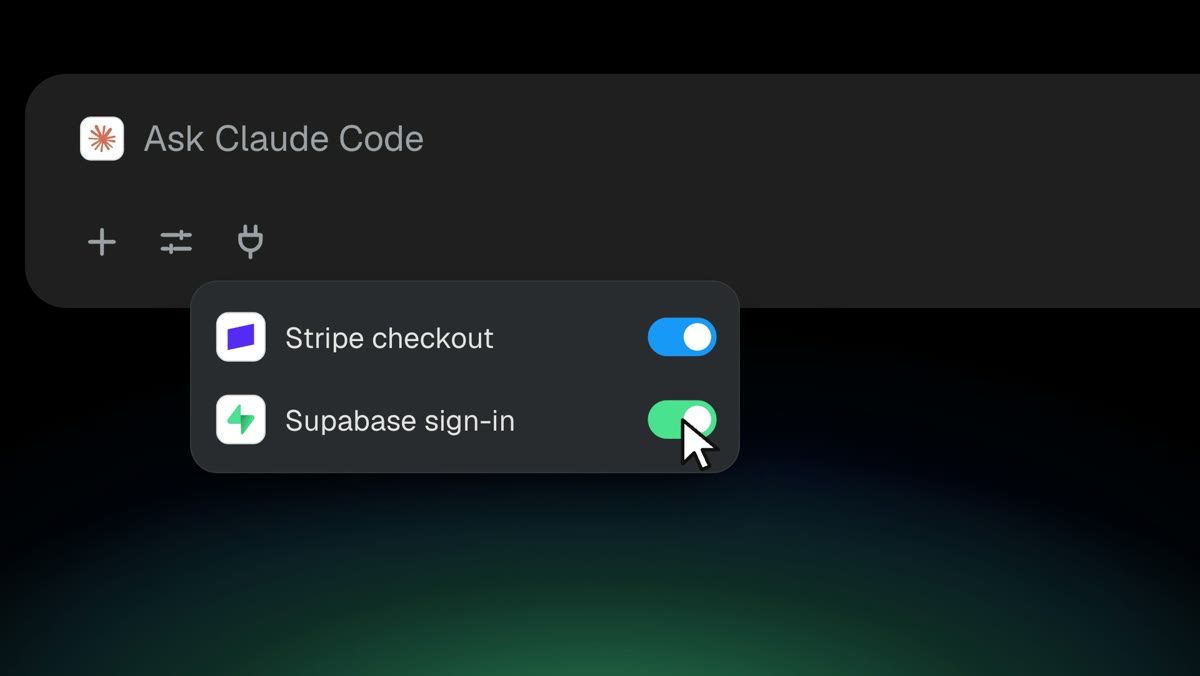 SaaS Integration Toggle Demo Video TemplateA dark composer demo that zooms into a connector menu, switches on an integration and shows a prompt using it.
 Kanban Agent Workflow Motion TemplateFollow one task across a board as an agent plans, a review hands it off, and a second agent takes it to release.
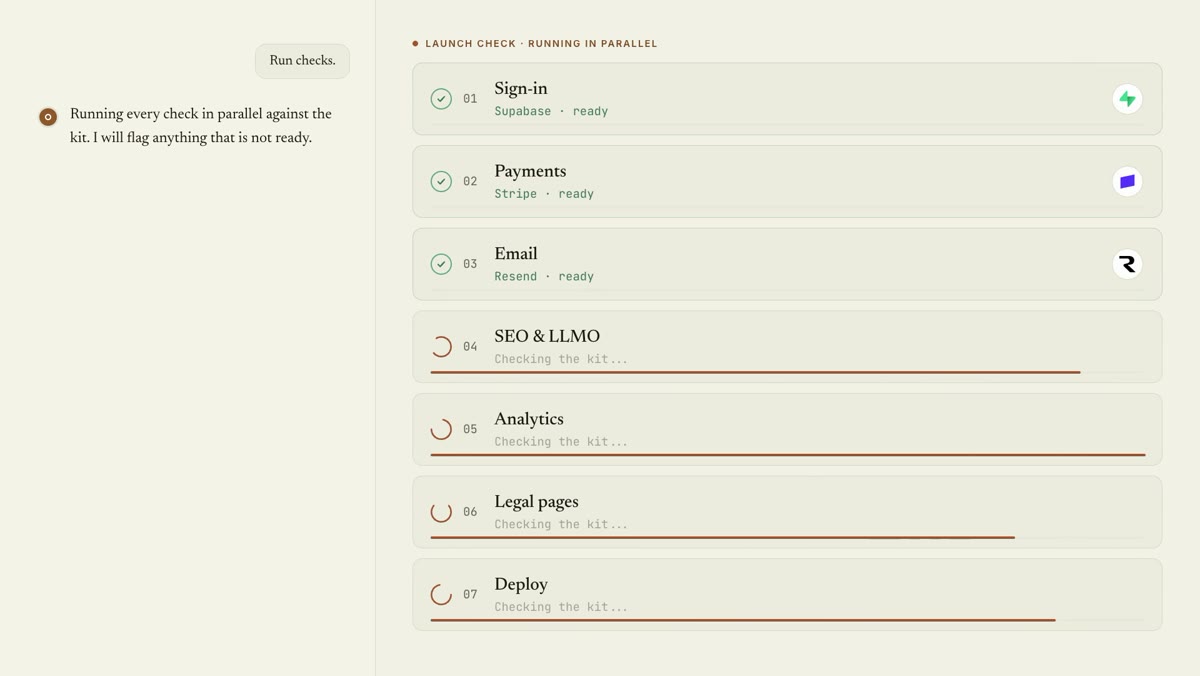 Prelaunch Checklist Product Demo Video TemplateAsk for a launch check, watch parallel checks finish, then show a readiness report and deployment.