Mobile Product Vortex Explainer Template
Collapse scattered items into a brand mark, show the app stack as a connected pipeline and end with a built page.
Use this when a complex set of inputs needs to converge into one product view. The diagram should show what each input contributes.
What’s in the film
- 01
Gather the pieces
A dark vortex condenses scattered elements into the brand.
- 02
Show the pipeline
Colored cards link to a central product view.
- 03
Scan and build
A text field and result screen turn the diagram into a concrete example.
Best use cases
Explain an app stack from inputs to result
Use the diagram for services and then show a sample screen that depends on one of them.
Customize in Video Studio
- Pipeline title, node labels and feature cards
- Scan labels, build copy and closing lines
Edit with Studio chat
Gather [components], connect [services] and reveal [finished screen].
Fine-tune manually
Avoid repeating the same role across several nodes and check each one has a visible connection.
More video templates
See all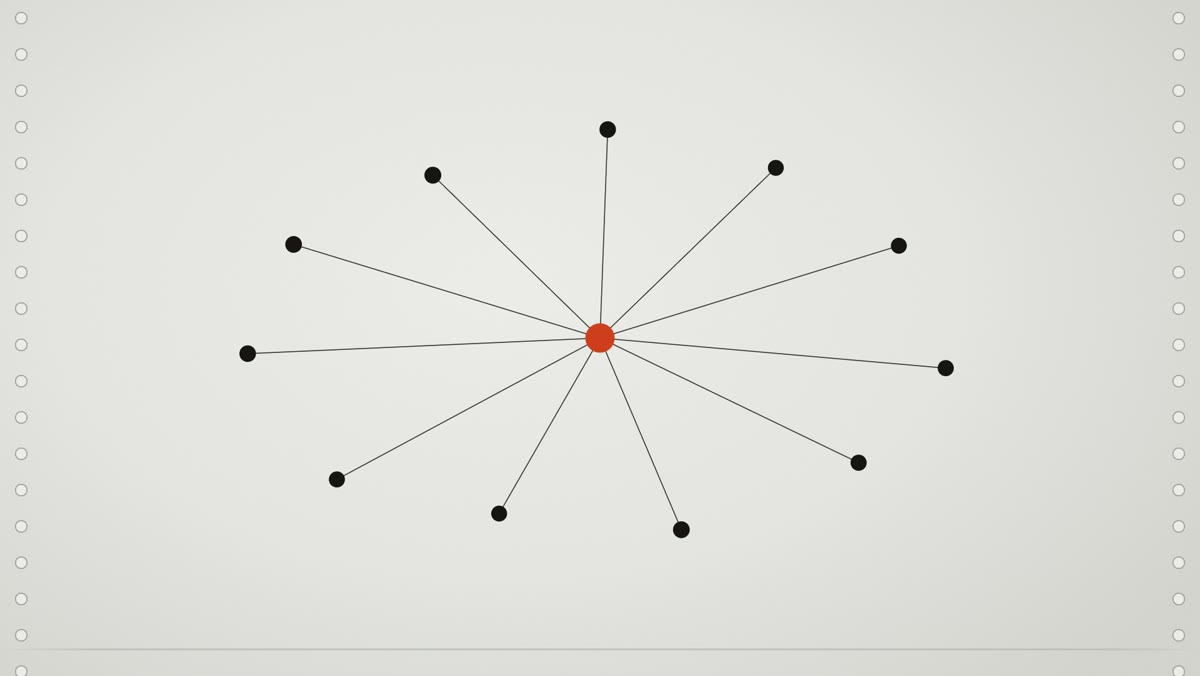 Network Hub Product Explainer Video TemplateOrganize scattered dots into a hub, radial service links and a prompt grid in an editorial product explainer.
 Hyperspace Tool Logos Reveal Video TemplateSend tool marks flying through light streaks, converge on a brand lockup and pass through a second typed request.
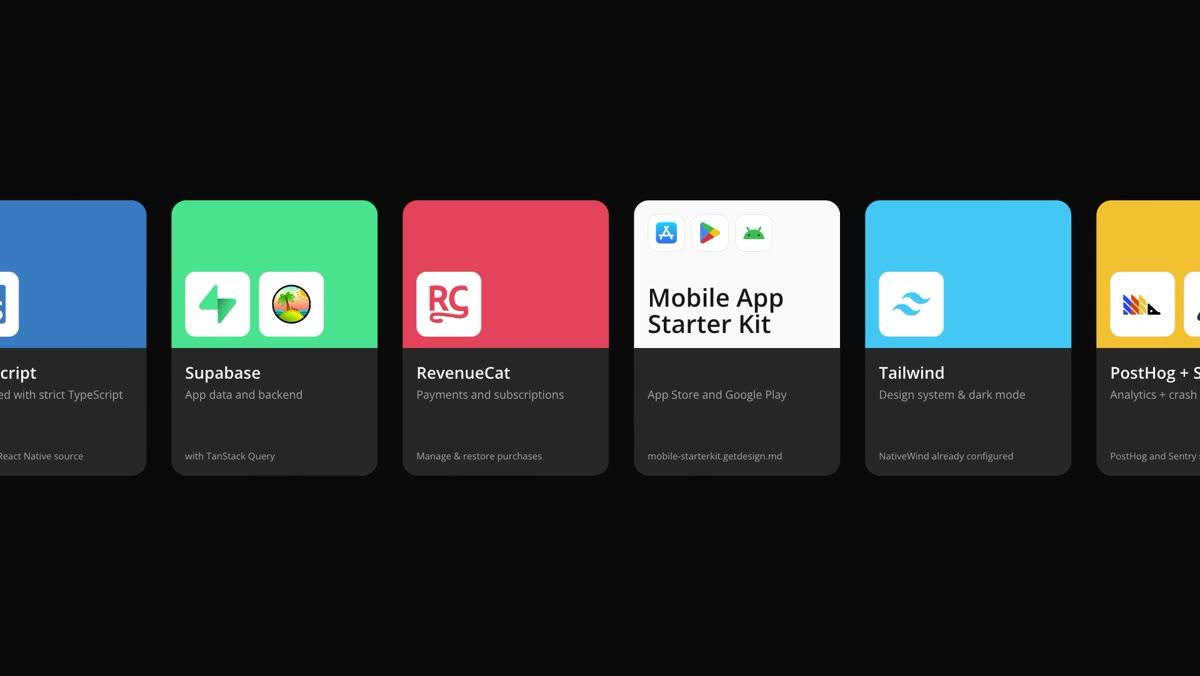 Continuous Prompt to Mobile Product Video TemplateFollow a mobile app idea through a continuous shot as the request expands into tool cards and a product page.