Mobile Notification Keyboard Loop Template
Move from a slider to stacked phone notifications and a typed reply in a compact dark interface loop.
Use this when notification motion and the reply affordance are the feature. Give the notices distinct titles so they read as separate events.
What’s in the film
- 01
Slide the control
A bright dot tracks across the dark interface.
- 02
Stack the notifications
Three cards arrive with product labels.
- 03
Reply and return
The keyboard and compose pill appear before the loop resets.
Best use cases
Tease quick replies
Use product alerts people recognize and show a response that would make sense from a notification.
Customize in Video Studio
- Notification titles, bodies, icons and metadata
- Slider and reply sequence text
Edit with Studio chat
Show [three notifications] and type [short reply] on the keyboard.
Fine-tune manually
Keep the last reply line short enough to stay above the keyboard.
More video templates
See all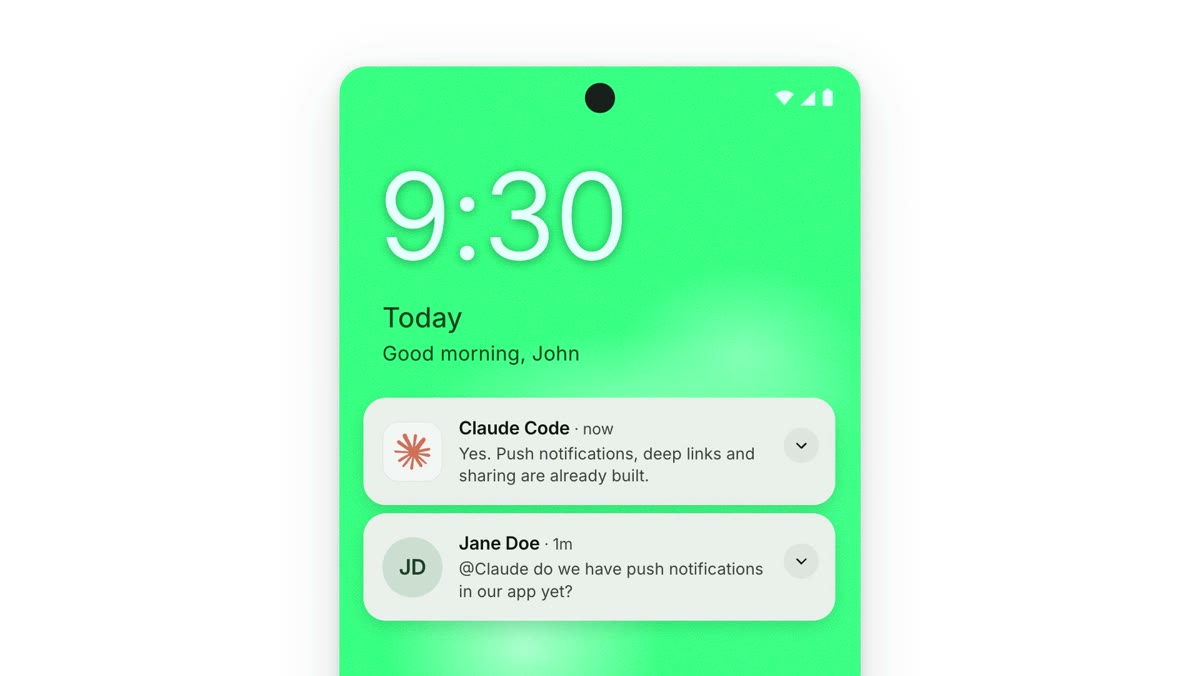 Lock Screen AI Reply Demo TemplateAnswer a teammate’s question through two notifications on a green phone lock screen, then bring the answer into a short title sequence.
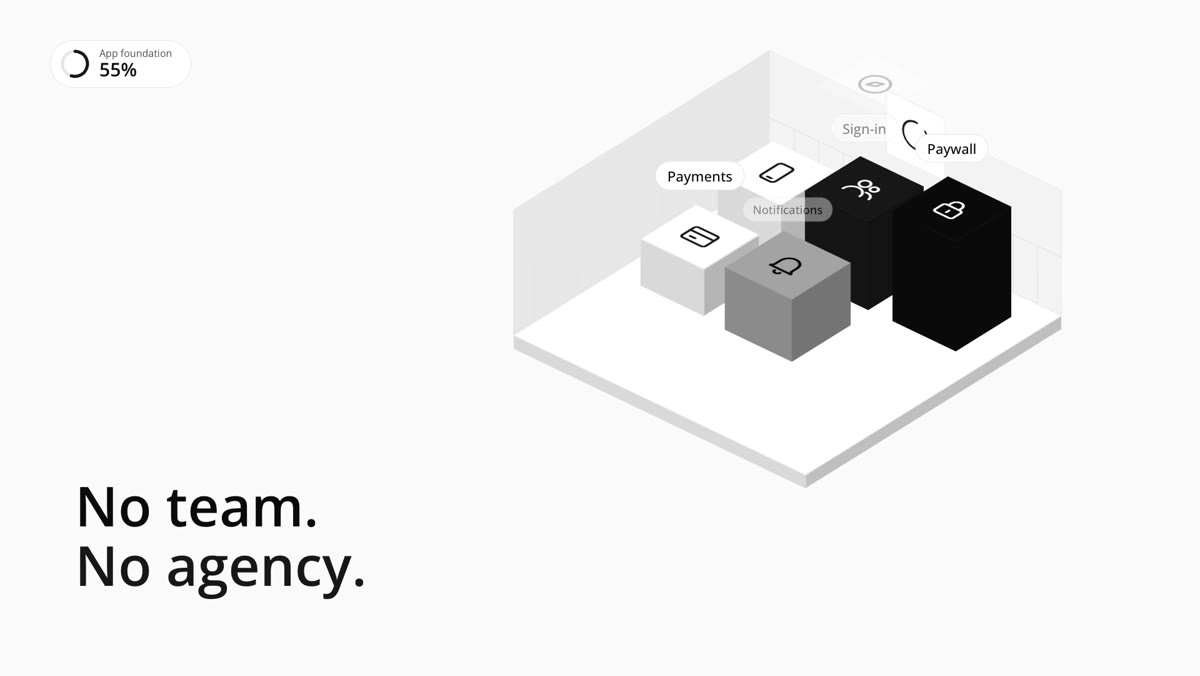 Isometric Mobile Product Assembly Video TemplateMove through a wall of product icons, a phone interaction and an isometric build that sorts the pieces into one app.
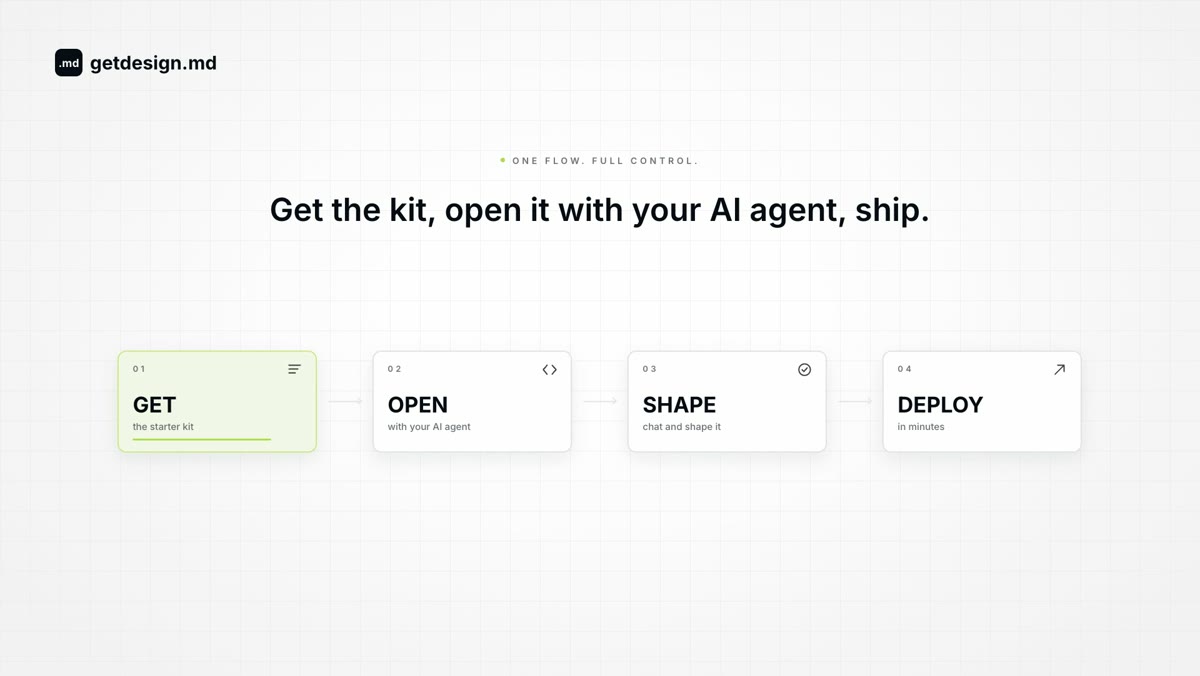 Four-Step Flow Line Product Video TemplateDraw a path through four workflow cards on an off-white stage with lime highlights and a closing stack view.