Lock Screen AI Reply Demo Template
Answer a teammate’s question through two notifications on a green phone lock screen, then bring the answer into a short title sequence.
Use this for a compact notification feature showcase. The two notifications carry the story, so keep both short enough to fit.
What’s in the film
- 01
Show the notifications
A teammate’s question and an assistant reply appear on green.
- 02
Pull back to the phone
The full lock screen puts both messages in context.
- 03
Close on the answer
Words and small logo chips lead into the brand mark.
Best use cases
Show an answer without opening an app
Ask about one launch detail and write a reply that fits on the notification card.
Customize in Video Studio
- Lock-screen clock, day and greeting
- Sender, question, reply and headline words
Edit with Studio chat
Show [sender] asking [question] and reply with [short answer] on the lock screen.
Fine-tune manually
Preview the two notification bodies together and shorten the reply if its final line clips.
More video templates
See all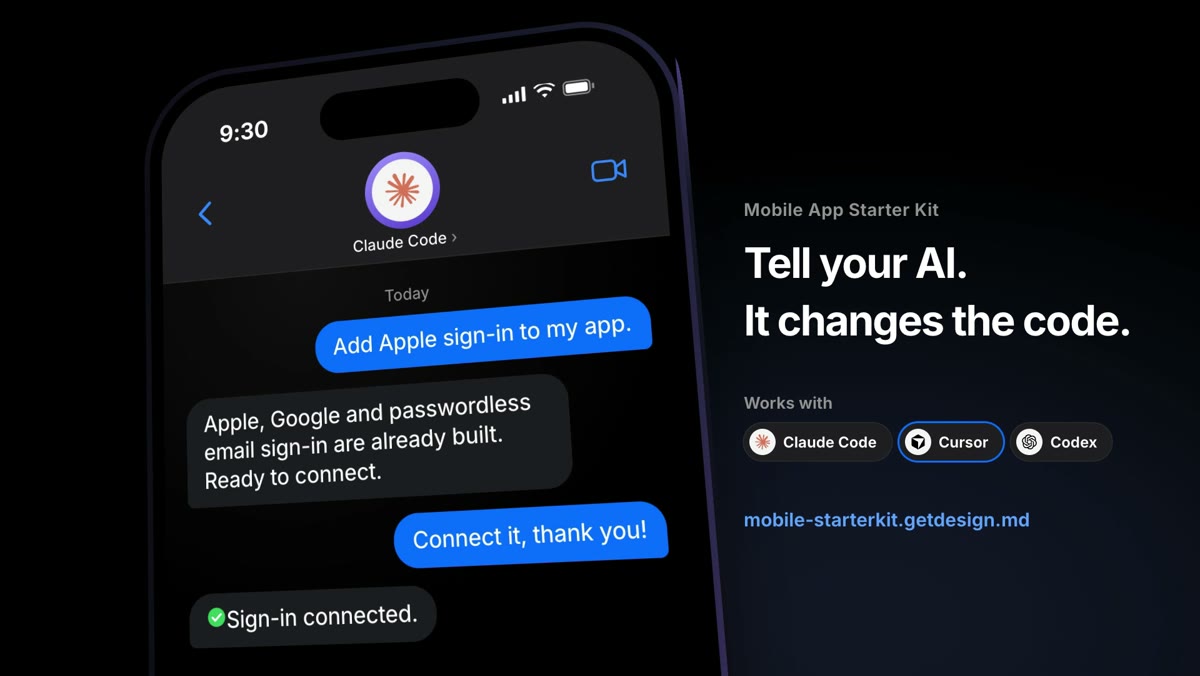 Dark Mobile AI Chat Demo TemplateShow one request, an AI reply and a confirmation inside a dark phone chat with a short headline beside it.
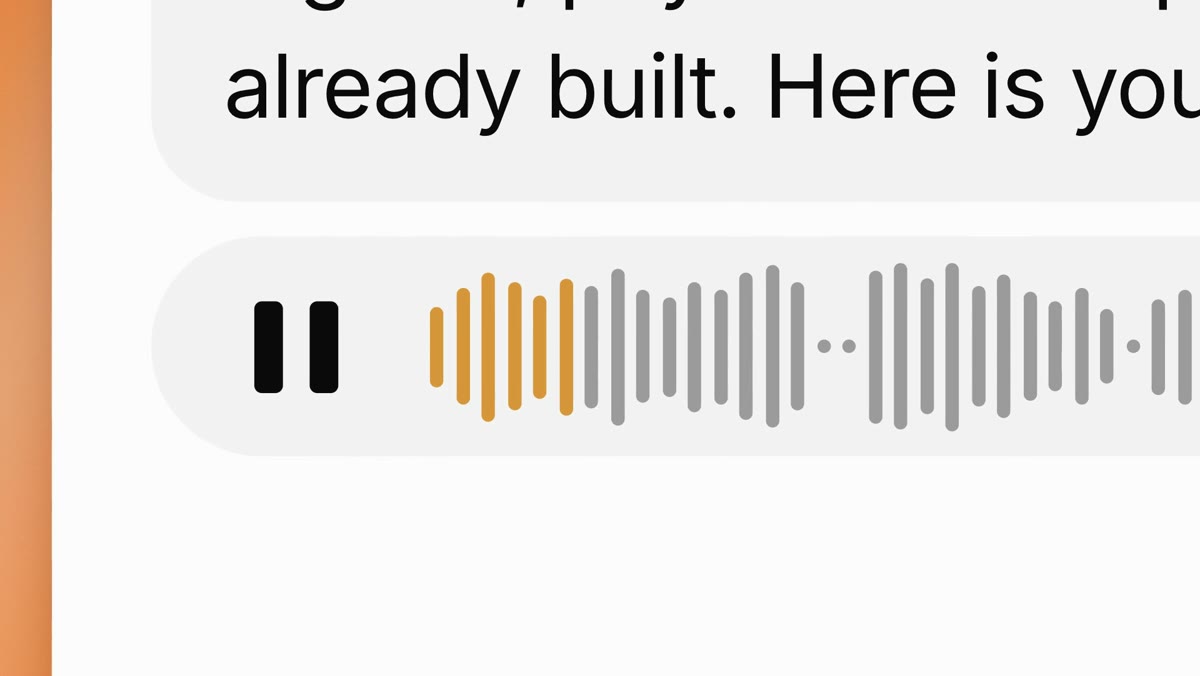 AI Voice Note Recap Demo TemplateShow an in-app question turn into a voice-note recap with a waveform, playback control and a short title.
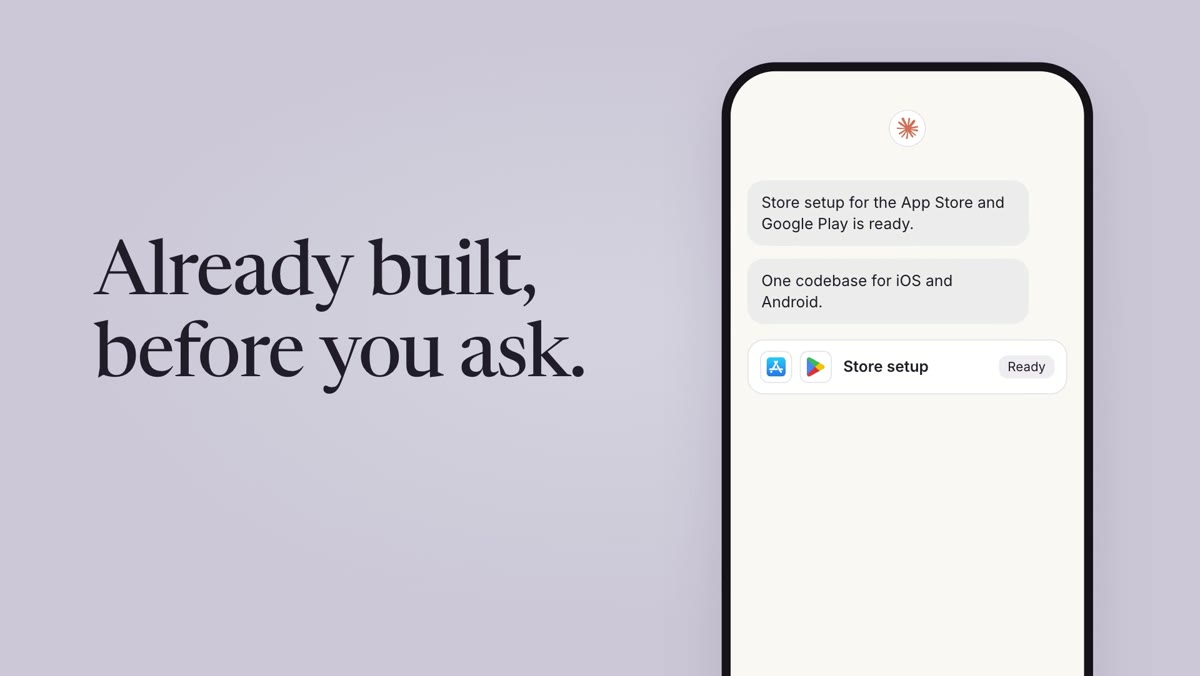 Proactive Assistant Briefing Video TemplateOpen on a proactive notification, show a mobile briefing and let the user review an email before sending it.