Network Hub Product Explainer Video Template
Organize scattered dots into a hub, radial service links and a prompt grid in an editorial product explainer.
Choose this when scattered tools or tasks become easier to understand around a shared center. Use the hub labels to make the connection concrete.
What’s in the film
- 01
Scatter the pieces
Small points spread behind the opening text.
- 02
Link the services
An orange hub anchors radial connections and named spokes.
- 03
Organize the workflow
Dots form a regular grid around a typed prompt before the end card.
Best use cases
Explain a unified workspace
Name the fragmented pieces at the beginning and attach each to the capability that connects it later.
Customize in Video Studio
- Split captions, hub and service labels
- Prompt, skills line and closing chapter text
Edit with Studio chat
Start with [scattered tasks], link [services] around [product], and show [unifying request].
Fine-tune manually
Keep paired caption halves balanced on each side of the hub and use distinct spoke names.
More video templates
See all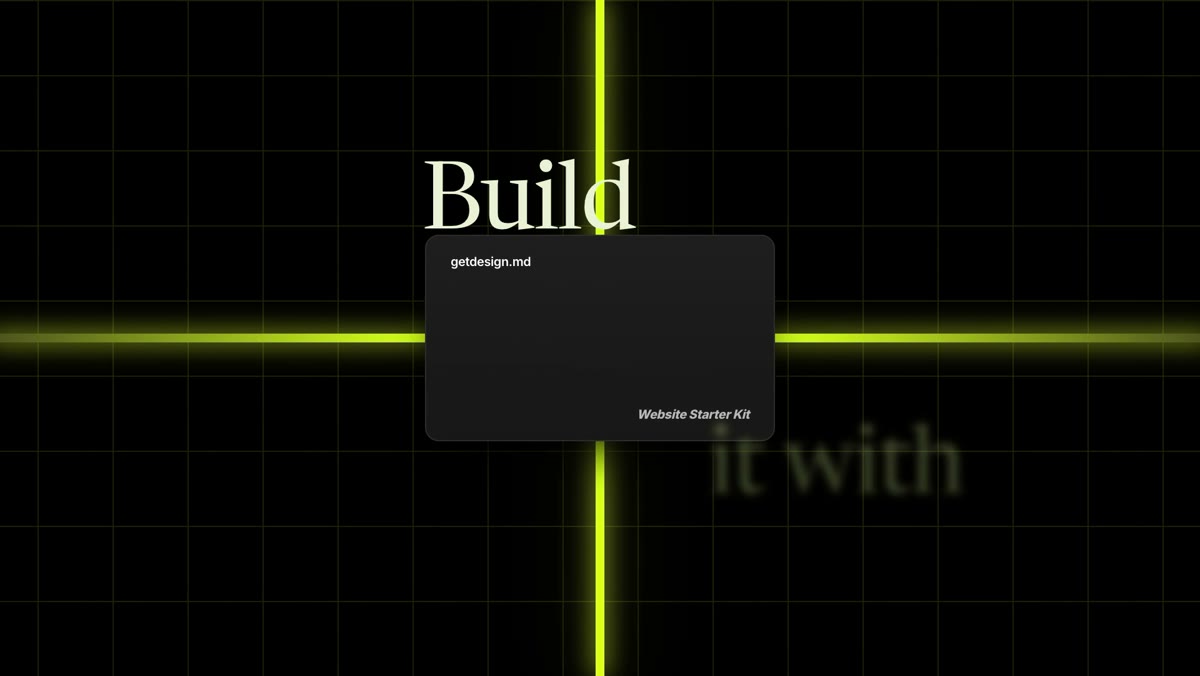 Serif Underline Product Launch Video TemplateIntroduce a toolkit with quiet serif lines, lime underlines and a dark product card that sits across a glowing cross.
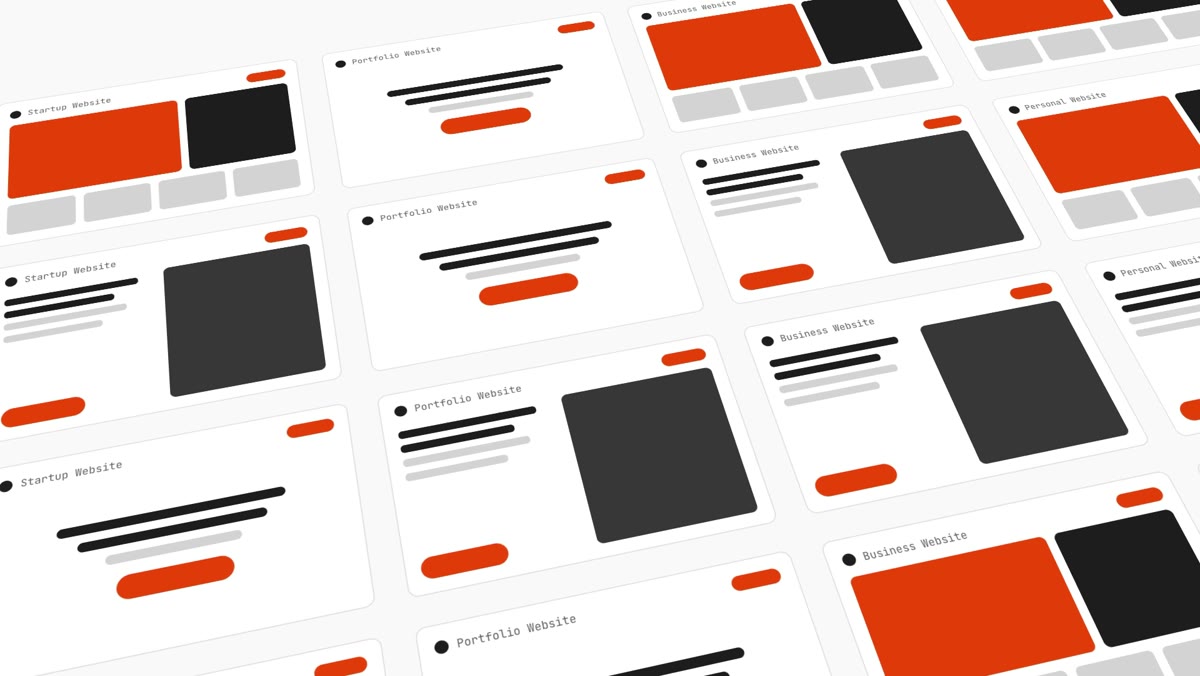 Pixel Toolkit Assembly Video TemplateAssemble a toolkit from pixel fragments, a coding prompt, a folding cube and a wall of page previews.
 Mobile App Count-Up Reel TemplateIntroduce a mobile app with a lime phone mockup and a progress ring that counts toward a featured figure.