Mobile UI Control States Video Template
Animate a button, loader, slider, toggle, tabs and chart as a sequence of small mobile interface state changes.
Use this for a product motion reel where the controls themselves are the feature. Give each transition an outcome that the viewer can see.
What’s in the film
- 01
Start with a button
A compact dark button expands into a loading and completion state.
- 02
Change the controls
Sliders, toggles and tabs move through clear states.
- 03
Read the outcome
A chart and toast close the interaction sequence.
Best use cases
Show a mobile component library
Use a coherent set of controls from the same app and keep state labels consistent.
Customize in Video Studio
- Button and progress labels, tab titles and count
- Chart labels, command text and toast
Edit with Studio chat
Show [button states], adjust [control], then confirm [result] with a toast.
Fine-tune manually
Preview each state change at portrait size and check that enabled and disabled states read separately.
More video templates
See all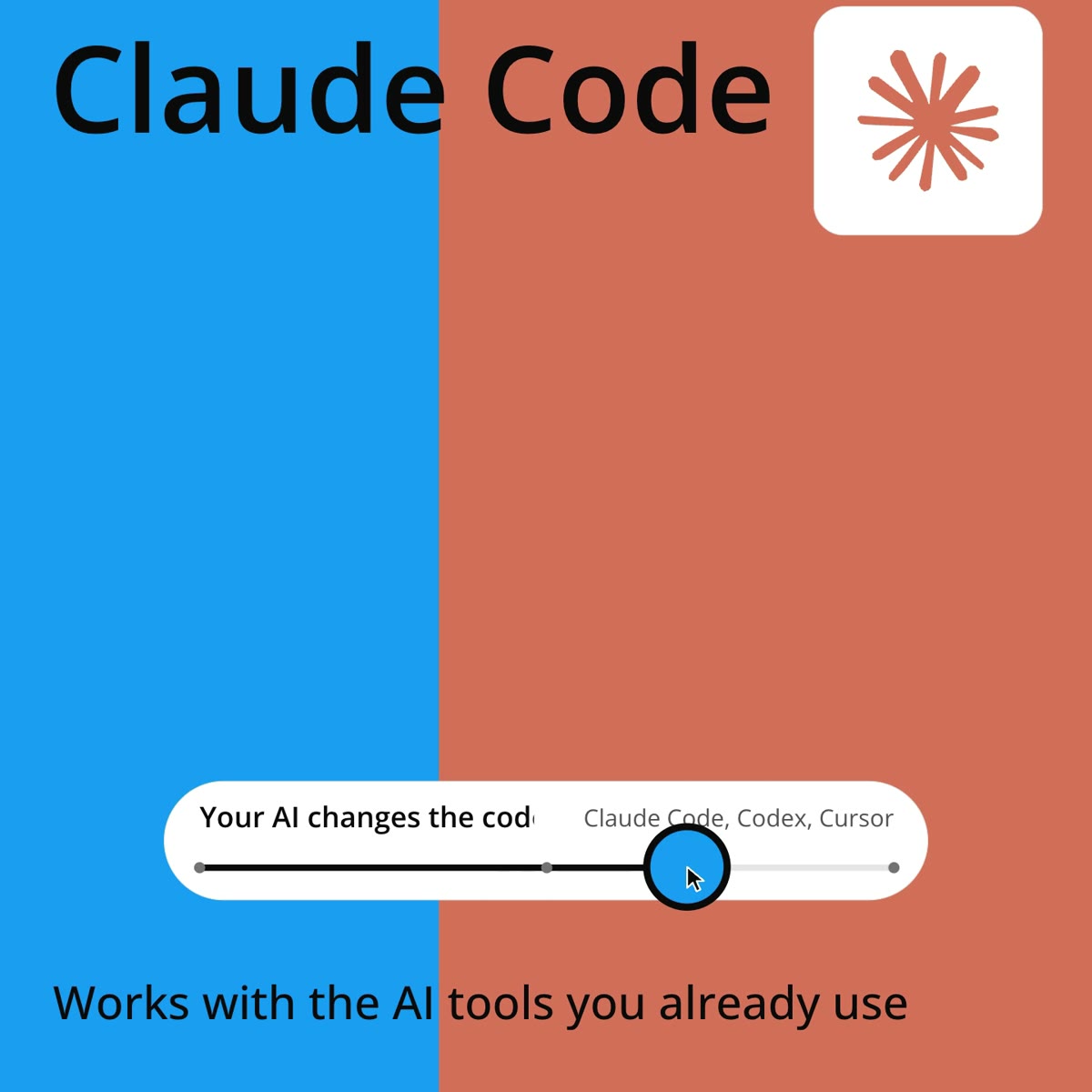 Continuous Mobile UI Transformation Video TemplateTransform a brand pill into a tile grid, a slider and a phone window in one continuous launch shot.
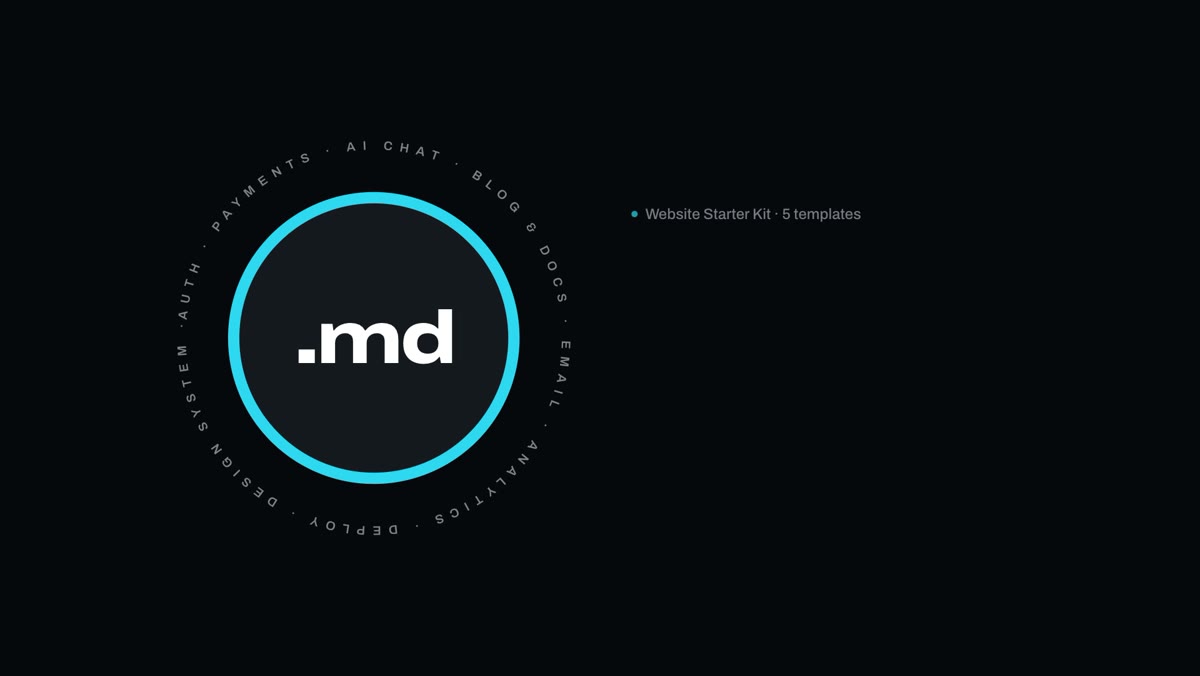 First Person Toolkit Introduction Video TemplateIntroduce a toolkit through a speaking-in-first-person headline, an aqua ring and quick facts about the stack, skills and projects.
 Cross-Platform App Builder Launch Video TemplateShatter a typed headline into product UI, show an app design window and end with the path to both stores.