Continuous Mobile UI Transformation Video Template
Transform a brand pill into a tile grid, a slider and a phone window in one continuous launch shot.
Choose this when controls and screens are the main appeal and the transitions can connect them without a cut.
What’s in the film
- 01
Open through the pill
The wordmark gives way to an iris that opens onto tiles.
- 02
Change state with the slider
The interface repaint follows the moving control.
- 03
Enter the phone
Controls and status changes lead into the wall and the return.
Best use cases
Present a mobile design system
Make each slider position identify a visibly different theme or state.
Customize in Video Studio
- Page titles, three slider states and phone button
- Feature states and return text
Edit with Studio chat
Show [three slider labels and values] and land on [phone action].
Fine-tune manually
Put the states in a clear order and verify the highlighted tile changes at each stop.
More video templates
See all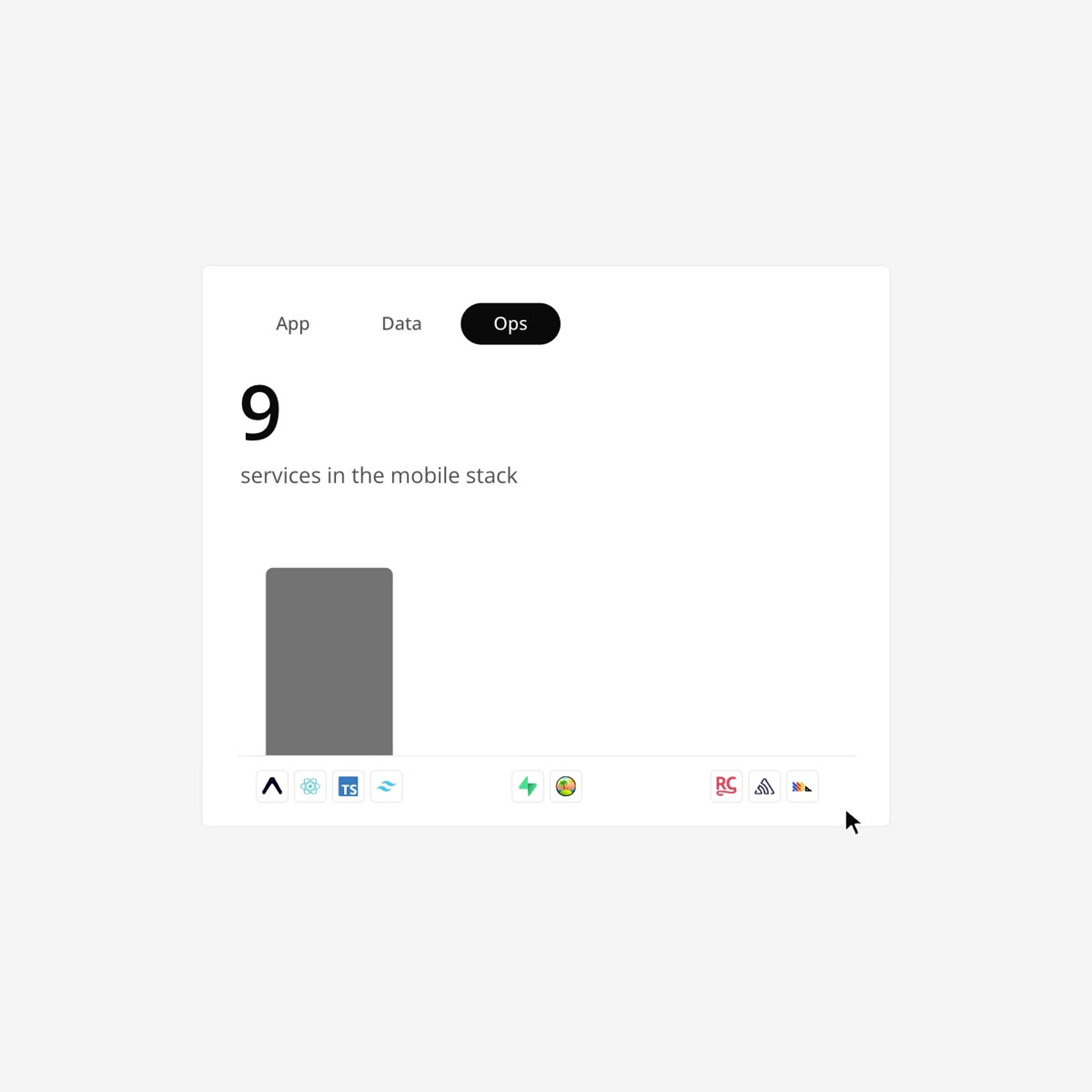 Mobile UI Control States Video TemplateAnimate a button, loader, slider, toggle, tabs and chart as a sequence of small mobile interface state changes.
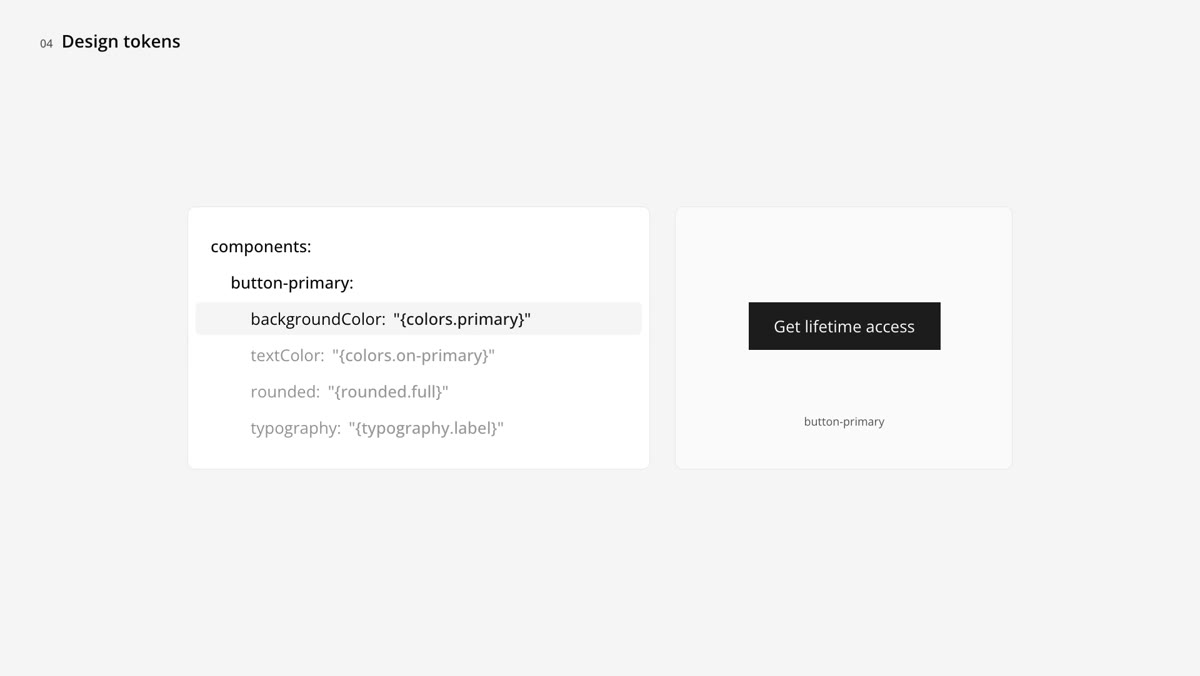 Responsive Design System Release Video TemplateTour type, spacing, components and responsive layouts before showing a coding assistant use the system.
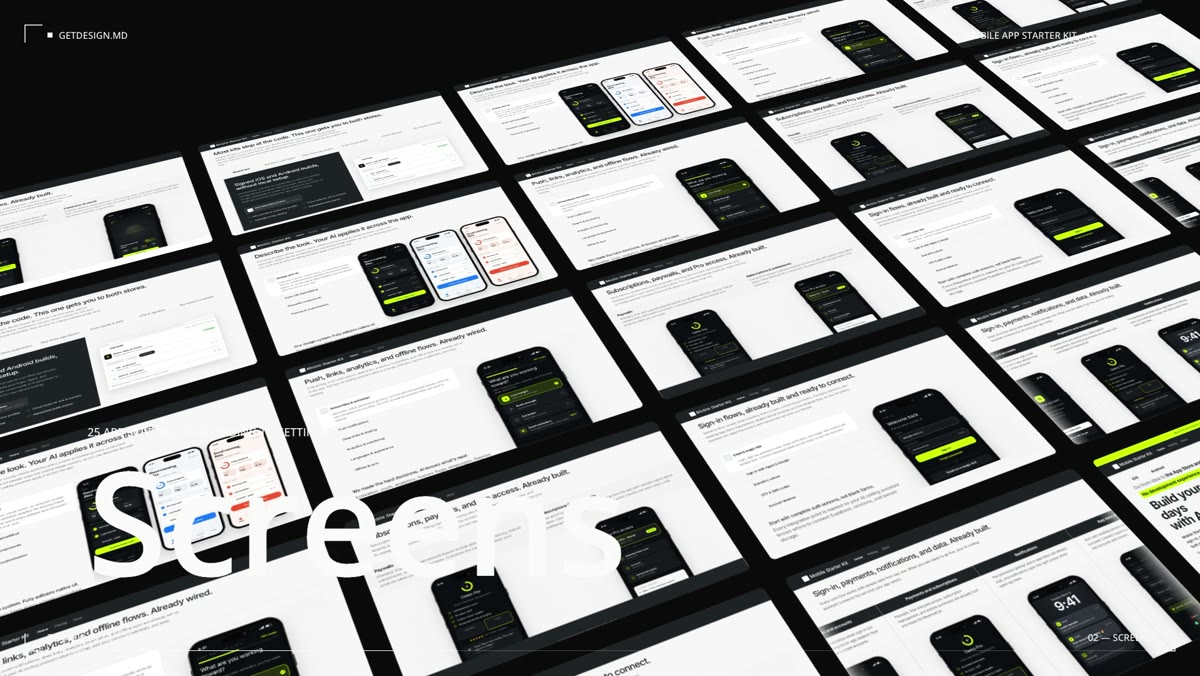 Agency Mobile Selected Work Reel TemplateCut between brand chapters, a tilted screen catalog and product panels in a fast, framed portfolio reel.