Pixel Toolkit Assembly Video Template
Assemble a toolkit from pixel fragments, a coding prompt, a folding cube and a wall of page previews.
Choose this when several product layers need to read as one system. Start with a real first task, then add the components that make it possible.
What’s in the film
- 01
Start with the assistant
A pixel mark and product line lead into the first prompt.
- 02
Assemble the kit
Cards and connections fold into a cube, then open onto a wall of pages.
- 03
Show the supporting system
File names, a count and a tool grid complete the tour.
Best use cases
Introduce a starter toolkit
Use the initial prompt to set a goal, then name the templates and files that support that goal.
Customize in Video Studio
- Assistant prompt, kit cards, page names and file list
- Count label, tool grid and closing URL
Edit with Studio chat
Ask [first task], assemble [kit pieces], show [page titles] and finish with [verified figure].
Fine-tune manually
Check that every template named in the wall has a short enough label to read between orange accents.
More video templates
See all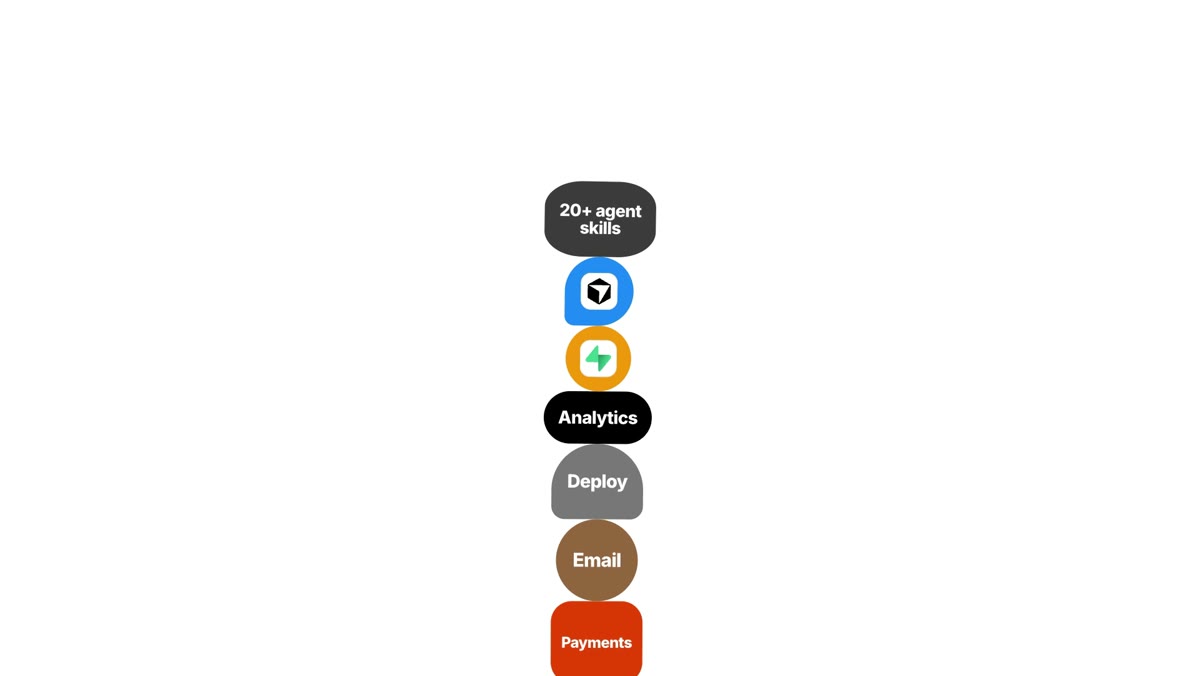 Stacking Components Motion Graphic TemplateDrop labeled blocks onto a foundation one by one until an animated tower balances and settles.
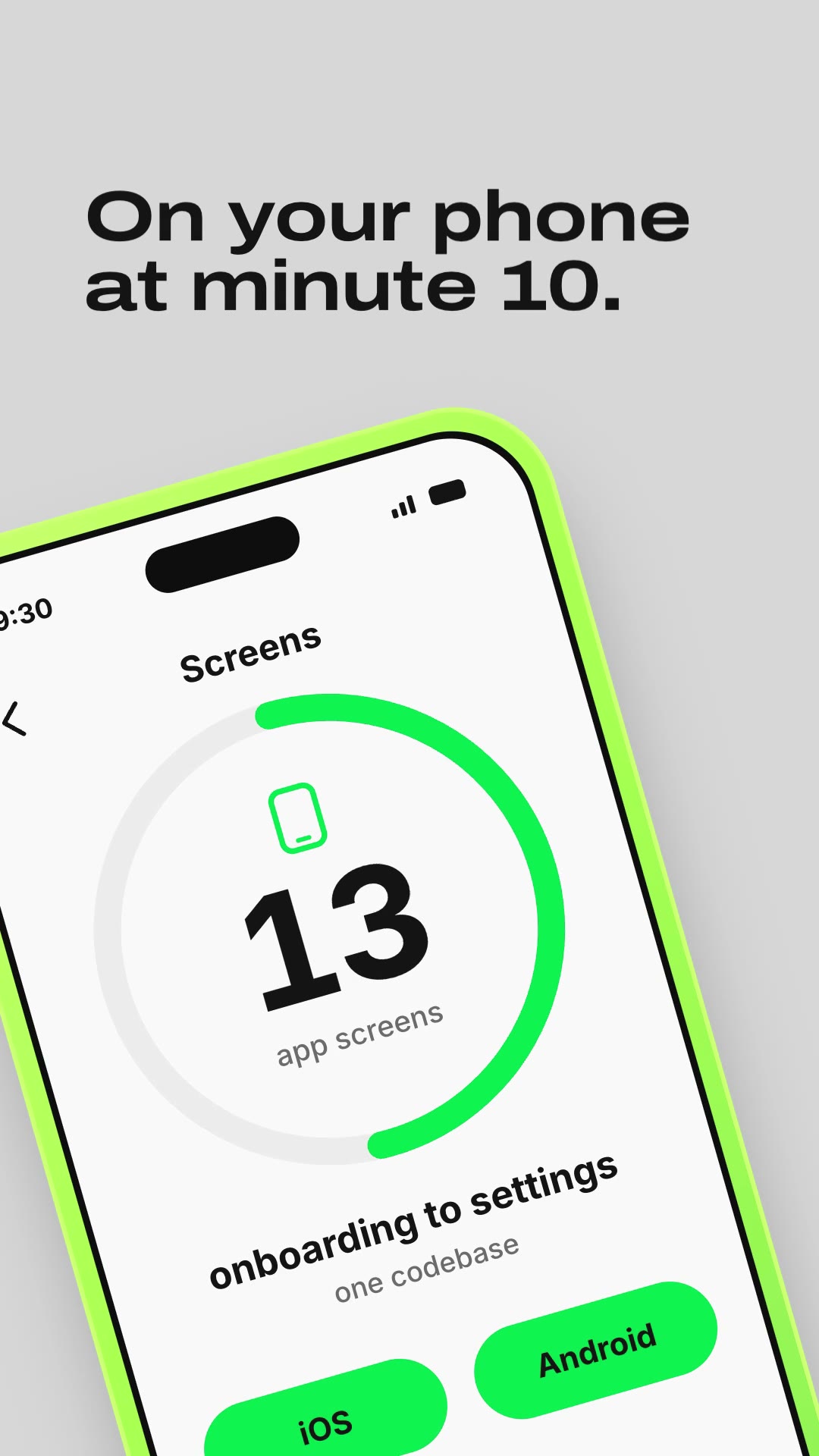 Mobile App Count-Up Reel TemplateIntroduce a mobile app with a lime phone mockup and a progress ring that counts toward a featured figure.
 App Icon Construction Lines Video TemplateDraw a wordmark on a blue construction grid, separate its curves into feature shapes and bring them together as an app icon.